





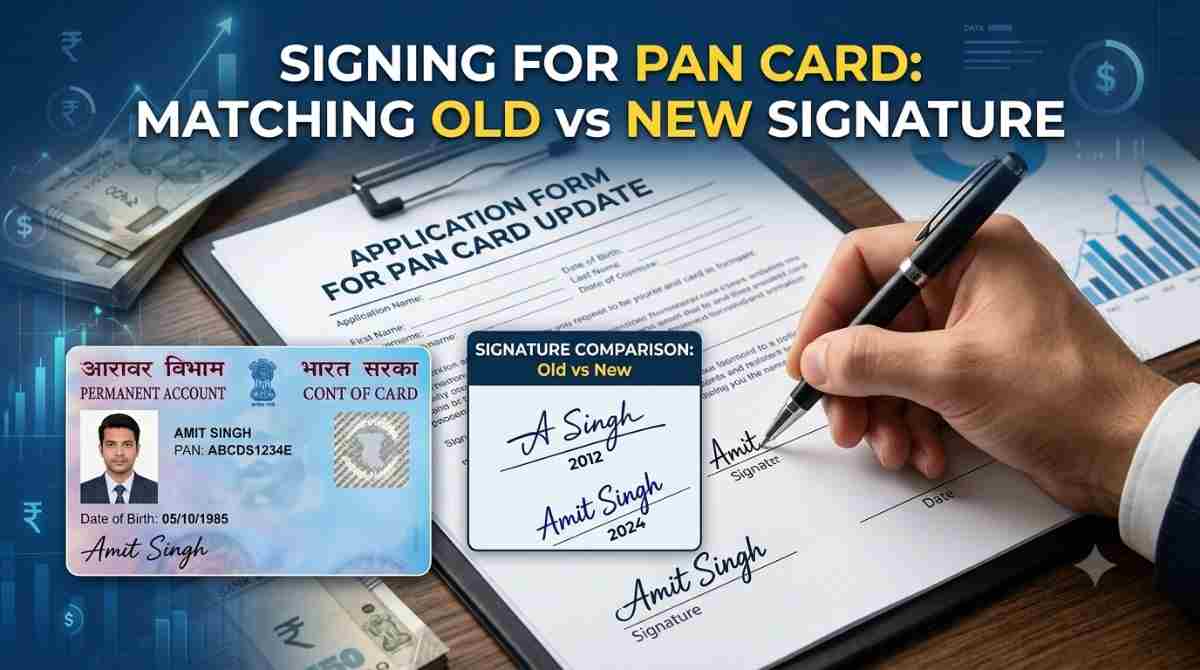
A Permanent Account Number (PAN) is an essential identity document for all Indian citizens that serves multiple purposes, including taxation and financial transactions. One crucial aspect of your PAN card is the signature. If you’ve changed your signature for any reason—marriage, personal choice, or otherwise—updating it on your PAN card is important to ensure consistency and avoid issues. In this article, we’ll explore the steps to complete a PAN card signature update, as well as guide you on how to change the photo on your PAN card if needed.
Understanding PAN Card Signature Update
The PAN card signature update refers to the process of changing the signature that appears on your PAN card. The significance of updating your signature lies in maintaining consistency with your other documents, such as your Aadhar card, passport, and bank accounts. This is particularly important when these documents are used for identification or verification in financial transactions, such as loan applications with Bajaj Finance, or other legal matters.
Why You Might Need to Update Your Signature
- Personal Changes: You may have changed your signature due to marriage, personal development, or simply because you want to use a different style.
- Illegibility Issues: If your signature has become illegible over time due to variations in writing.
- Legal Documentation: When filling out legal documents, consistency in signature across different platforms is crucial to avoid any discrepancies.
Step-by-Step Guide on How to Update Your PAN Card Signature
Step 1: Gather Required Documents
Before you begin the PAN card signature update process, make sure you have the necessary documents handy. Here’s a quick checklist:
- A self-attested copy of your current PAN card
- A government-issued photo ID (Aadhar card, passport, etc.) for identity verification
- Recent passport-size photographs (if changing the photo on your PAN card as well)
- Evidence supporting your signature change (if applicable, such as a marriage certificate, affidavit of change, etc.)
Step 2: Visit the NSDL or UTIITSL Portal
The application process for updating your PAN card signature can be completed online or offline. Here’s how to do it online through the respective websites.
- NSDL: Go to the NSDL website (https://www.tin-nsdl.com).
- UTIITSL: Alternatively, you can visit the UTIITSL website (https://www.utiitsl.com).
Step 3: Choose the Application Type
- Once on the homepage, look for the Services section.
- Click on PAN and then select the option titled Application for New PAN Card or Changes or Corrections in PAN Data.
Step 4: Fill Out the Application Form
You will be required to fill out Form 49A, which is the application form for changes or corrections in PAN details. Make sure to fill in the application accurately.
- Enter your personal details such as name, date of birth, and current PAN number.
- In the signature section, make sure to provide your new signature. It’s often required to upload a scanned image of your signature.
Step 5: Submit Document
Once you’ve filled out the form, you will need to upload the required documents:
- Self-attested copy of your PAN card
- Identity proof
- Address proof (if applicable)
- Any other relevant documentation, such as proof of signature change
Step 6: Payment of Fees
After you have uploaded all the necessary documents, the next step is to pay the applicable fees for the signature update. The fee may vary depending on whether you are updating your PAN signature from abroad or within India.
Step 7: Submit Your Application
Once your payment is successfully processed, submit your application.
- You will receive an acknowledgement number, which you can use to track the status of your application.
Step 8: Wait for Processing
The processing time for the PAN card signature update is typically between 15 to 30 days. You can track the progression of your application online using the acknowledgment number provided.
Step 9: Receive Your Updated PAN Card
Once your application has been approved, you will receive your updated PAN card at the address you provided. Ensure that your new signature appears correctly on your card.
How to Change the Photo on Your PAN Card
how to change photo in pan card? Just like updating your signature, if you feel that your photograph on the PAN card is outdated or not suitable, you can change it. The procedure is quite similar to the signature update process.
- In the same application form (Form 49A), find the section that pertains to changing your photograph.
- Upload a recent passport-sized photograph.
- Ensure that the photograph meets the specifications mentioned by the PAN issuing authorities, such as size, background color, and facial expression.
Additional Tips
- Double-Check Details: Always double-check that your application form is filled out correctly to avoid any delays in processing.
- Keep Copies: Keep copies of all documents submitted for your records.
- Follow Up: If the processing takes longer than expected, don’t hesitate to follow up through the customer service numbers provided on the NSDL or UTIITSL websites.
Conclusion
Updating your PAN card signature is an essential task that should not be overlooked, especially when your signature has changed. Following the step-by-step guide outlined in this article makes the process relatively straightforward. Addressing other changes, such as the photo on your PAN card, can further ensure that your identification documents align, thereby avoiding friction in legal and financial matters, including KYC checks by lenders like Bajaj Finance.
Making sure that all your documents reflect accurate and up-to-date information is critical for a seamless experience in personal and financial dealings. Don’t take the task of updating your PAN card lightly, as it reflects your identity and integrity in broader contexts.