






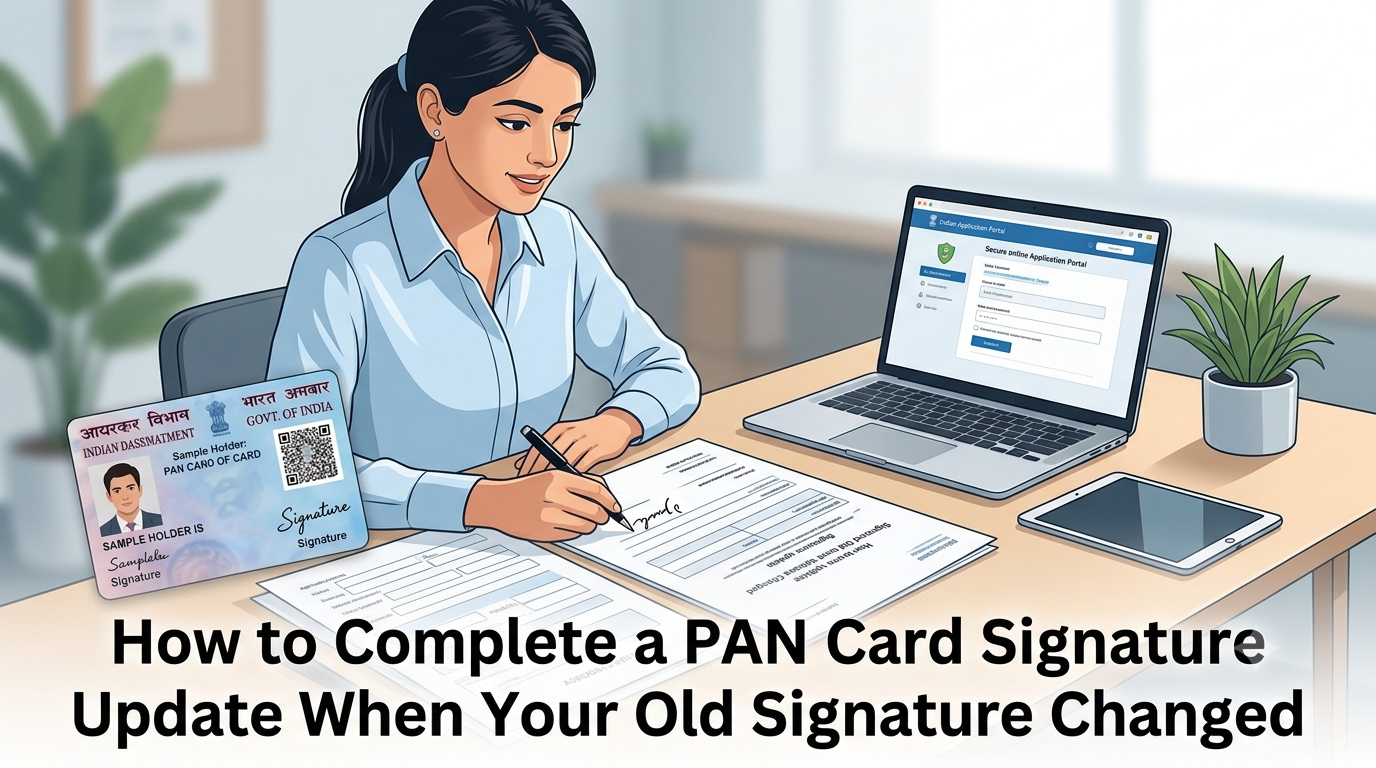
A Permanent Account Number (PAN) is an essential document for Indian taxpayers and is widely used for taxation and financial transactions. Your signature is an important part of your PAN records. If your signature has changed, updating it in your PAN details can help maintain consistency and prevent verification issues. In this article, we’ll explain the steps for a PAN card signature update and how to change your photograph on your PAN card if needed.
Understanding PAN Card Signature Update
A PAN card signature update involves correcting or changing the signature recorded in your PAN application details. Keeping your signature consistent with your bank records and other relevant documents can help avoid difficulties during identity verification and financial transactions.
Why You Might Need to Update Your Signature
- Personal Changes: You may have adopted a different signature over time or following a personal change.
- Illegibility Issues: Your existing signature may be unclear or no longer reflect the signature you currently use.
- Legal and Financial Documentation: Consistent signature records can help reduce verification issues when dealing with banks and other institutions.
Step-by-Step Guide on How to Update Your PAN Card Signature
Step 1: Gather the Required Documents
Before starting the application, prepare the documents required for your PAN correction request. These may include:
- Your existing PAN details or PAN card copy
- Identity proof, if required
- Supporting documents requested by the application process
- A scanned image of your updated signature in the specified format
- A recent photograph if you also want to update your PAN photograph
Check the current document requirements on the authorised application portal before submitting your request.
Step 2: Visit an Authorised PAN Application Portal
You can request changes to your PAN details through an authorised PAN service provider. Follow the instructions on the relevant portal to access the application for changes or corrections to PAN data.
Step 3: Select the Appropriate Application Type
Choose the application option for changes or corrections to existing PAN data rather than applying for a new PAN. This allows you to request an update to your signature while retaining your existing PAN number.
Step 4: Fill Out the Application Form
Enter your PAN number and the requested personal details accurately. Select the relevant correction option for your signature and provide the updated signature in the format specified by the application portal.
Review all details carefully before proceeding.
Step 5: Submit the Required Documents
Upload or submit the requested supporting documents according to the application instructions. Ensure that your signature image is clear and meets the specified file requirements.
If you are also changing your photograph, follow the applicable photograph-update instructions in the same correction process.
Step 6: Pay the Applicable Fee
Pay the applicable correction fee shown on the authorised application portal. The amount may depend on the delivery method and whether the updated PAN document is delivered within India or abroad.
Step 7: Submit Your Application
After checking the information and completing the payment, submit your application. Save the acknowledgement number or application reference provided after submission, as you will need it to track the request.
Step 8: Track the Application Status
Use your acknowledgement number to check the status through the relevant PAN service provider. Processing times can vary depending on verification and application requirements, so rely on the status information provided by the service.
Step 9: Receive Your Updated PAN Details
Once the correction request is processed, check your updated PAN details and the signature on the issued document, where applicable. If you notice an error, contact the relevant service provider for guidance.
How to Change the Photo on Your PAN Card
If your photograph is outdated or needs correction, you can request a photograph update through the applicable PAN correction process. For detailed instructions, refer to this guide on how to change your PAN card photograph.
Generally, you will need to:
- Select the relevant photograph-correction option in the application.
- Provide a recent photograph that meets the prescribed specifications.
- Submit the required supporting information and documents.
- Review the application before submitting it.
Follow the current instructions on the authorised portal for photograph dimensions, file format, and any additional requirements.
Additional Tips
- Double-Check Details: Verify your PAN number, personal information, and uploaded signature before submitting the application.
- Keep Copies: Retain copies of your acknowledgement and relevant documents for future reference.
- Follow Up: If your application is delayed or you need clarification, contact the authorised PAN service provider through its official support channels.
You can also read this detailed guide on PAN card signature update for additional information about the correction process.
Conclusion
Updating your PAN card signature is an important step when your existing signature no longer reflects the one you currently use. Following the appropriate correction procedure and submitting accurate information can help make the process smoother. Updating your photograph when necessary can also help keep your PAN records current.
Making sure that your identification details remain accurate is important for personal, legal, and financial transactions. Always follow the latest instructions provided by authorised PAN service providers when requesting corrections.