




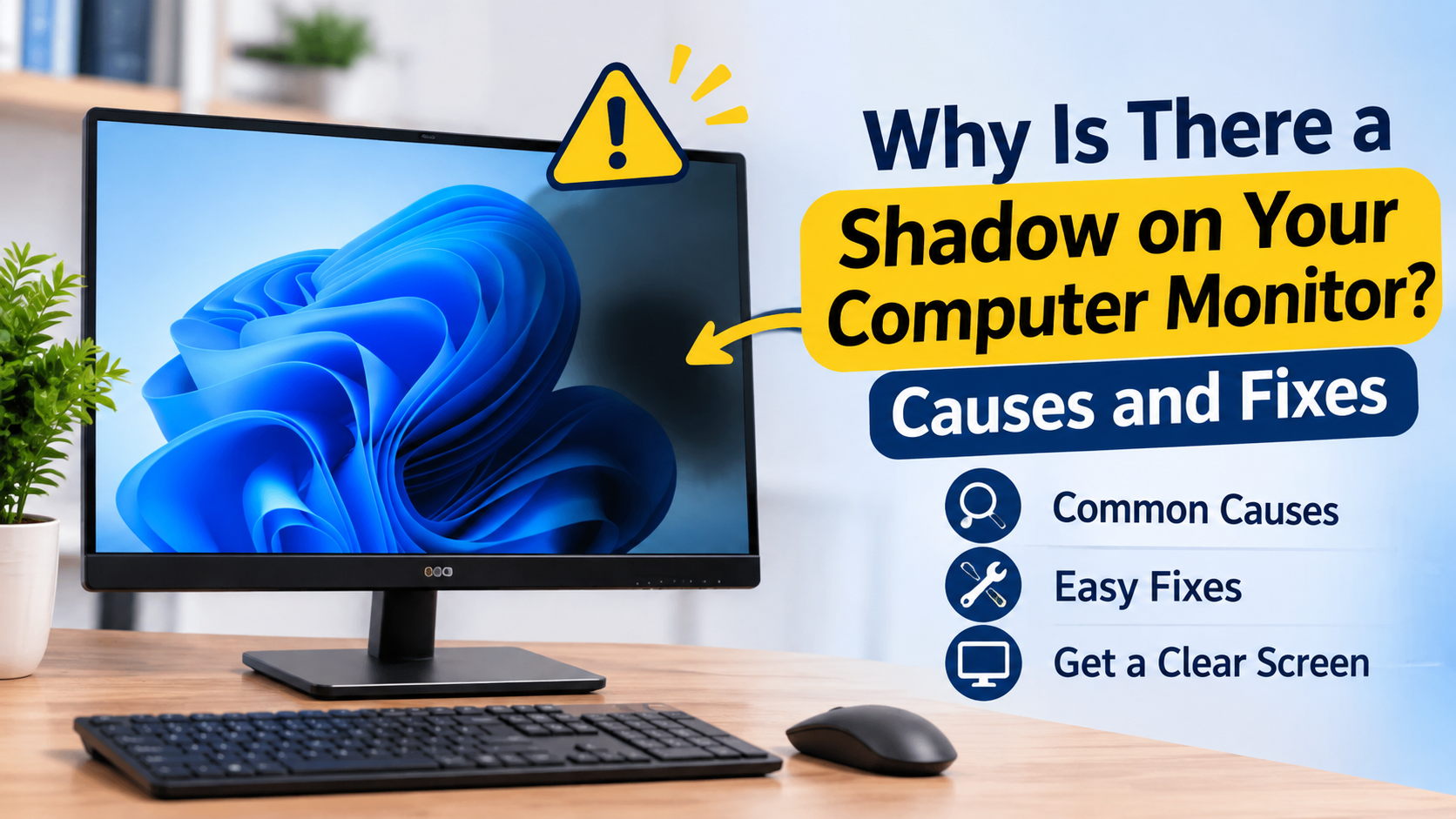
Seeing a shadow on your computer monitor is understandably creepy, and the fact that it appeared suddenly doesn’t help. Sometimes it appears as a faint gray patch that quickly comes and goes. Other times, it appears as permanent black marks. Before you jump to the worst conclusion, there are possibly less ominous causes of this phenomenon.
Common Causes of a Shadow on a Computer Monitor
There are several things that can cause a shadow or dark patch on your monitor. They include the following:
- Broken or Damaged Pixels – A small, dark, fixed dot is usually caused by a damaged pixel.
- Backlight issues – A broken or failing backlight can also cause part of the monitor to appear dimmer than the rest.
- Physical impact – This can be caused by dropping or bumping your monitor. This can also be caused by pressure or leaning on the monitor.
- Loose cable connections – A display cable that is not fully inserted into the monitor can cause a shadow.
- Driver or software glitches – Sometimes the “shadow” isn’t physical at all, but a graphics driver hiccup.
Knowing the pattern of the black marks on the computer screen can help determine the cause. A small, fixed dark spot is probably caused by a broken pixel. A shadow that changes or disappears after restarting the computer is probably caused by software or driver issues.
How to Check What’s Causing It
There are a few things you can check to determine what is causing the problem before you call for repair.
- Switch backgrounds – Sometimes the shadow changes with the background. So try opening a white background and see if the shadow changes.
- Take a screenshot – You can also try capturing the shadow with the screenshot feature. If the shadow does not appear on the screenshot, it may be a display or driver issue, not a panel issue.
- Connect an external monitor – If the external display looks ok, then the issue is isolated to your monitor or its connection.
- Restart and watch the boot screen – If the shadow appears during the boot screen or before Windows even loads, it’s most likely a hardware issue.
- Reset or update your graphics driver – A quick driver reset can fix driver issues that cause shadows on the screen but are not physical shadows.
What Not to Do
Do not rub or press on your screen, even if you see people suggest this online. It can worsen the damage and may cause further issues with the internal components of the screen as well.
When to Consider a Repair
If the mark appears in a certain spot during the boot process, grows with time or appears after a spill or drop, it’s best to get the device checked by a professional rather than trying software fixes.
Final Thoughts
Most of the time, a shadow on your monitor or black marks on your screen do not indicate serious damage, but it can not be completely ignored. It is always best to do a quick check to see if it’s a driver issue rather than a hardware issue.
For more tips on how to diagnose common tech issues, visit datarecovee.com