



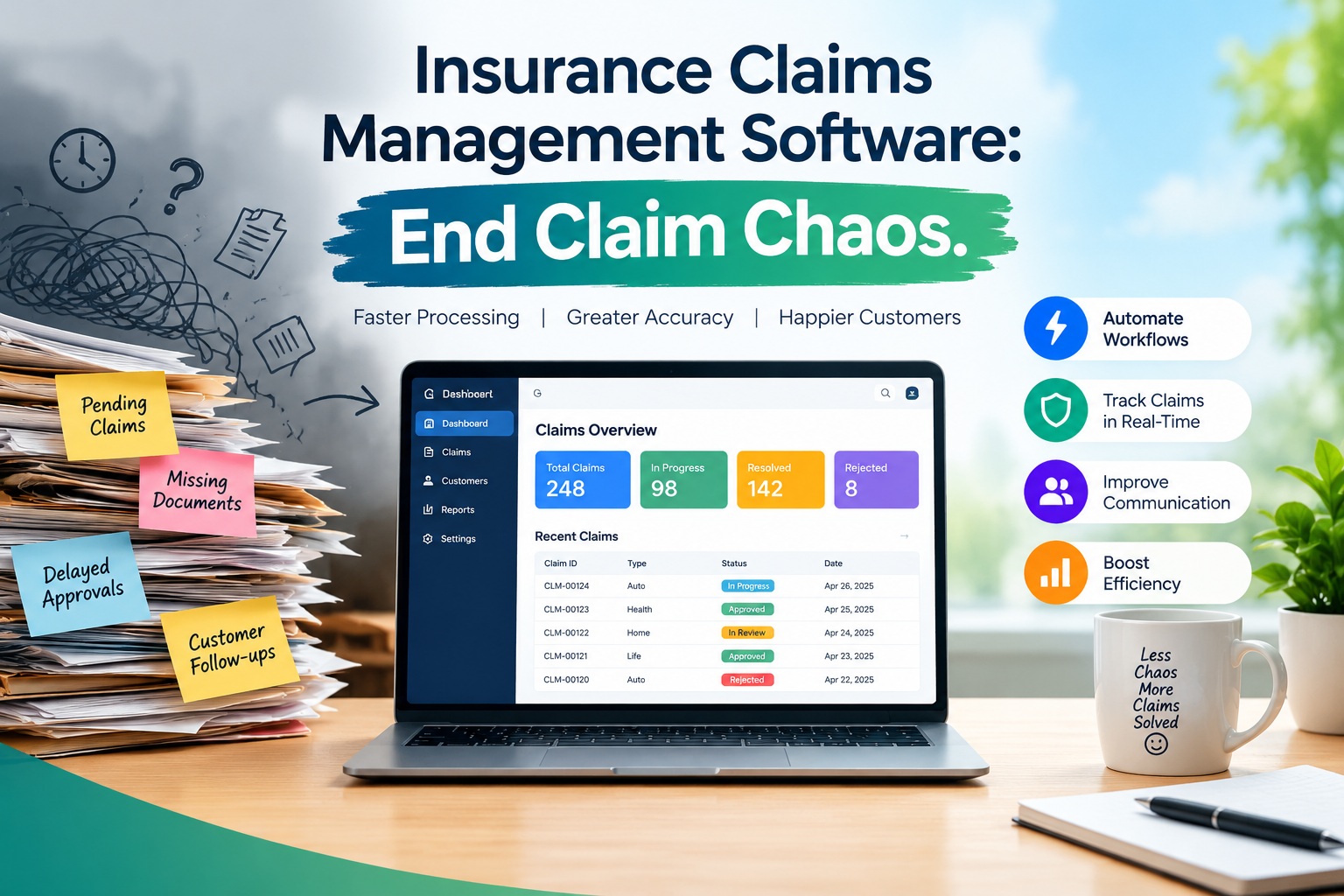
Insurance Claims Management Software: End Claim Chaos
A storm hits on Friday night. By Monday, an adjuster has 40 new claims, three missed calls, and a spreadsheet nobody trusts. Sound familiar? Many teams work this way. They juggle email threads, sticky notes, and shared folders. Files go missing. Deadlines slip. Policyholders wait, and they grow angry.
You cannot fix this by working harder. You need a better system. Insurance claims management software gives your team one place to see every claim, task, and status. This article shows what it does, why it matters, and how to pick the right one.
What Is Insurance Claims Management Software?
It is a digital tool that tracks a claim from first report to closing. Adjusters, managers, and staff all work from the same screen. Nobody digs through inboxes to learn where a claim stands.
The best tools also bend to fit their users. They do not force a team into a rigid script. Instead, teams shape the stages, the views, and the data they care about most. That flexibility makes insurance claims management feel lighter and faster.
Why Do Claims Teams Struggle Without It?
Manual work breaks down fast. The same problems show up again and again.
- Scattered information. Notes live in email, phone logs, and personal files.
- Hidden bottlenecks. A claim stalls in one stage, and nobody notices for days.
- Slow handoffs. Reassigning a file takes long messages and still misses details.
- Constant retyping. Staff enter the same facts in several places.
Each gap adds delay. Delay costs money and hurts trust. Strong claims management closes these gaps before they grow.
Which Features Matter Most?
Look for tools that save clicks and show the full picture. Check for these five.
- Multiple views. Some people think in boards. Others prefer lists or timelines. Kanban, list, and Gantt views let each person work their way.
- Custom phases. Every team has its own process. Custom phases let them build stages that match it.
- Custom views. Adjusters filter down to the claims and fields they need today.
- Simple assignment. A manager can assign or reassign a claim in one click.
- Vitals that fill themselves in. Key details appear on their own, so staff type less.
How Does Adjusted Handle Claims Management?
Adjusted builds its Claim Management module around one idea. You should see and move every claim from one dashboard.
Picture a manager on a busy Monday. They open the dashboard and see the whole pipeline on a Kanban board. They switch to a list to sort by owner. Then they open a Gantt view to check timing and milestones. No extra report is needed.
Custom phases let your team mirror its own workflow. Custom views keep each adjuster focused on their own cases. Customizable vitals track the numbers your team cares about most. Auto-filled vitals cut manual entry.
The dashboard is designed for property and casualty claims. It helps teams spot bottlenecks, track milestones, and keep work moving.
What Will Your Team Gain?
Faster decisions come first. When a manager sees every stage at a glance, they spot a stalled claim in minutes, not days.
Ownership gets clearer too. One-click assignment makes it plain who holds each file. Adjusters also spend less time typing, since vitals fill in on their own. Custom views let them focus on today’s work instead of scrolling through everything.
Small savings on every claim add up quickly. Teams that want more can pair the dashboard with other modules, such as Activities & Tasks, Document Management, and Reporting & Analytics.
How Do You Choose the Right Insurance Claims Management Software?
Strong claims management software should pass these five checks.
- Map your process. Write down every stage a claim passes through today.
- Test phase flexibility. Confirm you can build stages that match your map.
- Ask for all three views. Make sure Kanban, list, and Gantt work the way you expect.
- Count the clicks. Reassigning a claim should take one.
- Check the terms. Look for setup fees and long contracts before you sign.
Adjusted lists no setup fees, no contract, and a 30-day money-back guarantee. You can review plans on the pricing page.
Better insurance claims management starts with one clear dashboard. Ready to see it in action? Visit Adjusted to learn more, or schedule a demo and watch it work.
FAQs
What is insurance claims management software?
It tracks every claim from start to finish in one shared digital workspace.
Who uses claims management tools?
Adjusters, claims managers, and support staff use them to track and move claims.
What views does the Claim Management dashboard offer?
It offers Kanban, list, and Gantt views of your entire claim pipeline.
Can teams customize their workflow stages?
Yes. Custom phases let teams build stages that match their exact process.
What are claim vitals?
Vitals are key claim metrics you choose to track, and they can auto-fill.
Is there a long contract?
No. Plans have no setup fees and no contract, plus a money-back guarantee.
Does it suit property and casualty claims?
Yes. The dashboard is built for property and casualty claims work.