


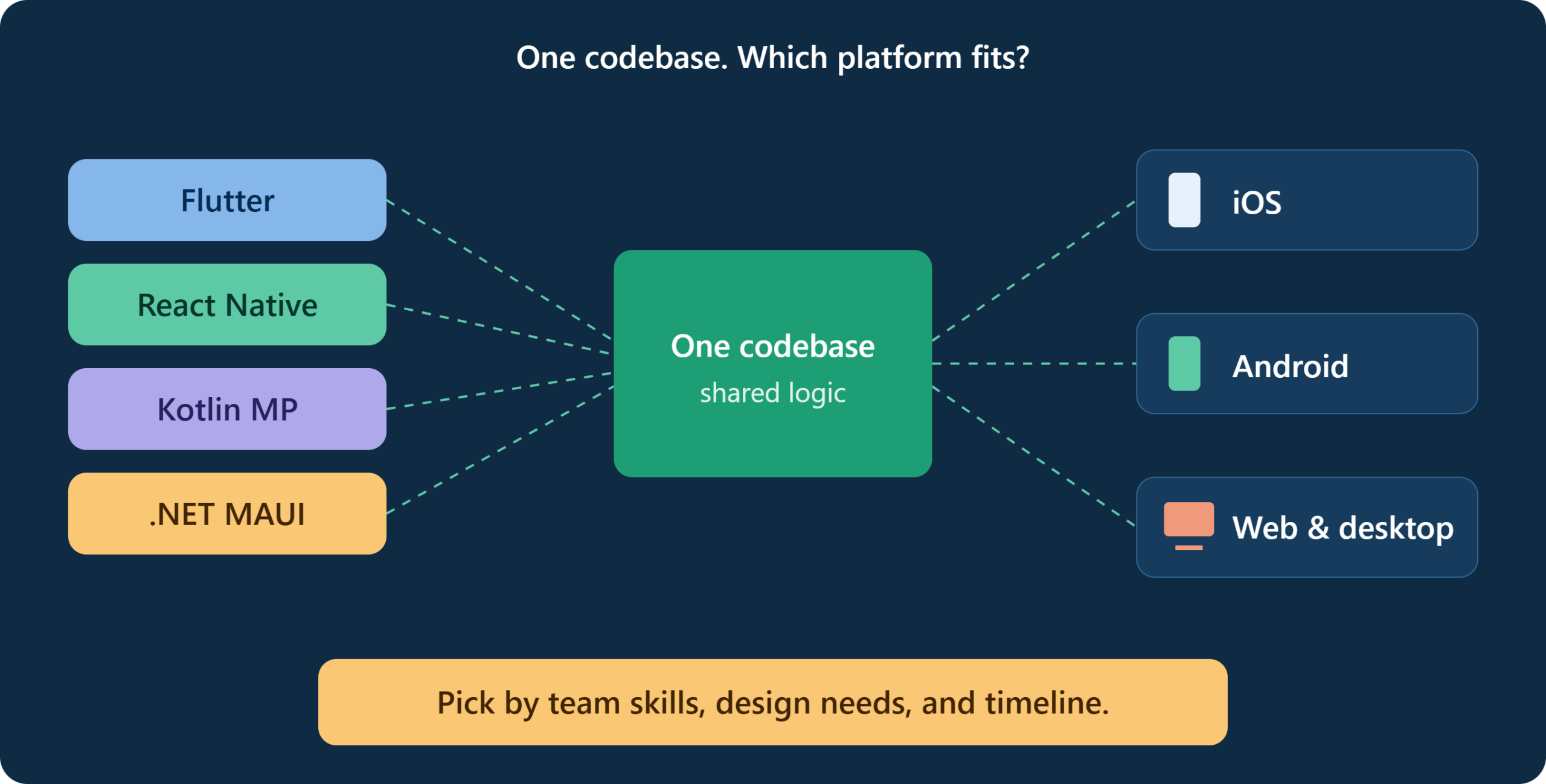
Most founders ask the same question early in a mobile project: should we build one app for both iOS and Android, or two separate apps?
For many products, one shared codebase is the faster and cheaper route. But the platform you pick will shape your hiring, your timeline, your app’s performance, and how easily you can change direction later. That makes it a business decision as much as a technical one.
Whether you build in-house or work with a mobile app development company in Chicago or anywhere else, the same questions apply. This guide explains the main options, how they compare, and how to choose the right platform for building cross-platform apps without regretting it a year later.
What “Cross-Platform” Really Means
A cross-platform approach lets you write most of your app once and run it on iOS and Android. Some tools also reach web and desktop.
The benefits are practical:
- Lower build cost, since one team maintains one main codebase
- Faster releases, with features shipping to both platforms together
- Consistent behavior, which simplifies testing and support
- Simpler maintenance, because a bug fix is made once
The trade-offs are just as real. You depend on the framework’s roadmap, some device features need native code, and very demanding apps can hit performance limits. Knowing where those limits are is what makes the choice easier.
The Main Platform Options
Flutter
Flutter, from Google, uses the Dart language and draws its own interface instead of relying on native components. That gives you tight control over how the app looks and a consistent result on every device.
Google Pay and BMW are among the well-known companies using Flutter in production.
Strengths: polished custom UI, strong performance, good animation support, one codebase that can extend to web and desktop.
Watch out for: Dart is less common than JavaScript, so hiring can take longer. App sizes can run larger than native.
React Native
React Native, backed by Meta, uses JavaScript or TypeScript and renders real native components. It suits teams that already know React from web development.
Shopify moved its mobile apps to React Native, and Microsoft uses it in parts of its Office apps.
Strengths: a large developer pool, code sharing with web teams, a mature ecosystem.
Watch out for: some projects depend on third-party libraries of varying quality. Upgrades between versions need careful handling. Airbnb famously moved away from React Native in 2018 after running into maintenance and complexity issues, a reminder that fit matters more than hype.
Kotlin Multiplatform (KMP)
KMP takes a different approach. You share business logic, such as networking, data handling, and rules, while building the interface natively on each platform. Google supports Kotlin Multiplatform for sharing business logic, and companies like Cash App use it.
Strengths: fully native UI and feel, gradual adoption, and good for teams with strong native skills.
Watch out for: you still build two interfaces, so savings are smaller than with Flutter or React Native.
.NET MAUI
.NET MAUI is Microsoft’s framework for C# developers and the successor to Xamarin, whose support ended in May 2024. If your organization runs on .NET, it offers a familiar path.
Strengths: fits Microsoft-centered teams and enterprise tooling.
Watch out for: the community is smaller than Flutter or React Native, and teams outside the .NET world rarely have a reason to pick it.
Ionic with Capacitor and Progressive Web Apps
These use web technologies wrapped in a native shell, or run in the browser. They work well for content-driven and internal business apps.
Strengths: very fast to build, reuses web skills, low cost.
Watch out for: weaker performance for animation-heavy or hardware-intensive apps, and a less native feel.
Quick Comparison
| Platform | Language | UI approach | Best for |
|---|---|---|---|
| Flutter | Dart | Custom-drawn UI | Brand-heavy, design-led apps |
| React Native | JavaScript/TypeScript | Native components | Teams with React skills |
| Kotlin Multiplatform | Kotlin | Native UI per platform | Native-first teams sharing logic |
| .NET MAUI | C# | Native controls | .NET and enterprise shops |
| Ionic/PWA | Web stack | Web view or browser | Simple or internal apps |
How to Choose: Seven Questions to Ask
- What does the app need to do? A booking app, a marketplace, and a fitness tracker with Bluetooth sensors have very different requirements. List your must-have device features first: camera, GPS, background tasks, payments, wearables, AR.
- What skills does your team already have? A team of React developers will be productive with React Native quickly. A team of Android specialists may prefer Kotlin Multiplatform. Switching languages costs time and money.
- How important is custom design? If your brand depends on distinctive animations and visuals, Flutter’s control is a strength. If you want the app to feel exactly like the platform, native components or KMP may suit better.
- How demanding is the performance requirement? Most business apps run fine on any of these frameworks. Games, heavy graphics, real-time video, and advanced AR may justify going native.
- How fast do you need to launch? A tight deadline favors a single codebase with a large talent pool. A longer roadmap leaves room to invest in a more native approach.
- What is your long-term plan? Think about web, tablets, desktop, and wearables. If you want them from the same codebase, Flutter or React Native may offer more reach.
- How healthy is the ecosystem? Check release frequency, documentation, community size, and the quality of libraries you will depend on. Also consider who backs the framework and how stable that backing looks.
What Will It Cost?
Costs vary widely, so treat any single number carefully. The main drivers are:
- App complexity: number of screens, integrations, and custom features
- Design effort: custom animations and brand-specific UI take longer
- Backend work: APIs, authentication, databases, and cloud infrastructure
- Native modules: device features that need platform-specific code
- Testing: real-device testing across many models and OS versions
- Ongoing maintenance: OS updates, library upgrades, and bug fixes
A cross-platform build typically costs less than two native apps, because design, testing, and logic are shared. But the savings shrink as native-specific work grows. Maintenance is a recurring cost too, so budget for it from the start rather than treating launch as the finish line.
Risks to Plan For
- Framework dependency: if a framework loses momentum, migration is expensive
- Library gaps: a feature you need may not exist yet, requiring custom native code
- Platform updates: new iOS or Android features can take time to reach the framework
- Performance surprises: problems often appear only on older or low-end devices
- Hiring limits: some frameworks have smaller talent pools in certain regions
You cannot remove these risks, but you can reduce them with a short proof of concept before committing.
Best Practices
- Build a prototype first: Test your hardest feature, such as offline sync or Bluetooth, on the shortlisted framework before choosing.
- Test on real devices: including older Android phones and smaller iPhones.
- Keep business logic separate from UI: so parts can be replaced later.
- Plan native code where needed: Even cross-platform apps often include some native modules.
- Watch app size and startup time: from the beginning.
- Follow store guidelines early: Apple’s and Google’s policies apply regardless of framework.
- Set up crash reporting and analytics: before launch.
A Simple Decision Guide
- Startup building an MVP, with a web team that knows React: React Native
- Design-led consumer app with custom visuals: Flutter
- Existing native apps that need shared logic: Kotlin Multiplatform
- Enterprise team standardized on .NET: .NET MAUI
- Simple internal or content-based app: Ionic or a PWA
- Hardware-intensive, graphics-heavy, or game-like app: consider native development
None of these is a rule. They are starting points to test against your own requirements.
Conclusion
There is no universally best platform for building cross-platform apps. The right choice follows your product needs, your team’s skills, and your timeline.
Start with the features that matter most, compare two or three frameworks against them, and test your riskiest requirement in a small prototype. That short exercise usually settles the question better than any comparison chart.
Frequently Asked Questions
1. Is cross-platform development cheaper than native?
Usually, yes, because one team builds and maintains most of the code. The savings depend on how much platform-specific work your app needs.
2. Which is better, Flutter or React Native?
It depends. Flutter suits custom, design-heavy interfaces, while React Native suits teams with JavaScript and React experience. Both are widely used in production.
3. Can cross-platform apps perform as well as native apps?
For most business apps, yes. Performance gaps appear mainly in graphics-heavy, real-time, or hardware-intensive apps.
4. When should I choose native development instead?
Choose native when you need the deepest access to device features, top-tier graphics performance, or immediate support for the newest platform capabilities.
5. How long does it take to build a cross-platform app?
A simple app can take a few months. Complex apps with many integrations, custom design, and compliance needs take longer. A prototype early on helps you estimate more accurately.