







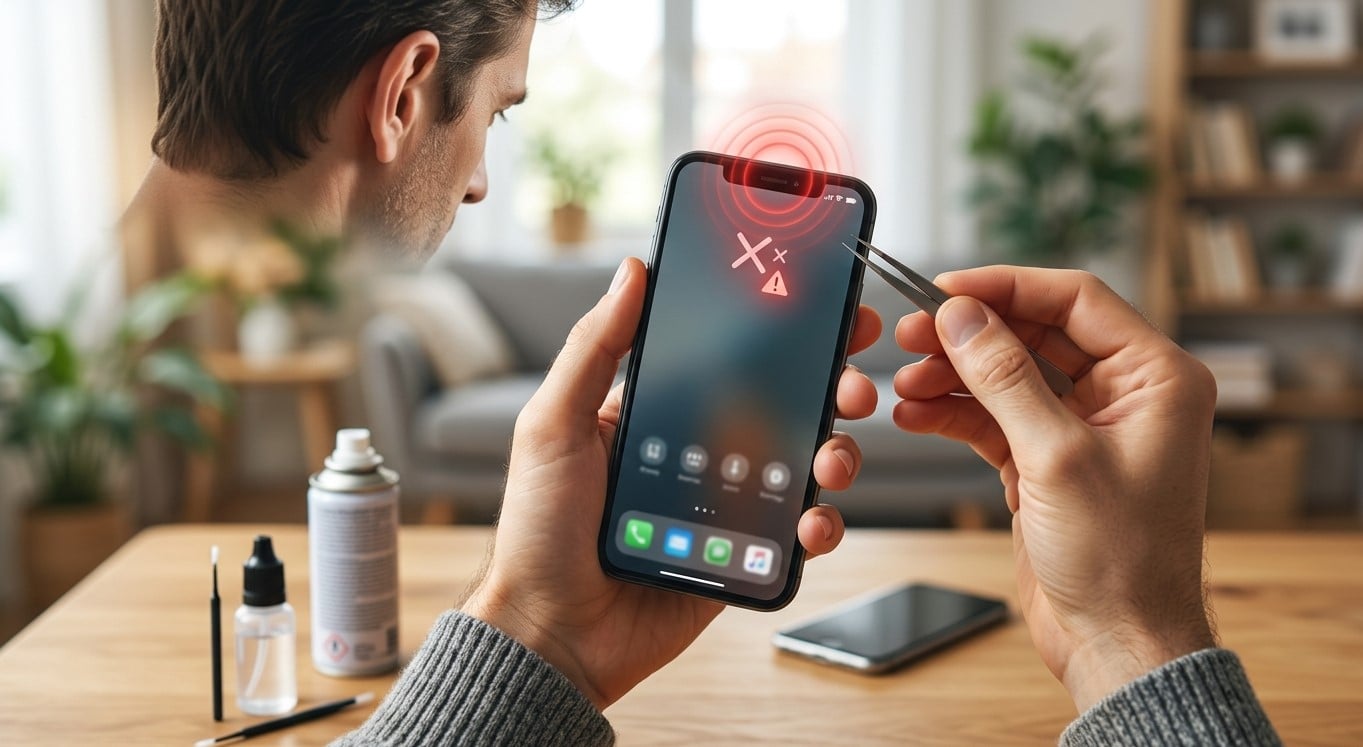
Your smartphone’s ear speaker plays an essential role in everyday communication, allowing you to hear callers clearly during phone conversations. When it suddenly stops working, calls may become difficult or impossible to understand. Fortunately, the issue can sometimes be resolved with a few simple troubleshooting steps. If the problem requires professional attention, Mobile Phone Repair Albany can help you explore suitable repair options. Whether you need help with an audio issue, charging port repair Albany, or advice about pre-owned phones Albany, understanding the possible causes can help you make an informed decision.
Table of Contents
- Common Reasons Your Phone’s Ear Speaker Stops Working
- How to Fix a Phone Ear Speaker That Is Not Working
- When to Seek Professional Repair
- How to Prevent Ear Speaker Problems
- Frequently Asked Questions
- Call to Action
1. Common Reasons Your Phone’s Ear Speaker Stops Working
Several issues can affect your phone’s ear speaker. Identifying the cause can help you choose the right solution.
- Dust and debris: Dirt can accumulate in the small speaker grille, blocking sound.
- Software glitches: Temporary operating system errors or outdated software may interfere with audio.
- Incorrect audio settings: Your phone may be routing sound to a Bluetooth headset or another connected device.
- Water or moisture damage: Exposure to liquids can affect internal speaker components.
- Physical damage: Drops, impacts, or normal wear may damage the speaker or its connections.
- Hardware failure: A faulty ear speaker or damaged internal component may require professional repair.
2. How to Fix a Phone Ear Speaker That Is Not Working
Before arranging a repair, try these troubleshooting steps.
Check the Volume During a Call
Start a phone call and press the volume-up button while the call is active. Call volume is often controlled separately from media volume, so adjusting it before or during a call can make a difference.
Restart Your Smartphone
Restarting your phone can resolve temporary software problems affecting audio. Turn the device off, wait a few seconds, and turn it back on. Then make another test call.
Disconnect Bluetooth Devices
If your phone is connected to wireless earbuds, headphones, or a car audio system, call audio may be routed elsewhere. Turn off Bluetooth temporarily and test the ear speaker again.
Clean the Speaker Grille Carefully
Inspect the small opening near the top of your phone. If you notice dust, gently clean the exterior with a clean, dry, soft-bristled brush. Avoid inserting pins or sharp objects, pouring liquids into the grille, or using excessive compressed air, as these can cause further damage.
Test Speakerphone Mode
Make a call and switch to speakerphone. If the other person’s voice becomes audible through the loudspeaker but not the ear speaker, the ear speaker or its audio pathway may be the problem. However, this test alone cannot confirm which component is faulty.
Update Your Phone’s Software
Check for available operating system updates and install them if appropriate. If the issue started after installing a particular app, check whether that app could be affecting call audio.
Check for Moisture Damage
If your phone has recently been exposed to water, disconnect any accessories and follow the manufacturer’s drying guidance. Avoid heating the device with a hairdryer or charging it while moisture may remain. Seek professional inspection if the problem continues.
3. When to Seek Professional Repair
If none of the basic troubleshooting steps works, the problem may involve a damaged speaker, internal connection, or other hardware component. Professional technicians can inspect the device and identify the likely cause before recommending a repair.
Consider getting help if:
- The ear speaker remains silent during every call.
- Sound is consistently distorted, crackling, or unusually quiet.
- The problem began after a drop or liquid exposure.
- Other audio functions are also behaving unexpectedly.
- The issue persists after restarting and checking settings.
A repair professional can also determine whether repair is worthwhile compared with replacing the device. If you are considering pre-owned phones Albany, compare the replacement phone’s condition, battery health, warranty, and overall cost with the estimated repair cost of your current device.
4. How to Prevent Ear Speaker Problems
A few simple habits can help protect your phone’s audio components:
- Keep the speaker grille free of dust and debris.
- Use a protective case to reduce damage from accidental drops.
- Keep your phone away from water and excessive moisture.
- Avoid pressing sharp objects into the speaker opening.
- Install reliable software updates when available.
- Have persistent audio problems inspected before they worsen.
Remember that even a well-maintained phone can develop hardware faults over time.
5. Frequently Asked Questions
Why can I hear callers on speakerphone but not through the ear speaker?
The ear speaker may be blocked, damaged, or affected by an internal connection issue. Check the call volume and speaker grille first. If the issue continues, arrange a professional inspection.
Can a software update fix my phone’s ear speaker?
Yes, if the problem is caused by a software bug or audio-routing issue. However, software updates cannot repair physically damaged speaker components.
Why does my ear speaker sound muffled?
Dust, debris, moisture, low call volume, or hardware damage can cause muffled sound. Clean the exterior gently and check the volume before seeking further help.
Is it better to repair or replace my phone?
That depends on the phone’s age, condition, repair cost, and remaining useful life. A professional assessment can help you compare the options.
Can I fix the ear speaker myself?
Basic checks, such as adjusting volume and disconnecting Bluetooth, are generally safe. Opening the phone or replacing internal components can cause additional damage and is best left to a qualified technician.
6. Get Help With Your Phone Repair
A faulty ear speaker can make everyday calls frustrating, but the problem may be manageable with simple troubleshooting or professional repair. Start by checking the volume, Bluetooth settings, speaker grille, and software. If the issue persists, Mobile Phone Repair Albany can help you explore repair options. You can also ask about charging port repair Albany or compare your repair options with available pre-owned phones Albany.
Contact Mobile Phone Repair Albany today to learn more about your phone repair options and get help deciding on the next step.