







By william
Remote work is permanent now. In 2026, companies of all sizes treat it as a core part of how they operate. But distributed teams bring familiar problems: inconsistent devices, security risks, software licensing headaches, and endless IT support tickets.
That is why a growing number of businesses use Windows RDP (Remote Desktop Protocol) as the backbone of their remote setup. It is not flashy, but it solves real problems practically. Here is why so many teams made the switch.
What Windows RDP Gives a Business
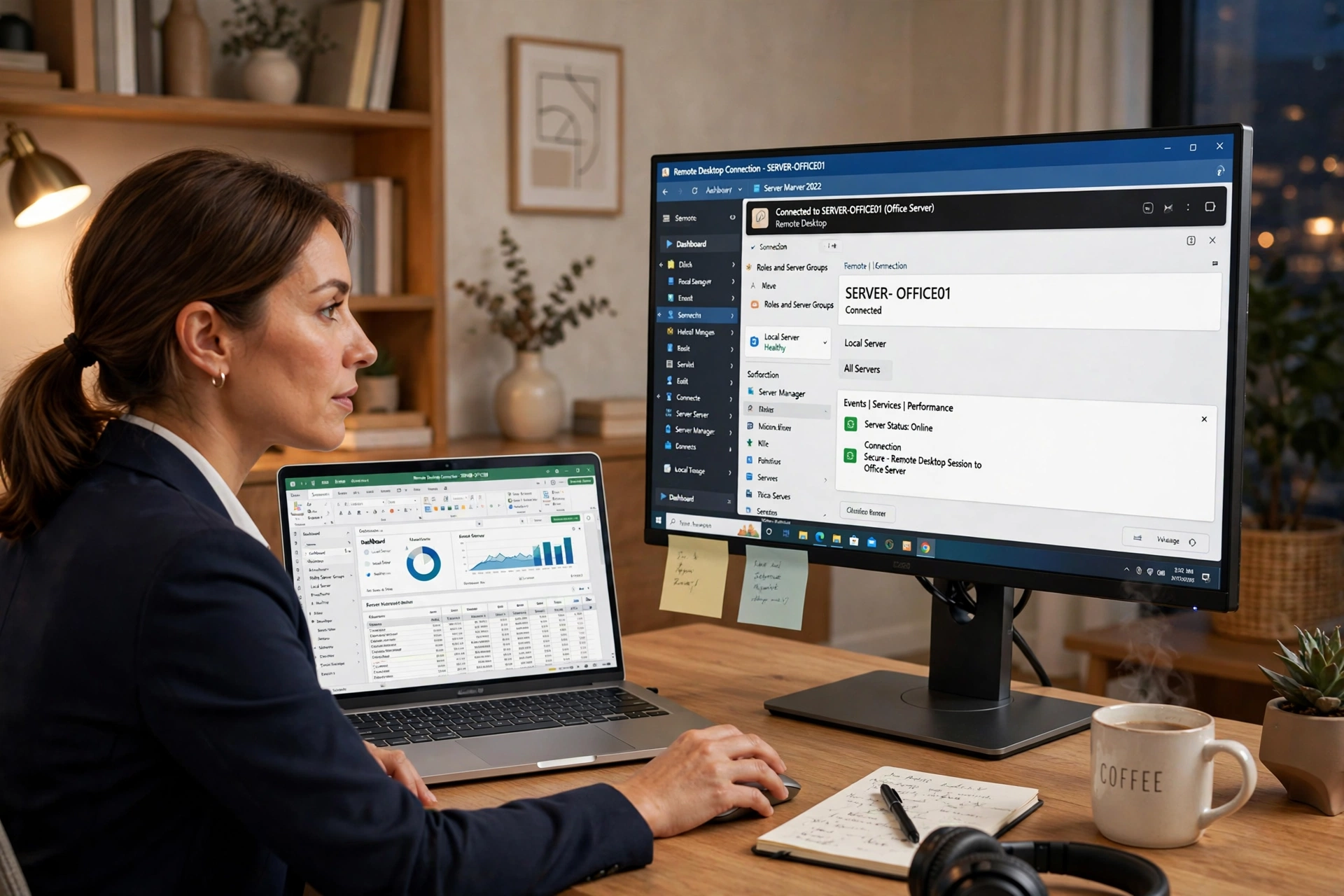
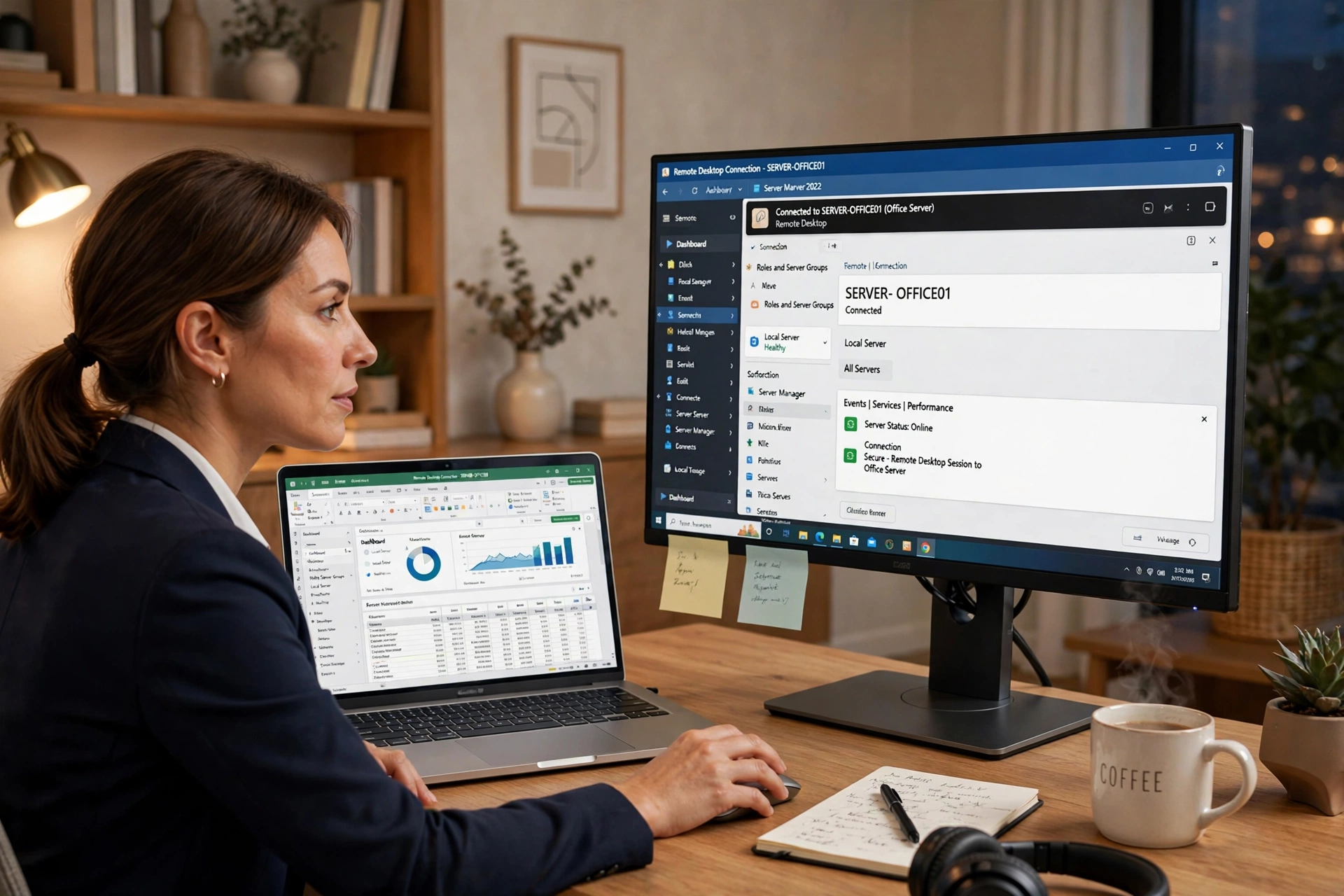
RDP lets a user connect to a remote Windows computer over the internet and use it as if sitting in front of it. The remote machine runs the applications, stores the files, and handles the processing. The employee’s device is just a window into that session. For the technical fundamentals, this guide on what RDP is and how it works explains it clearly.
For a business, this changes everything. Instead of managing fifty laptops with fifty configurations, IT manages a handful of standardized remote servers. Everyone logs into the same environment, uses the same software versions, and works with the same files.
1. Security Becomes Manageable
Data security is the top concern for remote teams. When employees work from personal devices on home networks, company data scatters across machines the business does not control.
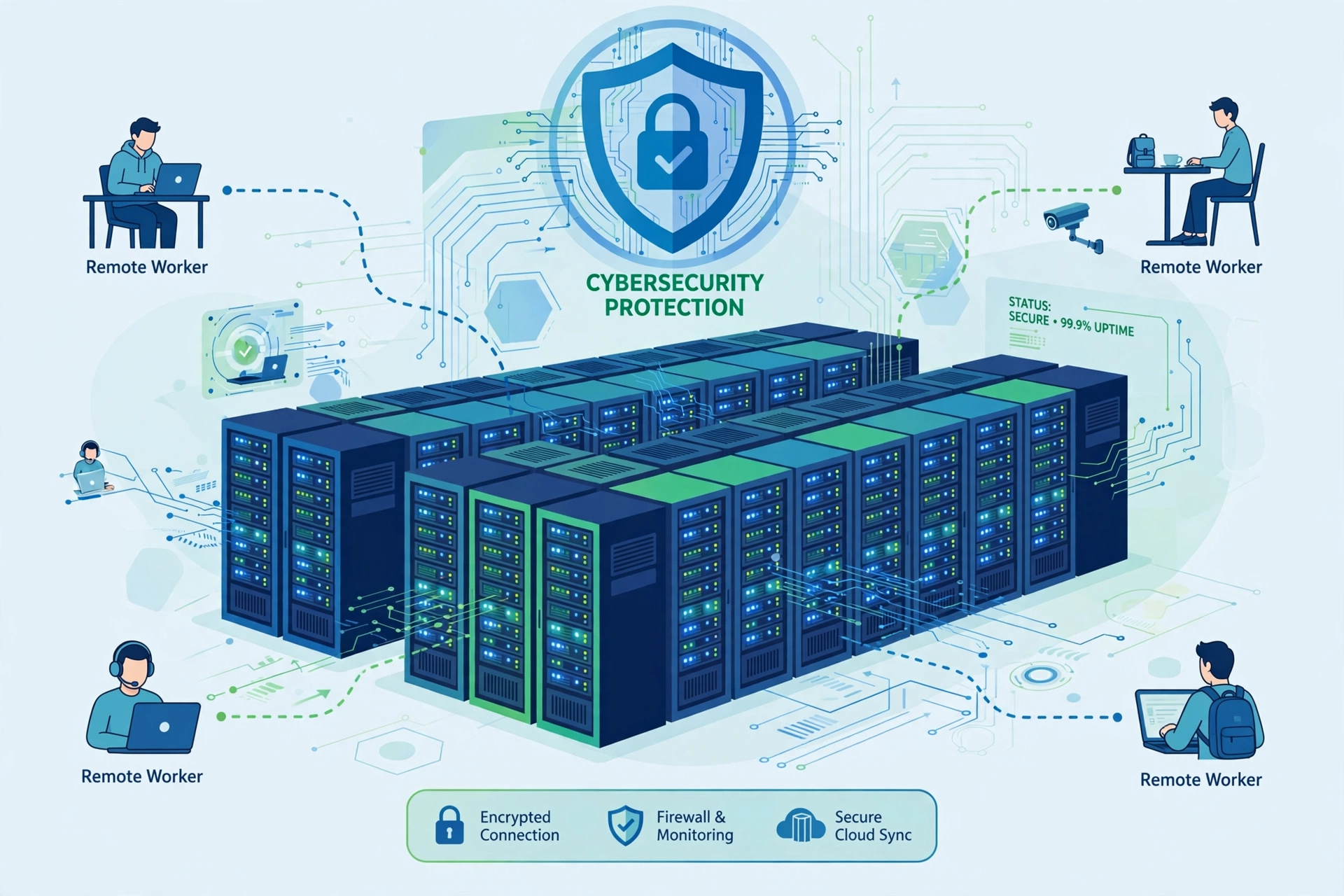
With Windows RDP, sensitive data never leaves the server. Employees see their work on screen, but files stay on the remote machine in a secured data center. If a laptop is lost, there is nothing valuable on it. Access can be revoked in seconds from a central dashboard.
Many small businesses wonder whether budget remote desktop plans are safe for office work. The answer depends on the setup, and this honest breakdown of whether shared RDP is safe for office work walks through the trade-offs.
2. One Environment for Everyone
Device inconsistency is an IT manager’s biggest time sink. One employee runs Windows 10, another Windows 11, a third uses an old MacBook. Troubleshooting becomes guesswork.
Windows RDP eliminates this. Every team member connects to the same standardized Windows environment. The accounting software, the CRM, the design tools all run identically for everyone. IT installs an update once on the server instead of fifty times on individual machines. New hires are productive on day one: send login credentials and they work within the hour.
3. Real Cost Savings
A decent business laptop costs $800 to $1,200 and needs replacing every three to four years. A Windows RDP plan costs a fraction of that per user per month. Employees can work from modest devices because the remote server handles the demanding work. Hardware refresh cycles stretch out, and IT support costs drop.
Teams needing dedicated resources can look at private Windows VPS plans, where each user gets isolated CPU, RAM, and storage. It sits between a cheap shared desktop and a full enterprise virtual desktop deployment.
4. Work From Anywhere, On Anything
RDP does not care what device you connect from. Windows, Mac, Linux, Android, iOS: anything running a remote desktop client can reach the office desktop. A sales rep with a tablet or a contractor with a basic Chromebook gets the same experience, because the computing happens on the server.
5. Business Continuity Built In
Local machines die in creative ways, and each incident means lost work. With RDP, the session lives on the server. If a laptop dies mid-task, the employee grabs another device, reconnects, and everything is exactly where they left it. Most providers run in data centers with redundant power and network, so uptime stops depending on any single home connection.
RDP vs VPS: Which Do You Need?
Buyers often confuse these terms. RDP is the protocol for accessing a remote Windows desktop; a VPS is the virtual server that desktop runs on. This comparison of RDP vs VPS and which one you should buy lays out the practical differences so you can match the product to your needs.
Frequently Asked Questions
Is Windows RDP hard for non-technical employees?
No. Connecting takes one click once configured. The remote desktop looks exactly like a normal Windows computer, so most people learn it in minutes.
How many employees can share one plan?
It depends on the plan. Shared plans are typically per-user with session limits, while private VPS plans host multiple concurrent sessions depending on workload.
Does RDP work on slow internet?
Yes. RDP transmits screen updates rather than raw data, so a stable 5-10 Mbps connection handles office work fine. Latency matters more than speed, so pick a server near your team.
Can we install our own software?
On plans with administrator access, yes. You get full control to install applications and manage users, like a physical office server.
william writes about remote work infrastructure and practical business technology.