







When I started my first blog, I spent weeks on design and almost no time on the boring technical bits. The posts were decent. The site looked fine. And yet Google barely seemed to notice me.
It turned out the problem wasn’t the writing. It was a handful of small files and tags that tell search engines what your pages are about. Nobody had told me they existed.
If you are new to blogging, here are the basics I wish I had known on day one, and how to set them up in a few minutes.
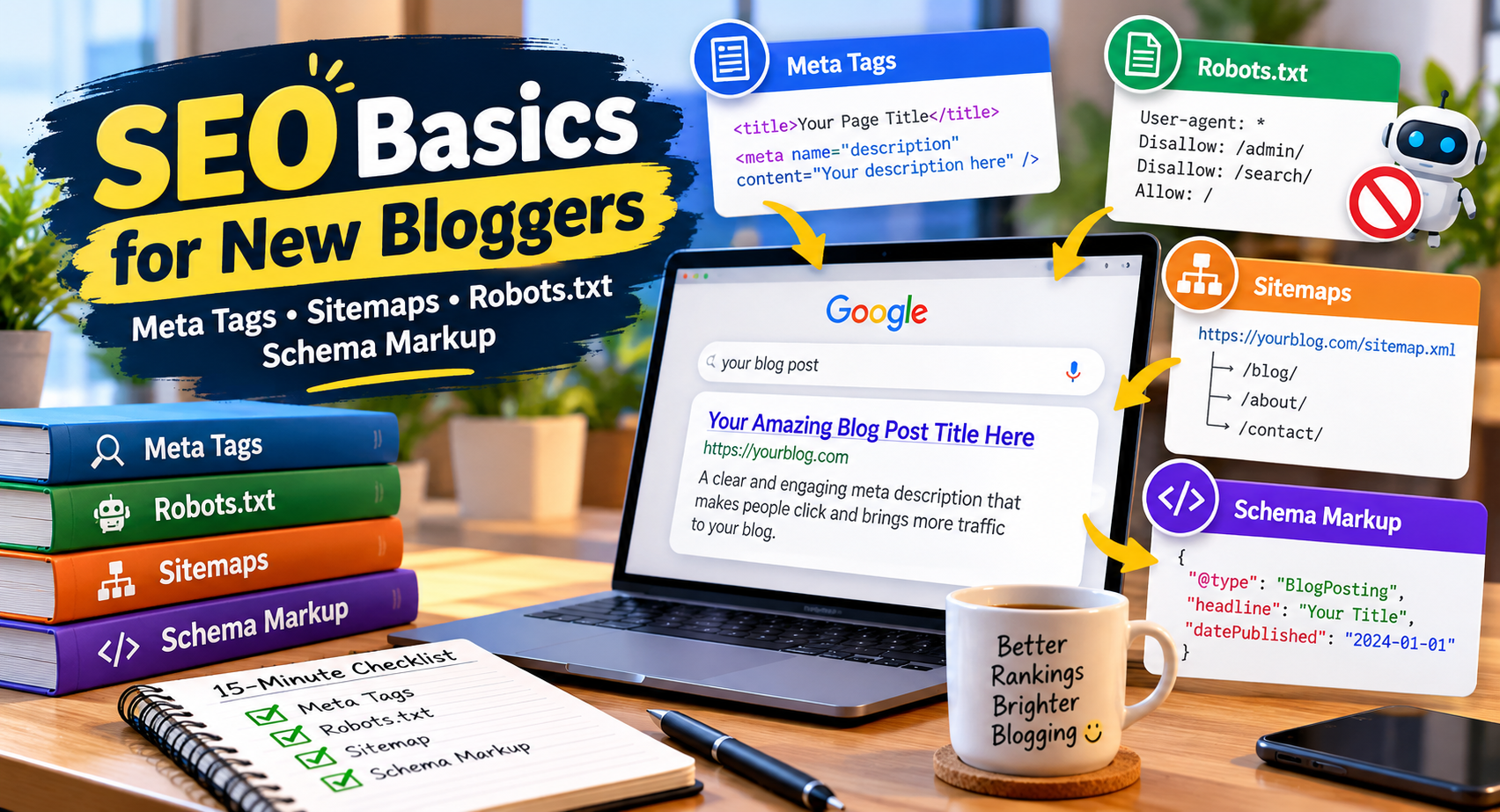
1. Meta Tags: Your Page’s First Impression
Every time your page shows up in Google, people see a title and a short description. Those come from your meta tags. A weak title gets ignored, even if your article is great.
A few simple rules help:
- Keep the title under about 60 characters so it doesn’t get cut off
- Put your main topic near the beginning
- Write the description like a promise to the reader, not a list of keywords
- Keep the description around 150 to 160 characters
The description doesn’t directly boost your rankings, but a good one makes people click, and that matters. If writing these by hand feels awkward, a meta tag generator lets you type your title and description and gives you the code, ready to paste.
2. Robots.txt: A Polite Sign for Search Engine Bots
Robots.txt is a small text file that sits at the root of your website. It tells search engine bots which areas they should not crawl, such as admin pages or internal search results.
One thing many beginners get wrong: robots.txt is a request about crawling, not a lock. A blocked page can still appear in results if other sites link to it. Use it for housekeeping, not for hiding anything private.
The syntax is easy to mistype, and one wrong line can block your whole site by accident. A robots.txt generator builds the file for you, so you avoid that mistake.
3. Sitemaps: A Map for Google
A sitemap is a list of the pages you want search engines to find. It is especially useful for new sites, because new sites have few links pointing to them, and Google may take longer to discover your pages.
If you use WordPress, an SEO plugin may already create one for you. If you run a different kind of site, an XML sitemap generator can build it from your page list. After that, submit it in Google Search Console, and you only need to do this once.
4. Schema Markup: Helping Google Understand Your Content
Schema markup is extra code that explains your content in a way machines understand. It tells Google that a page is an article, a recipe, a product, or an FAQ. In some cases it can make your result look richer in search, with ratings or questions showing right under your link.
It sounds technical, but you don’t need to write it from scratch. A schema markup generator asks for your details and produces the code to add to your page. Test it with Google’s Rich Results Test before you publish.
A 15-Minute Checklist
- Write a clear title and description for your five most important pages.
- Check that your robots.txt isn’t blocking anything important.
- Make sure a sitemap exists, then submit it in Search Console.
- Add schema to one page and see if it works before doing the rest.
You don’t need to do everything in one day. Start with the titles, because that gives the fastest visible result.
Keep Your Tools in One Place
The easiest way to stay consistent is to avoid hunting for a new website every time you need a small fix. I keep a handful of free SEO tools bookmarked, and I also use Tool Hub Zone for PDF, image, and writing jobs, since it needs no signup.
Good SEO is rarely about secret tricks. It is mostly about doing the basics properly and doing them early.
Which of these did you skip when you started? Tell me in the comments.