




The right questions save you from stiff, puckered, or gappy embroidery. Before you hire anyone, you need to know what a good stitch file includes and how to spot a weak one. Our Custom embroidery digitizing services turn your artwork into machine-ready files, and this guide shows you what to look for in any provider.
Use the questions below to compare embroidery digitizing services, prepare your artwork, and avoid the mistakes that cost garments.
What Do Embroidery Digitizing Services Do?
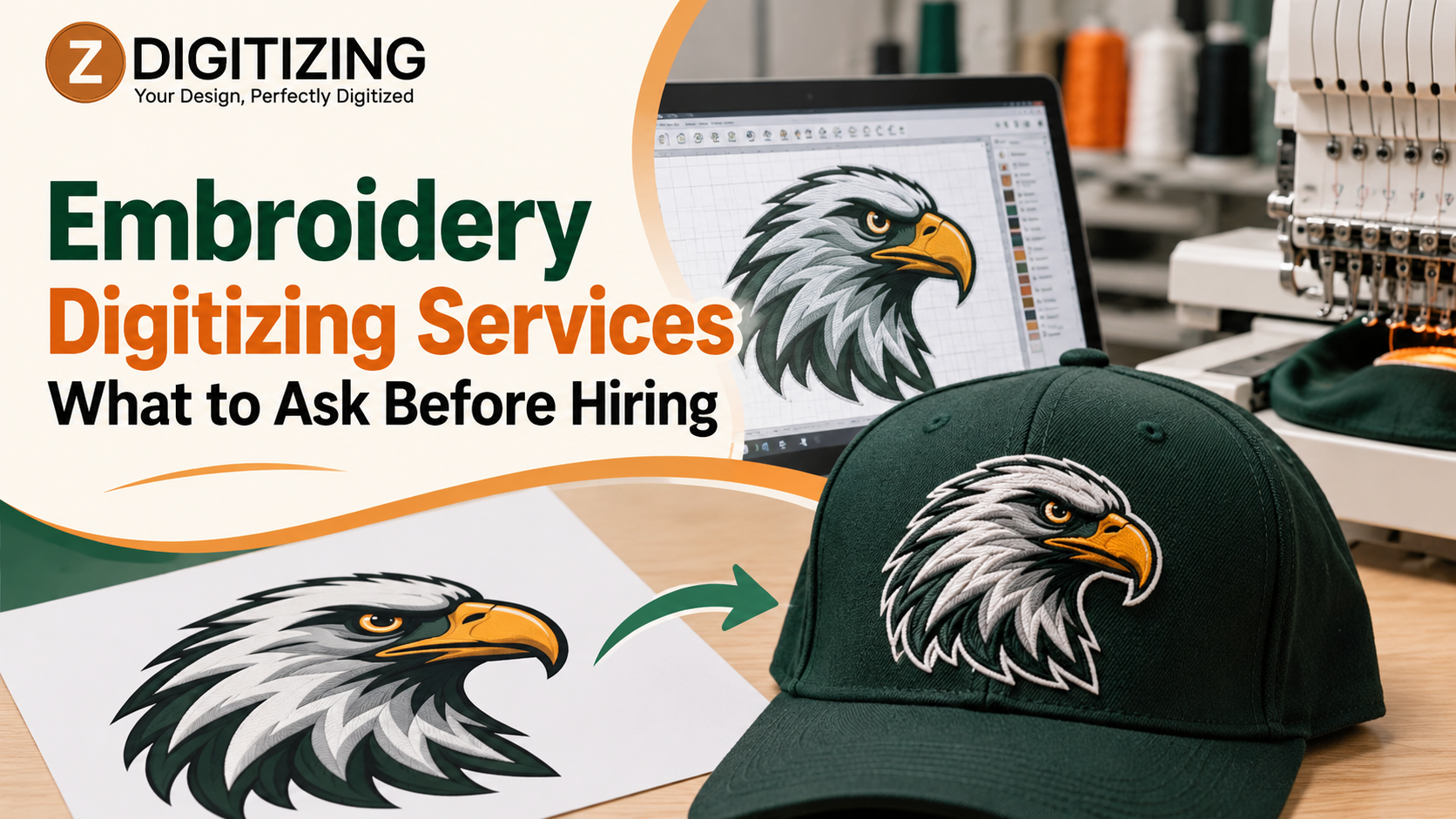
Embroidery digitizing services convert artwork, such as a logo, into a stitch file that an embroidery machine can sew. The file tells the machine where each stitch goes, which direction it runs, how dense it is, and when to change thread colors.
JPG, PNG, and PDF files only store images, so they cannot run a machine. Digitizing is the step that turns your artwork into stitch instructions.
Question 1: Is the File Built for My Placement?
A left chest logo, a cap front, and a jacket back need different settings. Ask whether the provider builds files around the placement, not just the image.
At ZDigitizing, we offer digitizing for several placements and styles:
- Left chest: Through our left chest logo digitizing service
- Caps and hats: Through our cap logo digitizing and hat digitizing services
- Jacket backs and sleeves: Through our jacket back digitizing and back and sleeve digitizing services
- 3D puff: Through our 3D puff embroidery digitizing service
- Patches and applique: Through our patch digitizing and applique digitizing services
Question 2: Is a Person Reviewing My Artwork?
Auto-digitizing software converts an image into stitches quickly. It often struggles with small text, thin lines, gradients, and curved placements. Manual digitizing lets a person choose stitch type, direction, and underlay for each area.
Ask whether someone reviews your design for details that will not stitch well. A good review flags problems before production, not after.
Question 3: What Settings Will Shape the File?
You do not need to set these yourself, but you should know they exist:
- Stitch type: Satin stitches suit borders and lettering, fill stitches cover larger areas, and run stitches draw thin lines.
- Density: Too many stitches make a design stiff and heavy, and too few leave gaps where the fabric shows.
- Underlay: Foundation stitches stabilize the fabric and give the top stitches a smooth base.
- Pull compensation: Thread pulls fabric inward as it sews, so shapes are adjusted to offset that pull.
- Stitch order: The sequence of stitching affects alignment and thread trims.
A provider who can explain these choices usually builds files with care.
Question 4: Will the File Match My Machine?
Embroidery machine brands read different formats. Common ones include:
- DST: Widely used on commercial machines
- PES: Common with Brother and Babylock machines
- EXP: Used with Melco machines
- JEF: Used with Janome machines
Tell the provider your machine’s format before work begins, so the file loads without conversion problems.
Question 5: What Do I Need to Send?
Better input leads to a better file. Gather these items:
- The best version of your artwork, such as a vector file, a clear PNG, or a high-resolution JPG
- The finished width and height you want
- The garment and fabric type
- The placement, such as left chest, cap front, or jacket back
- Thread colors or Pantone references, if you have them
- Your machine’s file format
How We Handle Your Order
At ZDigitizing, we follow a clear process:
- You send your artwork. Include the logo, garment type, placement, and finished size.
- We review the design. We flag thin lines, gradients, and small text that may not stitch well.
- We build the stitch file. We set stitch types, direction, density, and underlay for your placement.
- You receive the file. We deliver it in the format your machine reads.
If your artwork needs cleanup first, our vector art service and our convert image to embroidery file service can prepare it before digitizing begins.
Red Flags to Watch For
Be cautious when you see any of these signs:
- No questions about the garment: Fabric changes stitch settings, so a provider who skips this step may use generic settings.
- No mention of placement: One file rarely suits every placement.
- No format request: The file may not load on your machine.
- Promises to stitch any detail: Tiny text and thin lines often need simplifying.
- No suggestion of a test sew-out: A sample on the real garment shows problems a screen cannot.
When Are Professional Embroidery Digitizing Services Worth It?
Professional digitizing is worth it when a design must look consistent across many garments. A well-built file reduces thread breaks, puckering, and re-stitching. Uniform programs, sports teams, schools, clubs, embroidery shops, and apparel brands all benefit from clean files they can reuse.
Hire for the File, Not Just the Price Tag
A good logo still sews out badly when the file ignores the garment and placement. At ZDigitizing, we build each file around the design, the fabric, and the finished size. Our custom embroidery digitizing services focus on readable detail, stable stitching, and files your machine can load without trouble.
If you have artwork ready, send it to us with the garment type and placement, and we will help you decide what to adjust before the design reaches the machine. You can also explore our logo digitizing service for brand marks.
FAQs
What are embroidery digitizing services?
Embroidery digitizing services turn artwork into a stitch file that an embroidery machine can read. The file sets stitch types, density, direction, and color changes, so the machine can sew your design accurately on a garment.
What should I ask before hiring a digitizer?
Ask whether the file is built for your placement, whether a person reviews your artwork, which file format you will receive, and whether a test sew-out is recommended. These questions reveal how much care goes into the file.
Can any logo be digitized?
Most logos can be digitized, but not every detail stitches well. Fine lines, tiny text, and gradients may need simplifying. We review your artwork and suggest changes that keep the design recognizable in thread.
Which file format should I request?
Request the format your machine reads. DST, PES, EXP, and JEF are common choices. If you are unsure, check your machine’s manual or contact us, and we can confirm the correct format before we digitize your design.
What should I send for custom embroidery digitizing?
Send the clearest version of your artwork, ideally a vector file or a high-resolution image. Include the garment type, placement, target size, and thread colors. With those details, our custom embroidery digitizing services team can start without back-and-forth.