



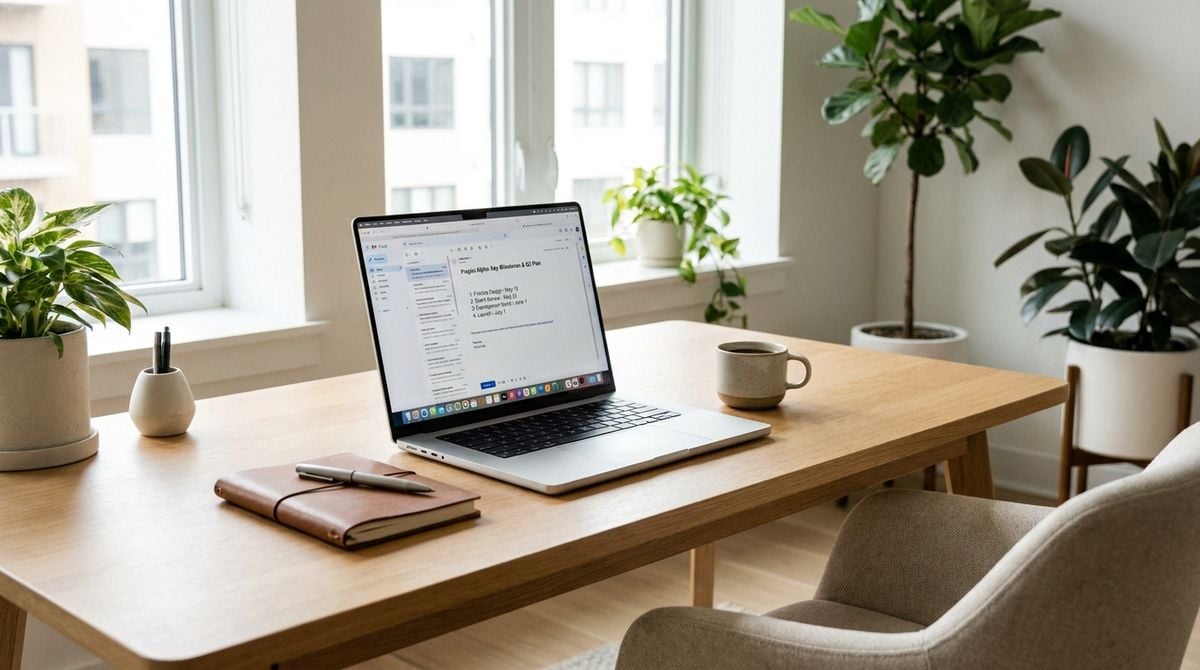
Tracking a major live event as it unfolds requires a level of focus that a single computer monitor rarely supports. Whether you are following an emergency weather alert, a fast-moving corporate development, a regional transit disruption, or a major civic announcement, your operating system quickly becomes an overwhelming tangle of browser windows, social channels, live video streams, and blank text documents. When every fresh piece of information competes for the exact same rectangle of screen space, you end up spending more energy minimizing windows and dragging scrollbars than actually understanding the situation.
A thoughtfully arranged multi-monitor workstation transforms this chaotic experience into a structured, calm observation post. By assigning specific roles to each physical screen, you eliminate visual noise, protect your active writing from accidental closure, and maintain an organized overview of rapidly developing facts. With the right hardware layout and window management habits, you can process incoming alerts efficiently without losing track of the bigger picture.
Separating Live Streams from Analytical Reading
The most common mistake people make when setting up a multi-display desk is scattering windows randomly across whatever space is available. They might open a live video stream in a corner of their primary display, float a messaging channel directly over their active notes, and let browser tabs stack up in disarray. This haphazard layout forces your brain to constantly switch contexts between tracking sudden motion and writing coherent sentences.
To create order, establish a strict physical boundary between dynamic feeds and stationary workspaces. Your primary monitor, positioned directly in front of your keyboard at eye level, must remain your designated thinking area. This display belongs solely to your primary text editor, your spreadsheet, or your core drafting document. It should remain still, predictable, and free from auto-refreshing sidebars or flashing alert badges.
Your secondary monitor, placed slightly to the left or right, should serve as your intake receiver. This is the natural home for live broadcasts, rolling news banners, and incoming message queues. Because this display sits just outside your central line of vision, visual movement on the screen does not constantly break your train of thought. You can glance over intentionally when you need an update, rather than having flashing pixels interrupt your active typing.
Configuring Display Real Estate for Fast Intake
Once your displays are positioned, divide your secondary screen into vertical halves rather than wide horizontal bars. Most websites use vertical layouts, meaning tall, narrow windows present articles and updates cleanly while cutting out wasted side margins.
Use one vertical half of your secondary display for continuous breaking coverage. Keeping an eye on rapid developments requires dependable portals that gather verified reports cleanly. Setting a browser tile to newsupdatesnow.com gives you immediate visibility into emerging national and international headlines without cluttering your research window with social media chatter. A dedicated pane for direct news bulletins ensures that critical developments register right away without constant manual refreshing.
Use the remaining vertical half of that display for primary verification assets. Depending on the nature of the event you are tracking, this pane might hold an official weather radar, a municipal public safety scanner feed, a video broadcast, or an agency press portal. Keeping your general news feed directly beside your primary verification feed allows you to cross-check emerging claims against official notices in seconds, all while your main drafting document remains completely undisturbed on your center screen.
Balancing Urgent Bulletins with Background Context
Breaking alerts provide immediate updates, but early reports often lack context, and initial claims can change quickly. A disciplined research desk is designed not simply to chase breaking headlines, but to weigh them against established background facts.
When an unexpected development flashes across your intake screen, resist the temptation to draft immediate conclusions based solely on a single headline. Instead, use your primary monitor to pull up foundational documentation, related archives, and comprehensive explanatory writing. Comparing rapid bulletins against established background materials provides the context required to understand why an event is happening and what its broader implications might be.
A live feed tells you what is happening at the moment, but it rarely explains the historical patterns or deeper industry dynamics behind the story. Dedicating the analytical half of your screen to curated libraries like Carolina Articles allows you to pull up thoughtful reference reading and topical essays that provide necessary depth to fast-moving current events. Reading an informative overview alongside breaking updates helps you evaluate new claims with greater accuracy.
This division creates an effective buffer between incoming noise and your finished records. Your secondary screen serves as an active discovery stream, while your main screen remains a steady verification station, resulting in clearer notes and less cognitive strain.
Managing Browser Memory and System Stability
Running multiple displays with live video feeds, dynamic maps, and high-frequency web pages places steady demands on your computer hardware. If a browser tab crashes during a developing event, you risk losing unsaved notes, missing broadcast segments, and wasting time rebuilding your window layout.
To keep your system running smoothly during long research sessions, adopt a few practical operating habits:
- Run your dynamic feeds in a secondary browser so video playback crashes do not close your document tabs.
- Mute browser tabs by default to prevent unexpected audio spikes from sudden video playbacks or emergency alerts.
- Use keyboard shortcuts to snap windows into halves and quadrants without relying on slow manual resizing.
- Save your monitoring windows into a browser bookmark group to reopen your full layout with a single click.
System stability also depends on how well your desk connects with your portable workflow. If you already maintain a digital dispatch kit for field work, your home desk serves as the central anchor where raw field logs and initial observations get organized into a permanent archive. Aligning your folder structures and file names across both environments ensures your research pipeline transitions smoothly from mobile note-taking to desktop analysis.
Establishing a Clean Closeout Routine Each Day
When an intense tracking session concludes, leaving dozens of open tabs, video players, and temporary notes scattered across your screens creates subtle mental exhaustion. The visual disarray you leave behind at night becomes an immediate source of friction when you sit down at your desk the following morning.
End every session with a deliberate reset. Review any raw text captured on your primary screen, move valuable notes into permanent folders, and close down background feeds that are no longer relevant. Clearing your secondary monitor completely signals to your brain that the active monitoring phase has ended.
Taking a few moments to shut down your research hub properly leaves your workspace clean, orderly, and ready for whatever comes next. When the next major story develops, you will not have to waste energy clearing away clutter before you can begin your work.