




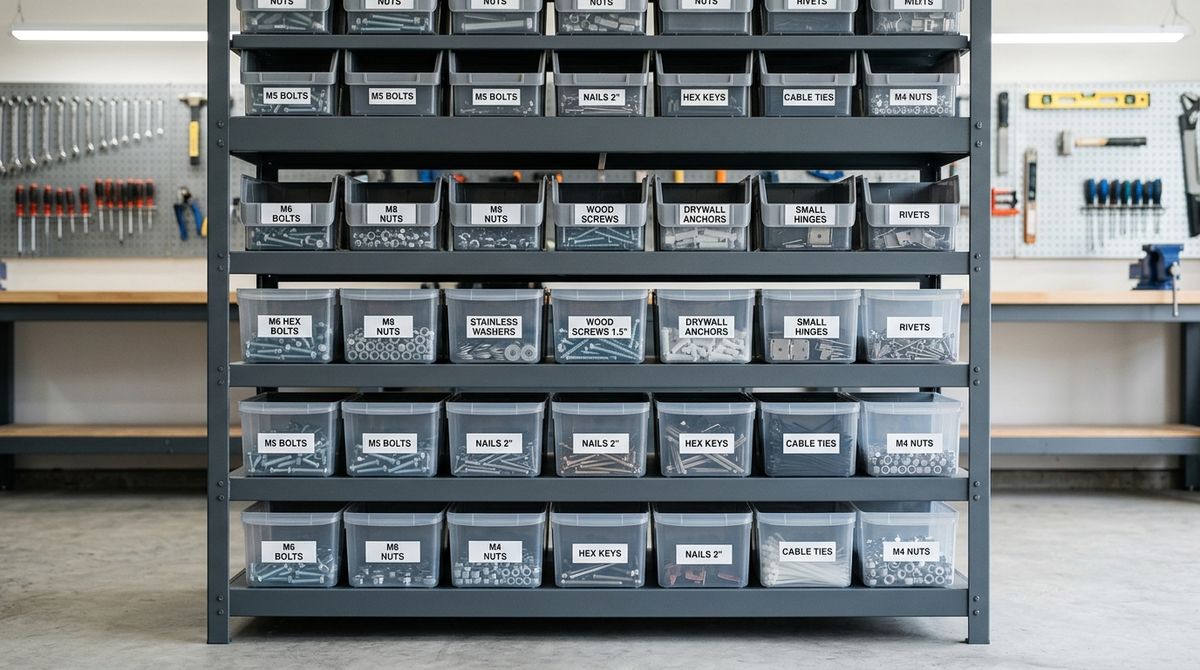
Managing the vast amount of digital information stored on modern devices can quickly become an overwhelming challenge. Without a proactive strategy, files end up scattered across desktops, download folders, and various cloud services, making it increasingly difficult to locate essential documents or maintain a coherent digital workspace. Developing an intentional approach to digital storage not only improves efficiency but also provides peace of mind, knowing that important data remains organized, accessible, and protected against potential loss or corruption. By establishing consistent habits, you transform your digital environment from a source of stress into a streamlined tool that supports your daily tasks and broader ambitions.
Developing a Logical Folder Structure
The foundation of any effective storage system is a consistent and logical folder hierarchy. A disorganized file system is often the result of creating folders haphazardly, without considering how they fit into a larger framework. Start by identifying the primary categories of your digital life. These might include personal documentation, professional projects, creative work, and archives. The goal is to keep the top level of your directory clean and focused. Instead of having dozens of loose files, ensure that everything is placed within a folder that accurately reflects its content.
As you deepen the hierarchy, focus on creating subfolders that provide meaningful context. For example, rather than having a generic folder labeled for projects, create separate subfolders for each initiative. Within those, you might organize files by type, such as drafts, final versions, or supporting research. This granular approach makes searching for specific items far more intuitive. Avoid the temptation to create overly complex nesting, as it can make finding files tedious. The ideal structure is one that balances depth with accessibility, allowing you to reach any file within a few clicks.
Choosing Reliable Physical Storage Hardware
Hardware decisions significantly impact the longevity and safety of your data. While cloud storage offers convenience, physical drives remain essential for maintaining local copies of sensitive or high-volume data. Understanding the differences between types of storage is a fundamental step in building a robust system. Solid-state drives, for example, offer faster performance and increased resistance to physical damage compared to traditional mechanical hard drives. When deciding which hardware to purchase, consider the specific needs of your workflow, such as the amount of space required and whether you need portability or high-capacity desktop storage.
Making an informed decision requires looking beyond basic specifications. It is often helpful to consult resources that provide insight into the performance and reliability of various devices. Using a platform such as product-review.org allows users to gain a better understanding of how different storage products perform. This research is vital because it helps you identify hardware that aligns with your specific reliability requirements. Investing in quality storage from the outset is a proactive measure that reduces the likelihood of hardware failure and data loss later on.
Establishing a Consistent Backup Workflow
The only way to ensure data survival is through redundancy. Relying on a single storage location is inherently risky, as drives can fail and files can be accidentally deleted or corrupted. A sound backup strategy involves keeping copies of essential files in several distinct locations, including both local physical drives and external services. This multi-layered approach ensures that if one storage method fails, you still have access to your data through another channel.
Consistency is key to a successful backup process. Rather than relying on manual, sporadic copying, look for ways to automate the routine. Most operating systems include built-in tools that can be configured to periodically sync folders to an external drive. Additionally, cloud services can run in the background to provide continuous updates. The most effective backup is one that occurs without requiring constant manual intervention. By setting up an automated system, you ensure that your most recent work is always protected, reducing the need to worry about the safety of your files during the daily routine.
Managing Digital Clutter Through Regular Maintenance
Digital environments naturally accumulate clutter over time. Temporary files, outdated drafts, and duplicate documents slowly consume storage space and obscure important information. Implementing a routine for digital maintenance is necessary to prevent this buildup from becoming unmanageable. Schedule time periodically to review your file system, delete unnecessary content, and reorganize anything that has drifted out of place. This practice is akin to cleaning a physical workspace; a clear digital environment fosters clearer thinking and allows you to focus on the task at hand.
During these maintenance sessions, you might encounter persistent issues, such as files that seem to reappear or software that consistently fails to save correctly. Having a system to track these irregularities can be incredibly helpful for identifying broader patterns of dysfunction. Incorporating a handy troubleshooting log for your PC into your maintenance routine provides a reliable method for recording these reoccurring problems. When you have a record of what happens and when, you are better equipped to find permanent solutions rather than repeatedly applying temporary fixes. Regular cleaning combined with effective tracking ensures that your storage remains healthy and stable.
Connecting Your Storage Habits to Broader Goals
Organization is rarely just about file management; it is deeply connected to how you structure your time and pursue your objectives. A disorganized digital life often acts as a friction point, slowing down progress and consuming valuable attention. By simplifying how you store and retrieve information, you clear the mental space needed to focus on more meaningful endeavors. The time you save by not searching for misplaced files is time you can invest in the activities that genuinely interest and motivate you.
Digital organization should ultimately serve the purpose of helping you lead a more intentional and productive life. Consider the value of getting your efforts on a track toward success by focusing on the activities that matter most. Resources like newspanel.org highlight the importance of developing habits that align with your long-term intentions. When your digital systems are in harmony with your goals, you remove obstacles and create a clearer path forward. This alignment is what transforms storage management from a chore into an essential component of personal development.
- Create a clear, high-level folder hierarchy to prevent top-level clutter.
- Use descriptive naming conventions for files and folders to facilitate searching.
- Maintain redundant copies of all critical data across multiple physical locations.
- Schedule recurring maintenance sessions to remove temporary files and duplicates.
- Document recurring system issues to identify and resolve root causes efficiently.
By implementing these practices, you establish a resilient system that supports your digital life. The effort you invest in organizing your files and establishing a reliable backup routine is a form of self-care for your productivity. Your digital environment will become more stable, efficient, and supportive of the goals you are working to achieve. Consistent maintenance and intentional planning are the hallmarks of a well-managed digital life, allowing you to move through your tasks with greater confidence and less distraction.