





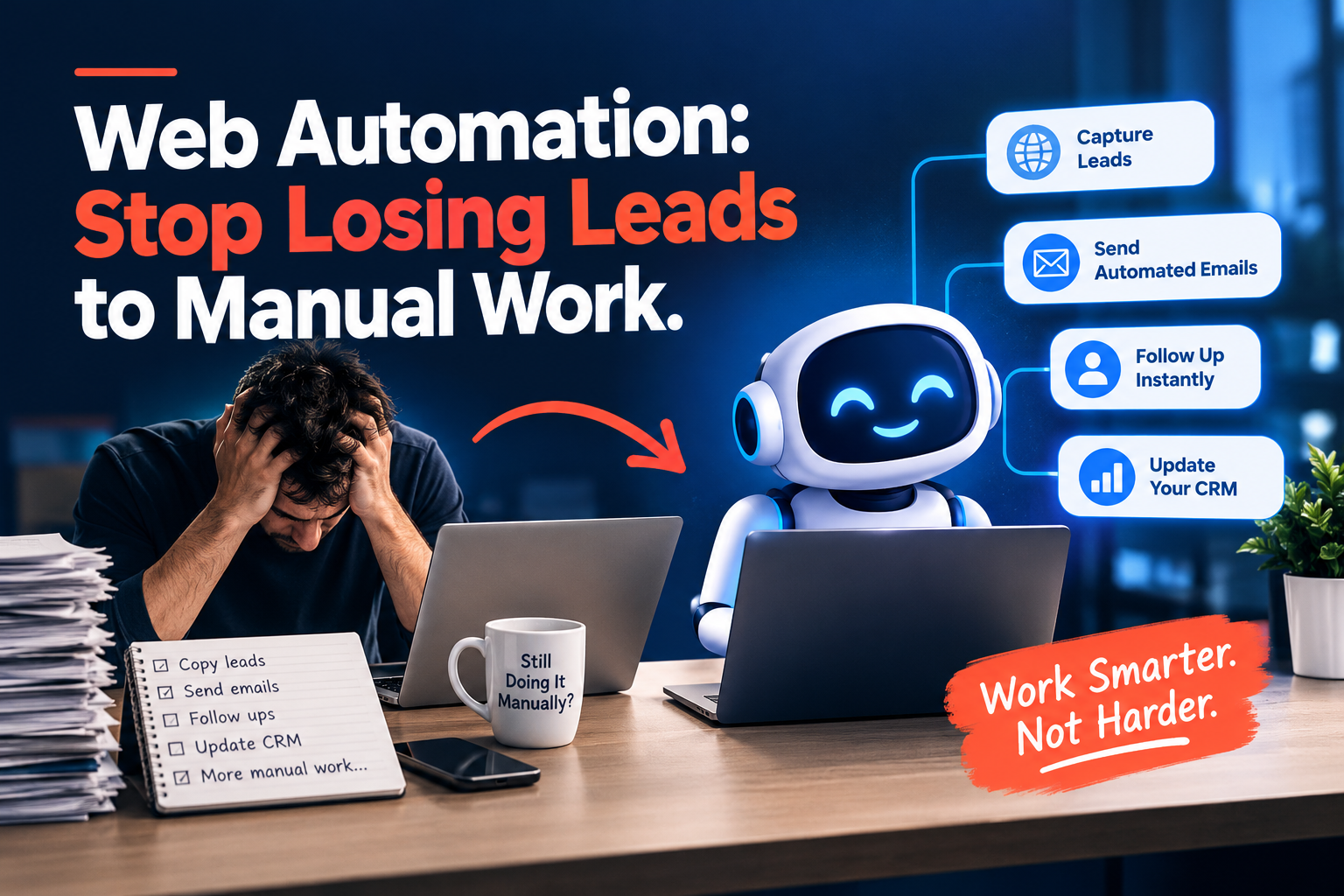
Web Automation: Stop Losing Leads to Manual Work
A customer fills out your website form at 9 p.m. Nobody sees it until morning. Then someone copies the details into your CRM by hand. A typo slips in. A follow-up gets missed. The lead goes cold. This story plays out in service businesses every day. The tools work fine on their own. The trouble starts in the gaps between them. Web automation closes those gaps, and it works while you sleep.
What Is Web Automation?
Web automation is software that moves data and triggers tasks between your online tools without human help. A form entry can create a CRM contact, alert a sales rep, and start a follow-up message. Nobody types a thing.
Think of it as a set of simple rules. When something happens in one tool, something else happens in another. The rules run all day, every day. They never get tired.
Why Do Manual Tasks Cost You Leads?
People forget, get busy, and make typing mistakes. Every copy-and-paste step is a chance for something to break.
Here is where the damage usually shows up:
- Slow replies. A lead that waits hours for an answer often calls your competitor instead.
- Bad data. One wrong digit in a phone number can mean a lost customer.
- Missed handoffs. Marketing collects the lead, but sales never hears about it.
- Wasted hours. Your team spends their day on data entry instead of real work.
Most of these problems come from disconnected tools, not bad people. Your team works hard. Their tools just don’t talk to each other.
What Does a Web Automation Service Include?
Four Pillar Marketing builds custom workflows around the tools you already use. They don’t ask you to start over. They link what you have. Their web automation service covers four areas:
- Custom workflow builds, created across n8n, Make.com, and Zapier
- Integration, which links your CRM, forms, and internal tools
- Data sync and handoff automation, so information moves cleanly between systems
- Ongoing maintenance and troubleshooting, so workflows keep running as your tools change
That last point matters more than most people think. Apps update. Settings change. A workflow that worked last month can break today. Having someone watch over it keeps your system steady.
Which Platforms Power These Workflows?
They build on n8n, Make.com, and Zapier. Each one connects apps through visual workflows, and each fits a different need.
Zapier suits quick, simple connections. Make.com handles detailed, multi-step flows. n8n offers more control for custom setups. The right pick depends on your tools and your goals.
What Results Can You Expect?
You can expect less typing, faster handoffs, and fewer lost leads. Those are the three outcomes Four Pillar Marketing builds toward.
- Fewer repetitive tasks. Your team stops entering the same data in three places.
- Faster handoffs. Leads move between marketing, sales, and operations tools without delay.
- Fewer dropped leads. Nothing falls through when nobody has to retype it.
Picture a roofing company after a big storm. Fifty form requests arrive in two days. With automation, each one lands in the CRM, alerts a rep, and gets a reply in minutes. Without it, someone spends days copying names.
Why Does Local Experience Matter in Louisiana and Mississippi?
Local service businesses share the same problem. They work with many service businesses in Louisiana and Mississippi, and most run three to five disconnected tools before the work starts. Maybe it’s a CRM, a form builder, a scheduling app, and a spreadsheet. Each one works. None of them talk.
This service is about connecting what you have, not replacing it. You keep your tools. You keep your habits. Moreover, you just stop doing the busywork between them.
How Can You Get Started?
You can start today with a pen and a sheet of paper.
- List your tools. Write down every app your team uses each week.
- Spot the repeat tasks. Find the jobs your team does by hand again and again.
- Follow one lead. Trace a single lead from form to close. Mark every manual step.
- Pick your first workflow. Start with the step that wastes the most time.
- Share your list. Bring it to a web automation team and map the first workflow together.
Ready to Stop Retyping Data?
Web automation gives your team their time back. Four Pillar Marketing connects your CRM, forms, and internal tools so leads move without delay. Visit fourpillarmarketing.com to see how they can connect the tools you already use.
FAQs
What is web automation?
It is software that moves data between your apps and triggers tasks without manual work.
Do I need to replace my current tools?
No. Automation connects your existing CRM, forms, and internal tools instead of replacing them.
Which platforms do they use?
They build workflows on n8n, Make.com, and Zapier, based on what fits your needs.
What happens if a workflow breaks?
Ongoing maintenance and troubleshooting keep your workflows running when apps or settings change.
Can automation connect my CRM and web forms?
Yes. Form entries can flow straight into your CRM with no retyping.
How does automation reduce dropped leads?
It removes manual re-entry, so no lead gets lost between tools or team members.
Who is this service built for?
It fits service businesses in Louisiana and Mississippi that run several disconnected tools.