







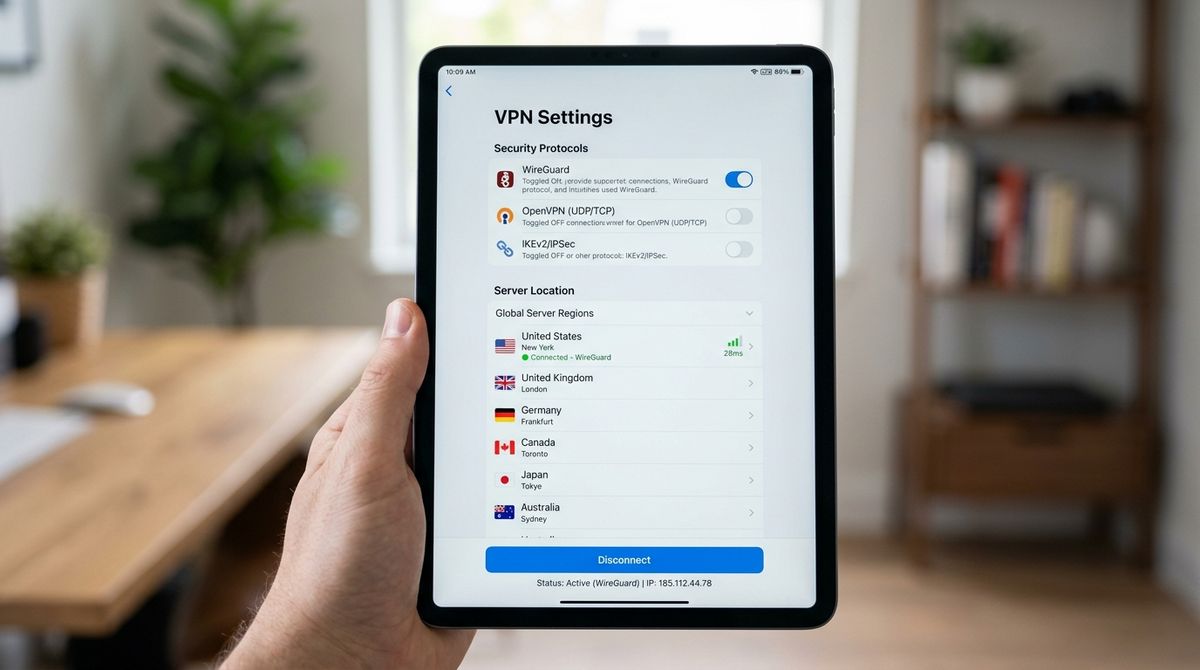
Modern technology environments often demand extended periods of engagement, whether for professional work, educational pursuits, or personal discovery. As high-resolution displays and complex digital interfaces become the norm, the physical demands placed on the human body during these interactions often go overlooked. Creating a workspace that prioritizes both technological capability and physical well-being is essential for maintaining comfort and focus throughout the day.
The interaction between the user and their digital setup is not merely a matter of software or hardware performance; it is also a physical relationship that requires thoughtful attention. Neglecting this physical aspect can lead to discomfort, which may undermine the efficiency and satisfaction gained from using advanced technology. By focusing on ergonomic principles and environmental awareness, you can create a space that supports your physical needs while you engage with your digital world.
Understanding the Physical Impact of Extended Screen Time
When you spend extended periods in front of a screen, the body naturally adopts a static posture. This lack of movement, combined with the visual concentration required by high-definition interfaces, can strain the neck, shoulders, and eyes. It is important to recognize how your current configuration—such as the height of your monitor, the placement of your input devices, and the quality of your seating—directly influences how you feel after a few hours of work.
Many users overlook the simple adjustment of their monitor’s position. A screen that is too low forces the neck into a downward tilt, creating unnecessary tension. Similarly, input devices that are positioned too far or too close can strain the shoulders and wrists. Understanding the foundational elements of a neutral posture—where your eyes are aligned with the top third of your screen and your elbows rest at a natural angle—is the first step toward improving your daily physical experience.
Curating Your Environment for Better Posture
Your workspace should be a supportive environment rather than a collection of scattered devices. This involves arranging your desk so that essential items are within easy reach, minimizing the need for constant, awkward reaching. When you configure your desk for better posture, you allow your body to remain relaxed, which can help you sustain focus for longer periods. It is beneficial to regularly explore new methods for improving this physical setup and discover tools that can aid in better arrangement.
As you refine your approach to workspace organization, you might seek out resources to help you learn about new equipment or investigate different ergonomic configurations. To explore options for discovering new equipment or learning about potential setup improvements, you may find it helpful to visit casetify for more information on finding the right tools. By continuously evaluating your surroundings, you ensure that your workspace evolves alongside your technological needs, rather than becoming a source of physical stress.
Creating a Workflow That Prioritizes Physical Health
A sustainable workflow is about more than just managing tasks; it is about managing the human element within that process. Taking regular breaks to shift your posture and refocus your vision is essential. During these breaks, movement is key. Engaging in light stretching or simply walking away from your desk can counteract the effects of a sedentary lifestyle. Incorporating these habits is crucial for long-term health.
Physical wellness also relies on factors beyond the workspace, such as your overall level of activity and dietary habits. These elements influence your energy levels and how well your body recovers from the strain of daily tasks. For further information on maintaining physical health through habits and movement, check out bbcworldservicetrust.org to learn about healthy habits and routines that can support your overall well-being. Combining these external health practices with an ergonomic workstation creates a holistic approach to managing your digital life.
Managing Your Physical and Digital Peripheral Space
The challenge of balancing modern tech with physical comfort often extends to the management of your peripherals. Many users have a mix of new equipment and older, reliable devices. Keeping these items organized is essential, but it can be difficult to do so without adding to the physical clutter of your desk. A clean, well-managed desk reduces visual distraction and makes it easier to maintain a comfortable posture, as you are not constantly shifting objects to make room for your hands.
When you need to maintain older equipment alongside newer items, it helps to follow a structured approach to keep everything in its place. For advice on how to maintain older equipment alongside newer items while keeping your desk organized, see our guide on integrating older devices into modern setups. By thoughtfully managing the physical presence of your technology, you can ensure that your environment remains conducive to both comfort and productivity.
Practical Steps for Workspace Maintenance
- Assess your chair height regularly to ensure your feet remain flat on the floor.
- Clear unnecessary items from your desk to provide ample space for input devices.
- Ensure your lighting does not create glare on your screen, which can strain your eyes.
- Adjust your screen distance to minimize the need for leaning forward.
- Rotate the position of peripherals if you find yourself developing strain in one particular area.
Sustaining Your Setup Over the Long Term
Maintaining a comfortable and efficient workspace is an ongoing process rather than a one-time project. As your technology needs change, your physical requirements will also evolve. Periodically reviewing your setup, adjusting your chair, checking your posture, and reconsidering the placement of your devices will help ensure that your environment continues to serve you well. By treating your physical comfort as an essential component of your technological success, you build a sustainable foundation for all your digital pursuits.
This approach to technology usage emphasizes the importance of balancing your interactions with devices with a focus on your own physical health. By creating a mindful, ergonomic workspace and supporting it with healthy habits, you can better enjoy the benefits that modern technology has to offer while minimizing the physical strain often associated with daily digital engagement.