






When coding equipment stops working, manufacturers need a practical response. Restoring production matters, but the decision should also consider the printer’s condition and ongoing application requirements.
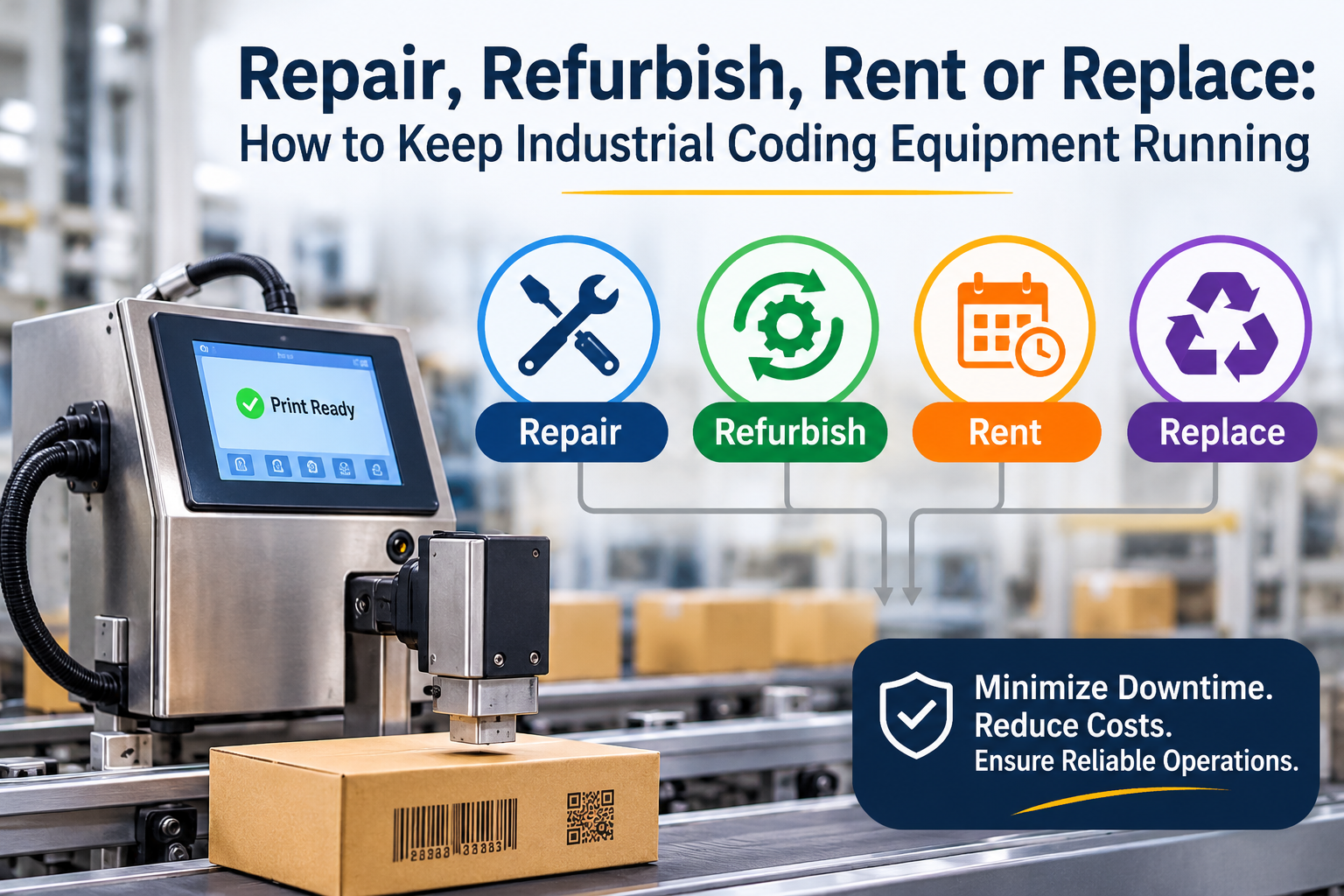
Repair, refurbishment, rental, and replacement serve different purposes. The right choice depends on the diagnosis, equipment support, production needs, and budget.
An industrial coding solution repair vs. replace assessment should begin with the actual problem. An incomplete message or displayed warning doesn’t determine whether a printer needs replacement.
People Also Ask
Should industrial coding equipment be repaired or replaced?
The decision depends on diagnosis, repairability, support availability, and whether the printer still meets production requirements. Compare the proposed work with replacement costs and operating needs.
Can rental equipment help during a printer interruption?
It may provide a temporary option where suitable equipment is available. Confirm application compatibility, installation requirements, rental terms, and support before relying on it.
Start With Diagnosis and Application Requirements
Before comparing options, establish what changed and whether the equipment still fits the application.
Record the manufacturer, model, serial number, and the exact message displayed; if no message appears, state that clearly and describe the symptoms.
Include recent changes to packaging, ink, message layout, or production line speed. These details help distinguish a fault from an application change.
For case coding, review message dimensions and packaging compatibility alongside equipment condition. The high-resolution inkjet case-coding guide explains these selection considerations in more detail.
Repair: Address a Diagnosed Fault
Repair may be appropriate when a supported printer still meets production requirements, and the identified problem can be corrected.
Request an explanation of the proposed work, parts availability, and service arrangements. Compare the quotation with the equipment’s condition and expected continued use.
All Pro Technical Service emphasizes diagnosis of the underlying problem when providing support.
Technical assistance may begin by phone. Depending on the issue, recommendations, documentation, or videos may help establish the next step.
Confirm repairability and timing for the actual printer.
Refurbish: Assess a Supported Existing Printer
Refurbishment involves assessing a supported printer for restoration rather than assuming every older printer requires replacement.
All Pro Technical Service offers a Refurbishing Program and can discuss an existing printer, where supported. Refurbished Linx printers are also available for sale.
When considering a refurbished industrial inkjet printer, confirm its condition, supplied configuration, and application suitability.
Ask what work is included and which support arrangements apply. Do not assume that refurbishment changes the printer’s original capabilities.
A restored printer must still accommodate the substrate, message and operating requirements.
Rent: Consider a Temporary Equipment Requirement
An inkjet printer rental may be worth discussing when equipment is needed for a limited period.
Possible situations include a temporary production requirement or a planned equipment transition. However, suitability depends on available equipment and the printing application.
Confirm:
- Printer configuration and availability
- Rental duration and terms
- Installation requirements
- Approved consumables
- Technical-support arrangements
All Pro Technical Service offers rental units. Discuss availability before building a production plan around a rental.
Temporary equipment still needs appropriate setup, message control and operator instructions.
Replace: Match Equipment to Current Production Needs
Consider replacement when the existing printer cannot meet the application or when support limitations affect continued use.
Review current requirements before selecting new equipment. A replacement should address the actual printing task rather than simply reproduce an older setup.
For continuous inkjet applications, All Pro Technical Service can discuss suitable Leibinger printers.
For high-resolution case coding, Squid CoPilot selection begins with the required print area. Packaging material, ink compatibility, production line speed and budget also guide selection.
Avoid treating repeated quality concerns as automatic proof that replacement is necessary.
Compare the Complete Cost and Production Impact
Managing industrial printer downtime requires more than comparing quotations.
Include diagnosis, installation, consumables, operator instruction and expected service needs. Consider whether the proposed option requires changes to mounting, messaging, or material handling.
Repair may retain a familiar setup. Replacement may introduce different procedures. Rental and refurbishment also require application checks.
Compare each option using the same production requirements. Confirm schedules and availability instead of assuming immediate restoration.
Plan Support Before the Next Interruption
Maintain accessible equipment records, approved consumable references, and operating instructions.
Follow manufacturer-recommended Preventative Maintenance intervals. Scheduling also depends on usage, ink type, and plant environment.
Contact All Pro Technical Service to discuss repair, refurbishment, rental, or replacement. Provide equipment details and production requirements so the options can be assessed around the application.
Frequently Asked Questions
Does All Pro Technical Service refurbish every printer model?
No universal coverage should be assumed. All Pro Technical Service can discuss refurbishment of an existing printer, where supported. Confirm eligibility for the manufacturer and model.
What should manufacturers check before buying a refurbished printer?
Review condition, configuration, application suitability and support arrangements. Confirm that the printer meets substrate, message, print-area and production requirements.
What information is needed when requesting repair assistance?
Provide the manufacturer, model, serial number and exact displayed message. Describe the symptoms and recent changes if no message appears, state that clearly.