



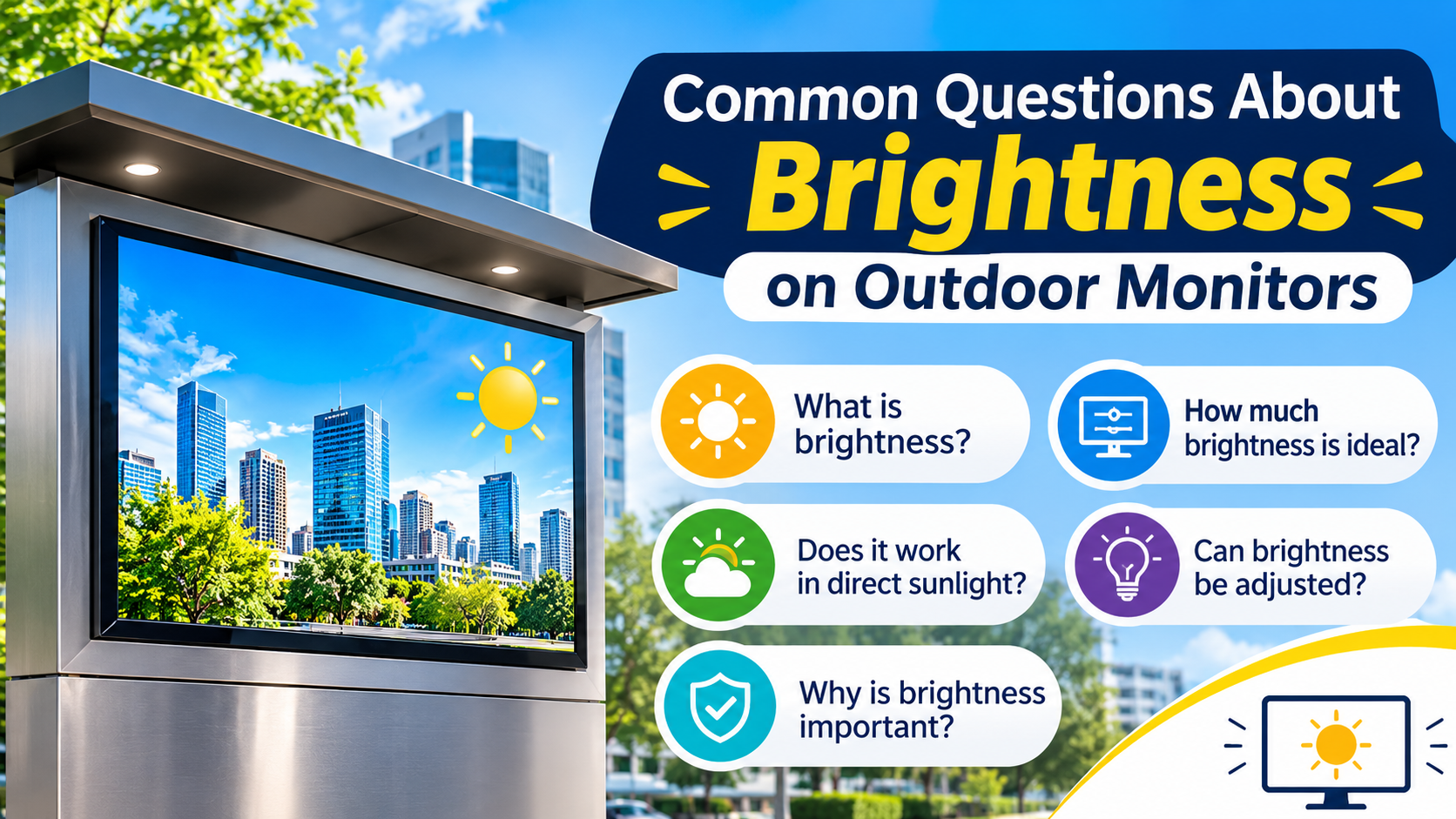
Brightness is the first spec most buyers check on an outdoor monitor, and often the most misunderstood. This article answers the questions engineers and buyers ask most about brightness on sunlight-readable monitors. Each answer starts with a short, direct reply, followed by the details behind it. Together, they show what brightness can and can’t do outdoors.
People Also Ask
What is the difference between Nits and Lux?
Nits are the amount of light coming out of the screen, while lux measures how much light the sun shines onto a surface like your screen. Both factors affect how visible your screen is outside, with nits competing against the sun’s lux.
Can standard monitors be made sunlight readable?
Yes, often. By upgrading the backlight for more brightness, adding anti-reflective glass, and using an optically bonded panel, you can upgrade a standard panel. Make sure your casing can handle the extra heat from a brighter backlight.
Will sunlight readable monitors work inside?
Yes, they will. Sunlight-readable monitors have automatic brightness detection or manually set brightness so they won’t be as bright inside. This reduces glare and saves power.
What Does Brightness Mean on a Display Monitor?
Screen brightness is measured in nits. One nit equals one candela per square meter. The higher the value, the brighter the screen.
This value is typically measured in the center of an unadorned panel displaying white. Multiple layers on top of the panel, including cover glass, touch sensors, and filters, reduce light output.
How Much Brightness Does an Outdoor Monitor Need?
This depends on how much light hits the screen. If it will be used in a shady area, you’ll need much less than if it’s used in direct sunlight.
Most standard indoor monitors have a brightness of 250-450 nits. Industrial suppliers generally treat 800 to 1,000 nits as the starting point for a sunlight-readable monitor. E3’s sunlight-readable displays run up to 2,500 nits for the brightest sites. Direct sunlight often requires higher numbers or excellent reflection management. Partial shade will fall somewhere in between.
Why Does a Bright Monitor Still Look Washed Out in Sunlight?
Reflection will add extra light. As dark areas appear grey, there is less difference between dark and light areas in the image.
Outside it is important to consider the ambient contrast ratio. This is the ratio of white to black after accounting for reflections. If you have a screen with high reflections, it can look washed out at all brightness levels. Often, reducing reflections helps more than increasing nits. Panels that reflect ambient light instead of competing with it take this furthest, as our guide to all-light-readable display options explains.
Does Higher Brightness Always Mean Better Outdoor Visibility?
No. Past a certain point, extra brightness costs more than it improves visibility.
Every step up in brightness draws more power and creates more heat. That heat can dim the backlight, shift color, or, in extreme cases, black out the screen.
A dimmer screen with low reflection can outperform a brighter one with high glare. Anti-reflective coatings and optical bonding raise contrast without adding power. This breakdown of passive enhancements for reflective and transflective panels covers which treatments deliver most per dollar.
How Much More Power Does a High Brightness Monitor Use?
Quite a bit more. As backlight brightness increases, so does power use.
Your backlight will typically be the biggest power user on your LCD monitor. This is especially noticeable on battery, solar, or vehicle-powered devices. An ambient light sensor helps reduce this by allowing full brightness only when needed from the sun.
Do Outdoor Monitors Get Hot, and Does That Matter?
Yes, and the heat affects the image. Sunlight heats the front of the screen while the backlight heats it from behind.
Both peak around midday. If the panel passes its rated temperature, the image can fade or turn black until it cools. Shading, metal chassis designs, and wide temperature displays help keep the panel within its limits.
Can Brightness Adjust Automatically?
Yes. An ambient light sensor measures surrounding light and adjusts the backlight to match.
The screen brightness reduces in the shade or at night, saving power, reducing heat, and extending backlight life. This means that there is no glare when using it at night.
Does Brightness Fade Over the Life of a Monitor?
Yes. LED backlights dim slowly with use rather than failing all at once.
Datasheets often rate this as half-brightness life, the running time until the backlight reaches half its starting brightness. Heat and high drive current speed up the fade. A sound specification states the minimum brightness required at end of life, not just on day one. Holding that figure across a long programme depends on consistent panel inspection and lifecycle planning.
Does Adding a Touch Screen Reduce Readability?
It can. A touch sensor adds another layer and more reflective surfaces in front of the image.
With an air gap behind the sensor, those extra reflections lower contrast in sunlight. Optical bonding fills the gap and removes most of those reflections. PCAP touchscreens bonded to the panel can stay readable outdoors and still work with gloves.
What Should Be Specified Alongside Brightness?
Brightness is one line in a longer specification. Reflection, contrast, heat, and touch all shape outdoor readability.
A useful requirement covers:
- Brightness measured at the front of the finished assembly
- Surface reflectance and anti-reflective treatment
- Contrast at the expected ambient light level
- Operating temperature range, including sun on the screen
- Touch type and glove or water performance
- Dimming range and end-of-life brightness
The guide to specifying a sunlight-readable display covers each item in detail.
Getting Brightness Right for the Site
E3 Displays starts from off-the-shelf panels and adds the brightness, bonding, and touch integration each application needs.
To review brightness and readability needs for a sunlight-readable display monitor, talk to an E3 Displays engineer.
Frequently Asked Questions
Does screen size change how much brightness is needed?
Not directly. It’s measured per unit of area. So if both large and small screens have the same nits, they will appear just as bright.
Does anti-glare treatment reduce brightness?
A little, as anti-glare screens work by scattering the reflections, causing a hazy effect. This can make fine text look more blurred. Anti-reflective screens remove reflections without causing the hazy effect.
Can OLED monitors be used in direct sun?
Some can be, but most OLEDs won’t be as bright as high-brightness LCD displays. Be careful with reflections and heat.
Does on-screen content affect outdoor readability?
Yes. Large text, bold lines, and high-contrast colors read better in sunlight than thin fonts and pale colors.
Is a brighter screen harder to look at in the dark?
Yes, unless it dims. Without automatic or manual dimming, a high-brightness screen causes glare at night.
URL slug: /sunlight-readable-monitors-brightness-questions/
Social snippet: Brightness is the first spec most buyers check on an outdoor monitor, and often the most misunderstood. A brighter screen can still wash out, run hot or fade early. These answers cover what brightness can and can’t do in direct sun.