





A sales van leaves the warehouse carrying products for the day’s customer visits. Along the route, one retailer buys more than expected, another returns damaged goods, and a third pays an outstanding invoice.
By the evening, the office needs to answer three questions: what was sold, what stock remains, and how much money was collected?
When those answers depend on handwritten notes and separate spreadsheets, reconciling the day can become a lengthy task. Vansale software in the UAE can help distributors connect field transactions with office records, giving both teams a clearer view of daily activity.
For businesses evaluating a system, the most useful approach is to follow a complete working day—from loading the vehicle to closing the route.
Understand Your Sales Model First
Van sales and delivery operations do not always follow the same process.
Some teams sell directly from vehicle stock, allowing customers to choose products during a visit. Others deliver orders that customers placed earlier. A field representative may also take an order today for delivery on a later trip.
Your business might use all three approaches.
Before comparing software, identify which transactions your team needs to handle. Ask providers to demonstrate each process and explain when stock is reserved, deducted, or returned.
An order captured for future delivery should not be confused with goods already handed to a customer. Clear transaction types help the warehouse, sales team, and accounts department work from consistent records.
Start with Accurate Vehicle Loading
Reliable van inventory begins before the vehicle leaves the warehouse.
The loading process should establish which products and quantities are assigned to each vehicle. Staff should be able to compare the physical load with the recorded transfer and resolve differences before departure.
Pay attention to units of measurement. A distributor might load products by carton but sell them by pack or individual piece. Ask the provider to demonstrate these conversions using your own products.
For example, if a carton contains twelve units, selling three individual units should leave nine available from that carton. Incorrect conversions can create stock differences even when the salesperson records every sale.
Also test additional loading during the day and transfers between vehicles. Each movement should have a clear source, destination, and acknowledgement.
Give Sales Representatives Useful Customer Information
A productive customer visit depends on more than knowing the address.
Representatives may need access to previous orders, agreed prices, outstanding balances, and scheduled follow-ups. Having this information available can help them respond to routine questions without repeatedly contacting the office.
Check how customer-specific pricing works. Can a representative select only authorised prices? Who can approve an exception? What happens when a price changes while a device is offline?
For credit customers, ask how the system handles limits and overdue balances. Determine whether these settings produce warnings, block transactions, or require approval.
The software should reflect your company’s policies, with clear permissions for anyone allowed to override them.
Keep Sales and Collections Separate
A sale and a payment are related, but they are different events.
A customer might purchase on credit, pay only part of an invoice, or settle an older balance without buying anything new. Your records need to distinguish these situations.
Consider a retailer purchasing AED 600 of goods and paying AED 200 against an earlier invoice. Recording the entire visit as one cash transaction would obscure what was sold and which debt was reduced.
During a demonstration, test partial payments, collections against previous invoices, and corrections to incorrectly allocated payments.
Ask how receipts are issued and how payment methods appear in the closing report. This makes it easier to compare recorded collections with the amounts handed over or confirmed through other payment channels.
Test Returns and Unsold Stock
Returns deserve their own workflow.
A customer may return a saleable item, a damaged product, or goods requiring further inspection. These should not automatically become identical stock entries.
Ask whether staff can record a return reason and identify the original transaction where appropriate. Check how the return affects the customer’s balance and the vehicle’s inventory.
At the end of the route, the system should also distinguish products returned to the warehouse from those remaining on the van.
A useful reconciliation compares opening stock and additional loads with sales, returns, transfers, and recorded adjustments. Any unexplained difference should remain visible for investigation.
Verify Offline Behaviour in Practice
If uninterrupted connectivity cannot be assumed on your routes, offline behaviour deserves a practical test.
Ask the provider to disconnect a demonstration device and complete the activities your team needs: opening customer records, creating a sale, issuing a receipt, or recording a collection.
Then reconnect it and examine the results.
Check how the software prevents duplicate submissions and identifies transactions that have not synchronised. Ask what happens when office staff update a customer’s balance or product price while the device remains offline.
“Offline support” can cover different capabilities. Confirm the specific functions available and how conflicts are resolved.
Use Route Reports to Investigate Performance
Route reporting should help managers understand the day’s work.
Useful measures may include completed visits, orders placed, unsuccessful visits, returns, collections, and stock differences.
Read these figures together. A route with fewer orders may involve longer travel distances or customers placing larger purchases. A visit without a sale might still involve collecting payment or resolving a service issue.
Before comparing representatives, consider territory conditions and customer requirements. Reports are most useful when they help managers identify questions and follow up with the team.
Choose a System Through a Complete Route Trial
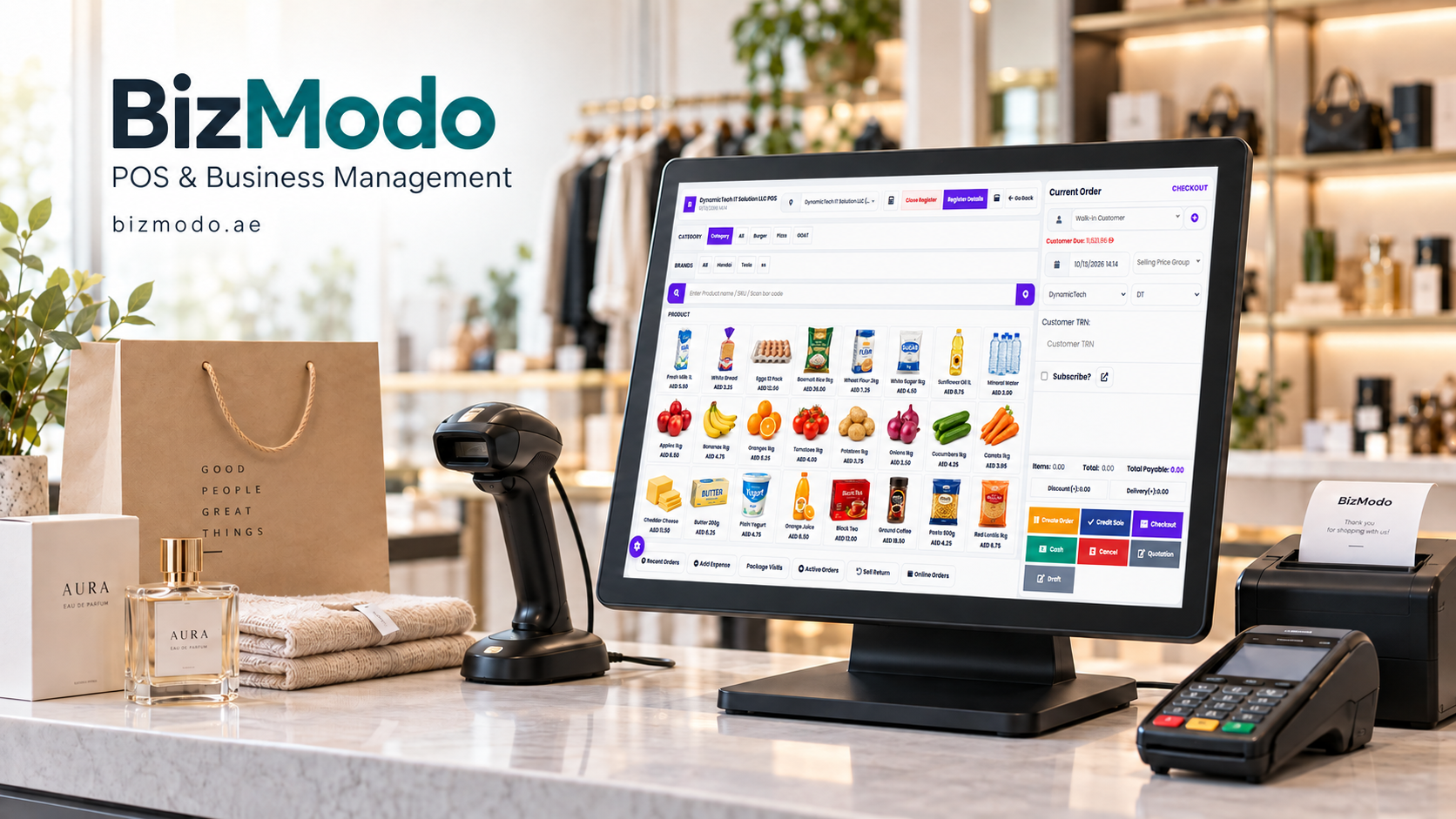
Businesses exploring Vansale Software in the UAE can include BizModo in their evaluation and request a demonstration based on an actual working route.
Prepare sample customers, products, prices, and opening balances. Test vehicle loading, a direct sale, an old invoice collection, a return, and the final reconciliation.
Confirm device and printer compatibility, training arrangements, support availability, and all relevant subscription costs. Have your accounts team review the proposed billing configuration and data exports.
Before a wider rollout, run a controlled pilot with a small team. Compare physical stock, transaction records, and collections at the end of each day.
The right system should make the route easier to manage from departure to reconciliation, with records that field staff and office teams can both understand and trust.