







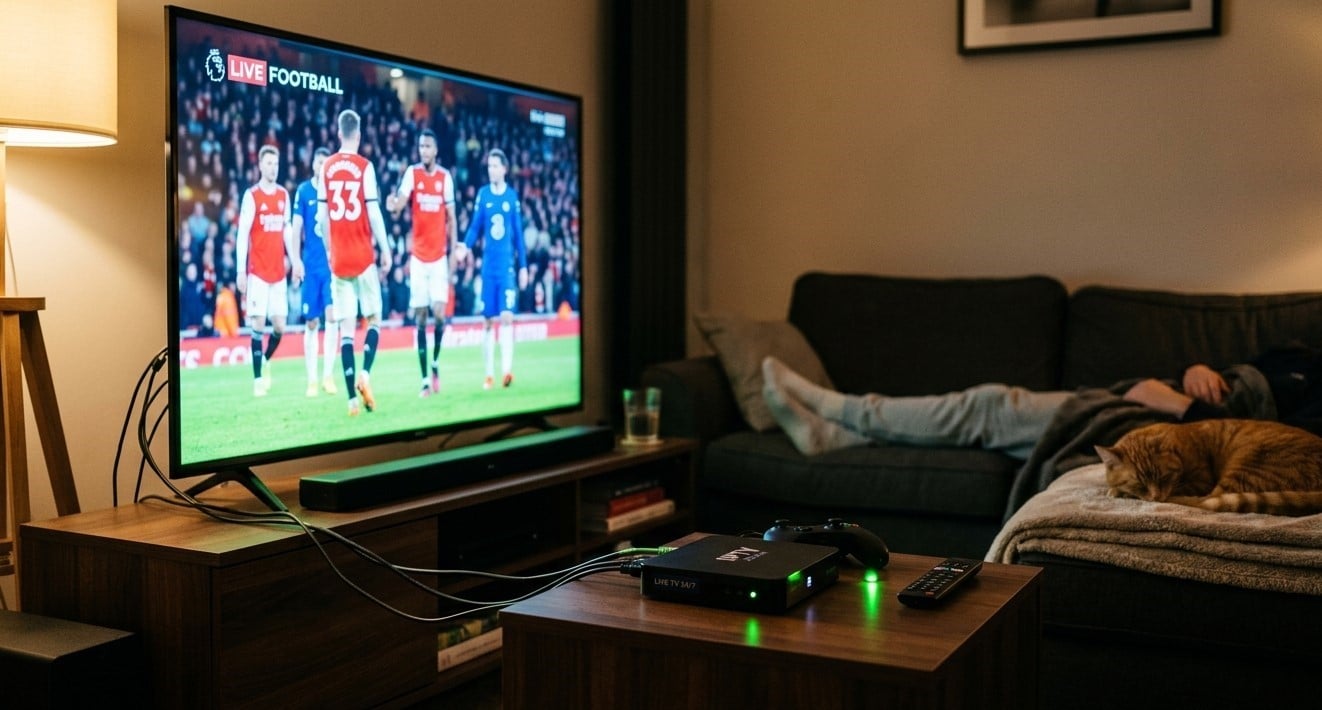
Many people leave their streaming box plugged in and powered on all day, every day, simply because it’s convenient. It’s a fair question whether that habit is harmless or quietly shortening your device’s life. For most modern boxes, continuous operation is generally fine, but a few conditions make a big difference. In this guide, we’ll cover the real risks and benefits, what it costs, and how to keep your Indian IPTV Box healthy while enjoying your IPTV India subscription.
Table of Contents
- Short Answer: Is 24/7 Operation Okay?
- Standby vs Fully On vs Unplugged
- Heat and Ventilation Risks
- Electricity Cost
- Benefits of Leaving It On
- Downsides of Never Powering Down
- Security Considerations
- When You Should Unplug It
- Best Practices for Always-On Use
- FAQs
Short Answer: Is 24/7 Operation Okay?
For most well-made streaming boxes, yes. They’re built around low-power processors designed to stay on for long stretches, much like a router or a set-top box from a cable company. The key words are “well-made” and “well-ventilated.” A box that sits in a cramped, enclosed cabinet or is of poor build quality may struggle with continuous operation.
Because designs vary by manufacturer, the most reliable guidance is your device’s manual or support page. If the manufacturer specifies a recommended usage pattern, follow it over general advice.
Standby vs Fully On vs Unplugged
These three states behave differently:
- Fully on and streaming: The processor is working, the device produces more heat, and power use is at its highest
- Standby or idle: The device stays powered but does very little, so heat and power use are much lower. Many boxes enter this state automatically when the TV is off or after a timeout
- Unplugged: No power use at all, but the box has to boot from scratch next time, and it can’t receive background updates
Most “24/7” users are really leaving the box in standby, which is considerably gentler than leaving it actively streaming around the clock.
Heat and Ventilation Risks
Heat is the main enemy of any electronics left running continuously:
- Enclosed cabinets trap warm air and can push temperatures higher than the device was designed for
- Stacking other devices on top blocks airflow
- Dust buildup in vents acts like insulation, making cooling less effective
- Direct sunlight or nearby heat sources add to the load
- Cheap, poorly designed boxes may have inadequate cooling to begin with
Chronic overheating can lead to freezing, random restarts, slower performance, and eventually shorter component life. If your box feels hot to the touch regularly, that’s a sign to improve airflow.
Electricity Cost
Streaming boxes typically use very little power compared to other household electronics. Exact figures vary by model, so treat this as a rough illustration:
- A box drawing around 5 watts on average uses roughly 3.6 kWh over a 30-day month
- At an electricity rate of about 16 cents per kWh, that’s roughly 60 cents per month
Even if your box draws more than that, the cost is usually small. The more meaningful reason to power down is heat management, not the electric bill. Check your device’s specifications for its actual power draw.
Benefits of Leaving It On
There are practical reasons people keep their boxes powered:
- Instant access: No boot time when you want to watch
- Background updates: Many devices download app and firmware updates while idle
- Fresh channel guide data: Some apps refresh the program guide while the box is on
- Scheduled features: If your setup supports scheduled recordings or timers, the box needs to be on
- Fewer power cycles: Some people believe constant on/off cycling stresses components, though for modern electronics this effect is generally modest
Downsides of Never Powering Down
Leaving a box on forever isn’t free of trade-offs:
- Accumulated glitches: Software can develop slowdowns, memory leaks, or freezes over weeks of uptime
- Constant heat exposure, especially if ventilation is poor
- Exposure to power surges, since the device is always connected to an outlet
- Wear over time, as with any component that runs continuously, though this usually matters more for cheap hardware
A simple fix for most software issues is an occasional restart, which clears temporary data and refreshes the system.
Security Considerations
An always-on, always-connected device is also always reachable on your home network:
- Keep firmware and apps updated, since updates often include security fixes
- Use only official app stores or sources recommended by your provider
- Use a strong, unique Wi-Fi password and keep your router firmware current
- Don’t share your IPTV login details or playlist link publicly, since your account stays active whether or not you’re watching
Good habits matter more here than whether the box is on or off.
When You Should Unplug It
Consider fully powering down when:
- You’ll be away for several days or weeks, such as on a vacation
- A storm with lightning is forecast, since surges can damage devices that stay plugged in
- The box is running unusually hot and you can’t improve ventilation right away
- You’re troubleshooting and want a clean restart
- Your power is unstable, with frequent flickers or outages in your area
Using a surge protector is a good everyday safeguard, but unplugging during severe storms offers more complete protection.
Best Practices for Always-On Use
- Give it room to breathe: Leave open space around and above the box
- Avoid sealed cabinets, or add ventilation if you can’t avoid one
- Clean vents gently every month or two with compressed air, with the device unplugged
- Restart it every week or two to clear accumulated glitches
- Use a surge protector to guard against power spikes
- Enable any built-in sleep or low-power mode, if your box offers one
- Check the temperature by touch occasionally: Warm is normal, uncomfortably hot is not
- Use the original power adapter, since mismatched adapters can supply unstable power
- Keep software updated for stability and security
FAQs
1. Will leaving my IPTV box on all the time damage it?
Not necessarily. Most modern boxes are designed for long periods of operation, but poor ventilation, dust, and cheap hardware can cause problems. Good airflow is the most important factor.
2. Is standby mode safe to leave on permanently?
Generally yes. Standby uses little power and produces little heat, which makes it far gentler than leaving the box actively streaming.
3. How much does it cost to run an IPTV box 24/7?
Usually well under a few dollars per month, though it depends on the device’s power draw and your local electricity rate.
4. Should I restart my Indian IPTV Box regularly even if it works fine?
A restart every week or two is a good habit, since it clears temporary data and can prevent slowdowns and freezes.
5. Should I unplug my box during a thunderstorm?
If you can, yes. A surge protector helps with everyday spikes, but unplugging is the safest option during severe lightning storms.
Keep Your Setup Running Smoothly Day and Night
Leaving your box on is usually fine when you give it airflow, an occasional restart, and basic protection. Pair a dependable IPTV India subscription with a well-cared-for Indian IPTV Box, and enjoy reliable streaming whenever you want it. Explore our IPTV plans today and keep your favorite channels ready around the clock.