



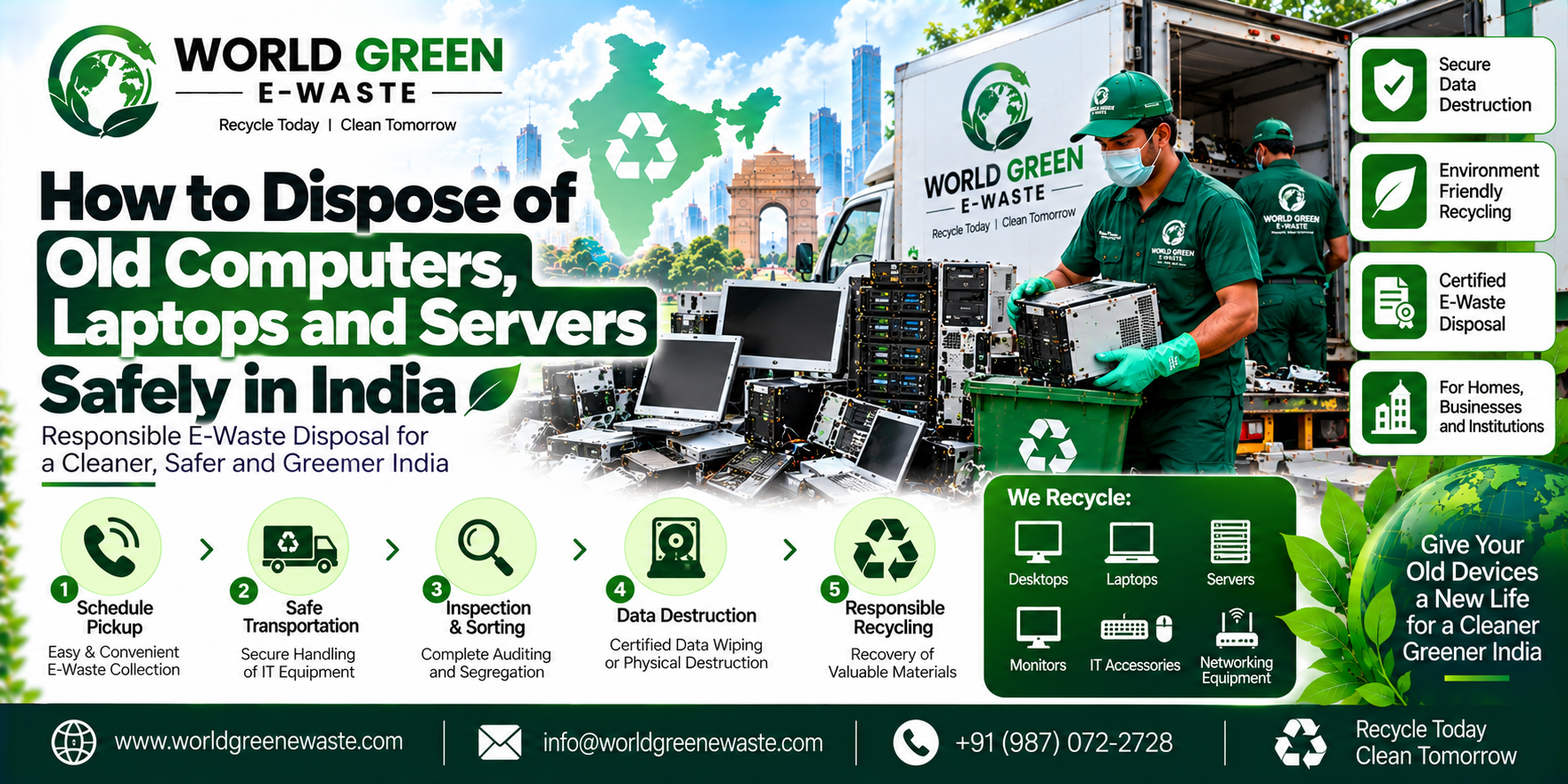
Not long ago, a friend who runs a small business called me in a panic. He had upgraded his office systems and was about to sell a stack of old computers to a buyer who showed up with cash. Then he paused and asked, “Wait, what about all the data on these?” That pause saved him a lot of trouble. If you have old computers, laptops or servers lying around, this guide is for you.
Why Safe Disposal Matters
Old computers contain harmful materials like lead, mercury and cadmium, which can damage soil and water if dumped. They also hold something even more personal: your data. A forgotten hard drive can carry customer records, bank details, passwords and private files.
India’s E-Waste (Management) Rules, 2022 encourage proper collection and recycling, so throwing these items in the garbage or handing them to just anyone isn’t the right way.
Step 1: Decide If It Can Be Reused
Ask a simple question: does it still work?
- Working systems: Donate them to a school or NGO, give them to someone who needs them, or sell them through a trusted channel.
- Old or broken systems: Send them to an authorised recycler.
Even if a device is reused, always wipe it first.
Step 2: Back Up Your Data
Before anything else, save what you need. Copy important files to a secure external drive or cloud storage. For servers, check that all business data, databases and configurations are safely backed up and verified. It’s much easier to do this now than to wish you had later.
Step 3: Erase Your Data Properly
This is the most important step, and where many people go wrong. Simply deleting files or emptying the recycle bin does not remove data permanently.
- Log out of all accounts and remove saved passwords.
- Factory reset laptops and computers, or use trusted data-wiping tools.
- For servers, use proper data sanitisation and don’t forget every drive in the system.
- For damaged or sensitive drives, ask your recycler about physical destruction and a certificate as proof.
If the data is highly sensitive, don’t take chances. Choose certified destruction.
Step 4: Remove Extras
Before handing devices over, take out anything personal or removable, such as:
- SIM cards, memory cards and USB drives
- External hard drives and CDs
- Company asset tags or access cards if they should be kept
Also gather the chargers, cables and batteries. They’re e-waste too and should go along with the devices.
Step 5: Choose an Authorised Recycler
This step protects both you and the environment. A genuine recycler should:
- Be authorised by the Central Pollution Control Board (CPCB) or your State Pollution Control Board
- Explain how your devices and data will be handled
- Provide a pickup receipt and recycling certificate
- Avoid unsafe methods like open burning or acid baths
Avoid scrap dealers who only offer quick cash. They often have no safe process and no paperwork.
Step 6: Keep Your Records
After pickup, store your receipts, recycling certificates and data destruction certificates. Businesses, in particular, may need these for audits and company records.
Common Mistakes to Avoid
- Selling devices without wiping data
- Forgetting servers’ hidden drives and backups
- Keeping old equipment in storage for years
- Choosing a buyer without checking authorisation
- Accepting a pickup without a receipt
Final Thoughts
Disposing of old computers, laptops and servers safely isn’t difficult if you follow a few steps: back up, erase, remove extras and choose an authorised recycler. A little care today protects your privacy and our environment for a long time.
If you’d like a simple and responsible option, you can reach out to us at World Green E-Waste and we’ll guide you through the process.
I kept the article general and didn’t include specific data-wiping standards, tools or pricing, since these depend on your situation and I don’t know your company’s services. If you’d like those added, send them over and I’ll work them in. I can also prepare the metadata, meta tags, keyword tags and a social bookmarking description, as before.
Read another Article: E-Waste Collection Services in India