




Finding the right companies to approach is one of the most important steps in B2B sales. However, building a targeted company list can be challenging when businesses rely on outdated spreadsheets, incomplete contact databases, or manual research.
A well-organized B2B company list helps sales teams identify potential customers, understand their target markets, and focus their outreach efforts on businesses that match their ideal customer profile (ICP).
Instead of collecting random company names, businesses can use company data, industry filters, location information, and employee size to identify relevant prospects. A company search tool and a data enrichment API can also simplify the process by helping teams discover and organize useful business information.
In this guide, we will explore how to build a targeted B2B company list and improve its quality for sales prospecting.
What Is a Targeted B2B Company List?
A targeted B2B company list is a collection of businesses that match specific criteria relevant to your products or services.
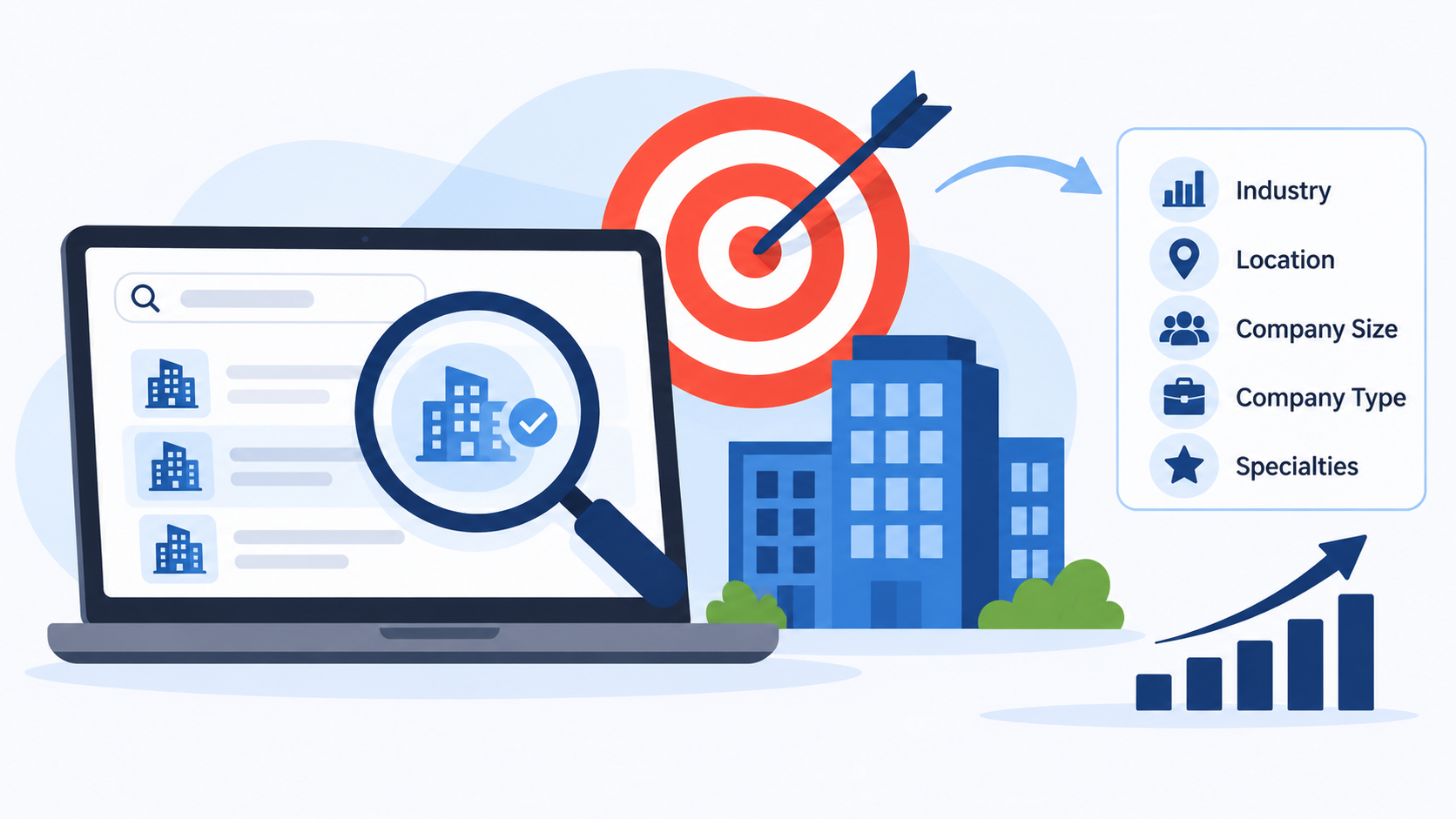
Rather than targeting every company in a market, sales teams identify organizations based on factors such as:
- Industry and business category
- Company location
- Number of employees
- Company size and type
- Business activities and specialties
- Target market and growth opportunities
For example, a SaaS company selling marketing automation software may target eCommerce businesses, digital marketing agencies, and growing technology companies.
A targeted list helps sales professionals spend less time researching irrelevant businesses and more time connecting with potential customers.
7 Steps to Build a Targeted B2B Company List for Sales
1. Define Your Ideal Customer Profile (ICP)
Before searching for companies, define what your ideal customers look like.
An Ideal Customer Profile describes the characteristics of businesses most likely to benefit from your product or service.
Start by identifying the following details:
- Industry: Which industries need your solution?
- Company size: Are you targeting startups, small businesses, or enterprises?
- Location: Which countries, cities, or regions are relevant?
- Business type: Are you targeting private companies, public companies, or other organizations?
- Specialties: What products, services, or business activities make a company relevant?
For example, if you sell HR software, your ideal customers might be technology companies with 100–1,000 employees that operate in the United States.
Having a clear ICP makes company discovery more focused and helps reduce irrelevant prospects.
2. Identify Companies by Industry
Industry is one of the most useful criteria for building a targeted B2B company list.
Different industries have different business requirements, purchasing behaviors, and operational challenges. Identifying companies within relevant industries helps sales teams create more focused prospecting campaigns.
For example:
- Marketing software providers can target advertising agencies.
- Financial technology companies can target banks and financial service providers.
- HR software businesses can target companies with large employee teams.
- Logistics providers can target manufacturing and eCommerce businesses.
A company search tool allows users to discover organizations based on industry categories instead of manually searching through individual websites.
This makes it easier to organize prospects according to their business activities and target market.
3. Filter Companies by Location and Size
Once you identify relevant industries, narrow your search using location and employee count.
Geographic filters help sales teams identify companies operating in specific markets, while employee size provides an indication of organizational scale.
For example, a sales team targeting mid-sized technology businesses might use these criteria:
| Filter | Example Criteria |
| Industry | Software Development |
| Country | United States |
| State | California |
| Company Size | 100–500 employees |
| Company Type | Private Company |
These filters help create a more relevant company list for regional sales campaigns, territory planning, and account-based marketing.
4. Use a Company Search Tool to Discover Prospects
Manually researching hundreds of businesses can consume significant time. A company search tool simplifies this process by allowing users to find companies through predefined filters.
Depending on the platform, users can search companies using:
- Industry
- Country, state, or city
- Employee count or company size
- Company type
- Business specialties
- Similar or affiliated companies
For example, instead of searching Google for individual software companies, you can apply industry and location filters to discover multiple matching businesses.
Some company search tools also provide information such as company names, websites, headquarters, employee counts, and business categories.
These details help sales teams understand which organizations match their ICP and organize potential accounts for further research.
5. Collect and Organize Company Information
After discovering potential businesses, organize their information in a structured format.
A useful B2B company list may include:
| Data Field | Purpose |
| Company Name | Identifies the business |
| Website | Helps verify company identity |
| Industry | Categorizes business activities |
| Headquarters | Identifies business location |
| Employee Count | Indicates company size |
| Company Type | Provides organizational context |
| Specialties | Highlights business focus |
| Company Domain | Supports further research |
Keeping these fields organized makes it easier to filter, compare, and prioritize potential accounts.
You can maintain the information in spreadsheets, CRM platforms, or sales databases.
6. Enrich Company Data to Improve List Quality
Finding company names is only the beginning. Sales teams often need additional information to understand whether a business is relevant to their products or services.
This is where a data enrichment API becomes useful.
A data enrichment API helps add additional information to existing company records using available identifiers, such as company names or website domains.
Depending on the available enrichment service, businesses may retrieve details such as:
- Company industry and category
- Company website and domain
- Headquarters information
- Employee count and company size
- Business specialties
- Company descriptions
- Related or affiliated companies
For example, if your spreadsheet contains company names and website domains but lacks industry and employee information, company enrichment can help complete those records.
Enriched company data provides additional context for evaluating potential accounts and supporting sales research.
However, enrichment results depend on data availability and freshness, so important information should be reviewed before making business decisions.
7. Segment and Prioritize Your Company List
After collecting and enriching company information, divide your prospects into relevant segments.
Not every company should receive the same sales approach. Prioritizing businesses based on their fit with your ICP helps sales teams organize their efforts.
You can create segments such as:
- Industry-based segments
- Location-based segments
- Small, medium, and enterprise companies
- High-growth businesses
- Companies matching specific specialties
For example, a sales team could create separate lists for enterprise software companies, small marketing agencies, and mid-sized eCommerce businesses.
This segmentation makes it easier to personalize outreach messages and develop relevant sales strategies.
Why Are Company Search Tools and Data Enrichment APIs Important for B2B Sales?
Company search tools and data enrichment APIs support different stages of the prospecting process.
A company search tool helps discover businesses based on specific criteria, while a data enrichment API helps add useful information to existing company records.
Together, they can support several business activities:
Better Prospect Discovery: Find businesses that match your target industry, location, and company size.
Improved Data Organization: Maintain structured company records for easier filtering and analysis.
Efficient Sales Research: Reduce the manual effort involved in collecting basic company information.
Market Research: Understand which businesses operate in a particular industry or geographic region.
Account-Based Marketing: Identify organizations that match your ideal customer profile for targeted campaigns.
These capabilities help sales and marketing teams work with more organized company information.
Conclusion
Building a targeted B2B company list requires more than collecting business names. It involves defining your ideal customer profile, identifying relevant industries, filtering companies by location and size, and organizing accurate business information.
A company search tool can simplify company discovery, while a data enrichment API can help improve existing company records with additional business information.
Platforms like EnrichmentAPI provide both capabilities through their Company Search and Company Enrichment tools. Businesses can explore company profiles using industry, location, employee size, specialties, and company type, then use enrichment to obtain additional information about individual companies.
By combining structured company searches with data enrichment, sales teams can build more relevant prospect lists and make better-informed decisions throughout their B2B sales process.
Frequently Asked Questions (FAQs)
1. What is a B2B company list?
A B2B company list is a structured collection of businesses that match specific criteria, such as industry, location, employee size, or company type. Sales teams use these lists for prospecting and business development.
2. How do I build a targeted B2B company list?
Start by defining your ideal customer profile, selecting relevant industries, filtering companies by location and size, and collecting company information using a company search tool.
3. What is a company search tool?
A company search tool helps users discover businesses based on filters such as industry, location, employee count, company type, and specialties.
4. What is a data enrichment API?
A data enrichment API adds additional information to existing business records using identifiers such as company names or website domains. It helps improve the completeness of company databases.
5. What company information is useful for B2B sales?
Important information includes company name, website, industry, headquarters, employee count, company type, and business specialties.
6. How often should B2B company data be updated?
Company information should be reviewed regularly, particularly before major sales campaigns. Businesses change their locations, employee counts, websites, and operations over time.
7. Can company search tools help with market research?
Yes. They can help identify businesses by industry, location, company size, and other criteria, making it easier to explore markets and discover potential competitors or business opportunities.