





Managing study materials can quickly become overwhelming for students. Lecture notes, homework assignments, research papers, presentation slides, and revision sheets often arrive in different files and formats. Searching through dozens of documents before an exam or assignment deadline wastes valuable time.
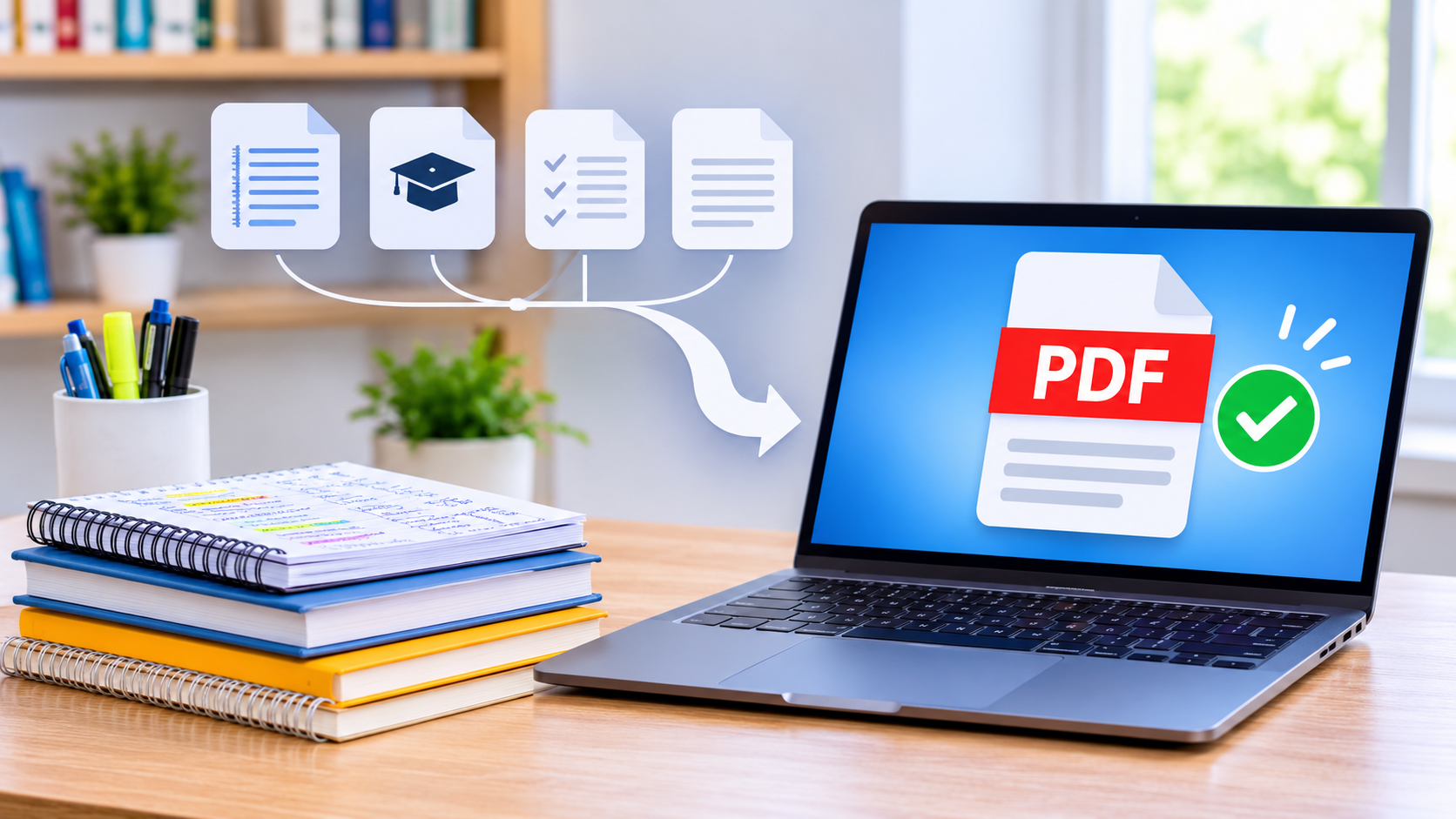
A simple solution is to combine important study materials into one organized PDF document. Instead of opening multiple files individually, students can keep their notes and assignments together in a single, easy-to-access file.
Whether you are studying at school, college, or university, learning how to combine PDF notes and assignments can make your academic routine more organized and productive. Here are some practical ways to manage your study materials more efficiently.
1. Why Students Should Keep Study Materials in One PDF
Keeping academic documents scattered across different folders makes studying unnecessarily complicated. You might have lecture notes saved on your laptop, assignments in email attachments, and revision materials on your phone.
Combining these documents into one PDF offers several advantages.
Better organization: All relevant materials for a particular subject or course stay together. You can create separate PDFs for mathematics, science, history, or other subjects.
Easier revision: During exam preparation, you can review multiple chapters without switching between different files.
Convenient sharing: A single PDF is easier to send to classmates, teachers, or study groups than multiple separate attachments.
Less file management: Instead of remembering where every document is stored, you have one central file containing the materials you need.
For students handling several courses simultaneously, this small organizational change can make a noticeable difference.
2. Collect and Prepare Your Notes and Assignments
Before using an easy PDF file merger, take a few minutes to prepare your documents. Good preparation makes the final PDF easier to read and navigate.
Start by collecting all the files you want to combine. These might include:
- Handwritten notes scanned into PDF format.
- Lecture slides and classroom handouts.
- Completed homework assignments.
- Research papers and reference materials.
- Practice questions and examination preparation sheets.
- Reading materials provided by teachers.
Next, organize the files according to their subject or purpose. For example, if you are preparing a biology study document, keep your lecture notes, diagrams, homework, and revision questions in one folder.
Rename files using descriptive titles such as Chapter 1 Notes, Assignment 2, or Exam Revision Guide. Clear filenames help you identify each document quickly.
Also, check that scanned pages are readable and correctly oriented. Remove unnecessary blank pages and make sure the documents contain the information you actually need.
3. How to Merge Study Materials Online
Once your documents are ready, you can use an online PDF merging tool to bring them together. This approach is particularly useful for students who do not want to install additional desktop software.
The general process is straightforward:
Step 1: Select your PDF files
Open a PDF merging tool and choose the documents you want to combine. Select files from your device, including notes, assignments, and lecture materials.
Step 2: Arrange the document order
Place the files in a logical sequence. A useful arrangement is to start with a cover page, followed by lecture notes, chapter summaries, assignments, and additional practice materials.
Step 3: Review the selected documents
Check that you have selected the correct files. Make sure important pages are included and that the documents are arranged according to your study requirements.
Step 4: Merge the files
Use the available merge option to combine your selected documents into one PDF. Depending on the tool, you may also be able to reorder or remove individual files before processing.
Step 5: Download and review your PDF
Save the finished document to your device. Open it and scroll through the pages to confirm that everything appears correctly.
Following these steps makes it easier to merge study materials online without creating unnecessary complications.
4. Organize Your Combined PDF for Better Studying
Combining files is only the first step. A well-organized PDF can make your study sessions even more effective.
Consider adding a simple cover page containing the subject name, course title, semester, and your preferred document title.
For longer documents, create a table of contents or use PDF bookmarks if your software supports them. These features allow you to jump directly to specific chapters or assignments instead of scrolling through every page.
You can also arrange materials using a consistent structure:
- Cover page and course information.
- Lecture notes arranged by chapter.
- Important definitions and key concepts.
- Completed assignments.
- Practice exercises and revision questions.
- Additional reading materials.
Avoid combining unrelated subjects into one extremely large document. Separate PDFs for individual courses are generally easier to manage.
Remember that organization should make studying simpler, not create another complicated system to maintain.
5. Choose the Right Tools and Protect Your Documents
Students often use online tools because they are accessible from different devices and do not always require software installation. However, choosing the right tool is important.
Look for a service with a straightforward interface, clear file-handling information, and support for the formats you need.
For example, Easy Converter provides browser-based file conversion for supported image, audio, and document formats. Its local-first approach means supported document conversions are processed directly in your browser, without requiring an account. You can explore its available features at EasyConverterTool.app.
When working with PDF merging, make sure you select a tool that explicitly supports combining PDF files. Not every document converter includes a PDF merger.
Privacy also deserves attention. University assignments, personal notes, and research documents may contain sensitive information. Review a tool’s privacy policy before uploading files. If documents contain confidential information, prefer suitable local-processing options whenever available.
Finally, keep a backup of your original documents. This ensures that you can recover your materials if you accidentally delete or overwrite something.
6. Common Mistakes to Avoid When Combining PDFs
Even a simple merging task can create problems if you do not review the final document.
Here are some common mistakes students should avoid:
Mixing unrelated materials: Combining notes from several subjects without a clear structure makes revision difficult. Keep documents separated by course or topic.
Ignoring page order: Assignments and lecture notes should follow a logical sequence. Randomly arranged pages can interrupt the learning process.
Using unreadable scans: Blurry photographs and poorly scanned handwritten notes reduce the usefulness of the final PDF. Check image quality before merging.
Creating unnecessarily large files: High-resolution scans and images can increase PDF size. Use suitable compression when needed, while preserving readable text and diagrams.
Forgetting the final review: Always open the completed PDF and check its page order, formatting, and readability before sharing or submitting it.
Avoiding these mistakes helps create a professional and useful study document.
Conclusion
Organizing academic documents does not have to be time-consuming. By combining lecture notes, assignments, revision sheets, and other resources into separate subject-based PDFs, students can build a more manageable study system.
An easy PDF file merger can simplify document organization, reduce the need to switch between multiple files, and make sharing academic materials more convenient.
Start by collecting your documents, arranging them in a logical order, and choosing a suitable tool to combine them. Remember to check the final file and protect your original materials.
With a little preparation, you can combine PDF notes and assignments into organized study resources that make everyday learning, exam preparation, and academic collaboration easier.