







Modern digital creators manage complex production environments that blend high-performance computing, specialized audiovisual peripherals, and rapid multi-channel distribution. When hardware conflicts, network slowdowns, or peripheral errors disrupt this ecosystem, production schedules grind to a halt. Building a resilient workspace requires deliberate architecture rather than reactive troubleshooting.
Whether you produce long-form video tutorials, design graphic assets, or run community live streams, your workstation operates as a modern micro-studio. Ensuring that every device communicates seamlessly allows you to focus on content creation instead of recurring technical friction. Setting up your workspace thoughtfully prevents common hardware bottlenecks from slowing down your daily workflow.
Isolating Critical Hardware on Your Local Studio Network
A common vulnerability in digital media workspaces is network congestion caused by competing devices. Modern production relies heavily on continuous data transfers, including cloud synchronization of media libraries, remote guest interviews, and rapid asset uploads. When office workstations share raw bandwidth with smart appliances and entertainment gear, packets drop and latency spikes can ruin live sessions.
Connecting primary production rigs through dedicated wired Ethernet lines eliminates wireless interference and packet instability. For creators who must use wireless connections for secondary laptops or mobile devices, configuring quality-of-service rules on your local router prioritizes real-time media feeds over background system downloads. This prevents unexpected background updates on secondary devices from degrading active studio operations.
If you notice unexpected jitter during live uploads or client video calls, systematic diagnosis helps locate the exact bottleneck between your local switch, modem, and service provider. Taking the time to diagnose network lag and stutter gives you practical insight into packet loss, bufferbloat, and route stability that impact professional broadcasting just as much as competitive play.
Streamlining Your Social Media Publishing Workflow
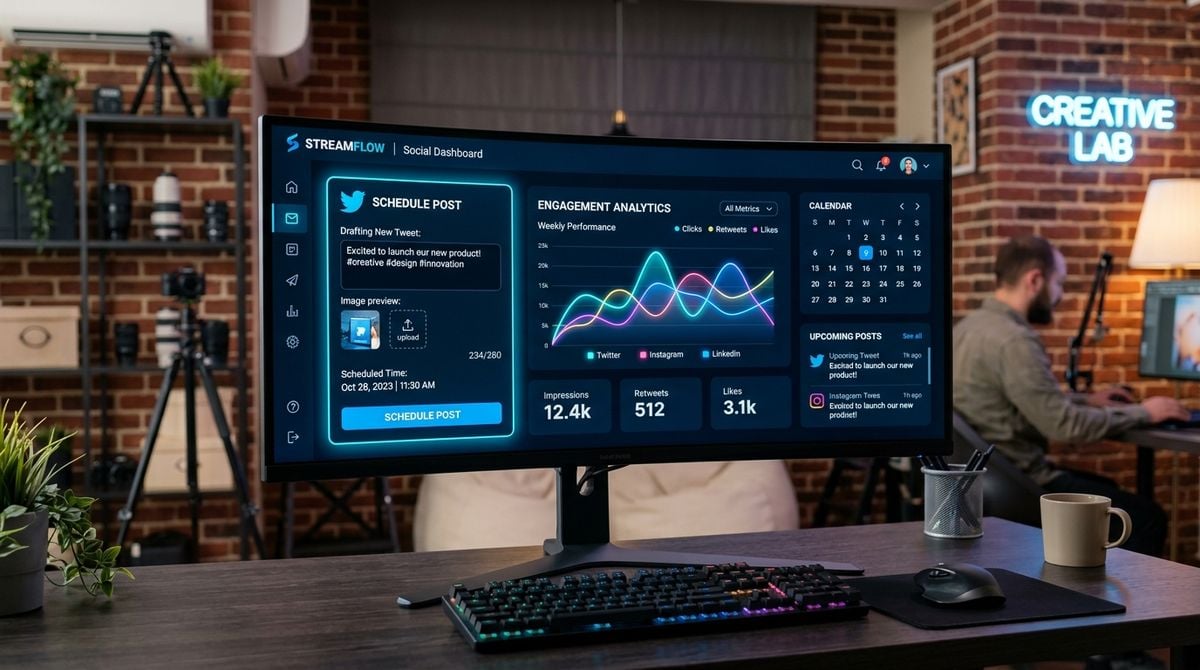
Creating media is only half the battle; packaging and distributing that work across diverse channels demands dedicated tools and consistent habits. Content specialists must balance visual branding, platform-specific image dimensions, engaging descriptions, and optimized metadata across multiple channels simultaneously. Relying on manual formatting across every social outlet introduces inconsistencies and wastes hours of production time each week.
Integrating specialized platforms into your daily routine helps standardize content presentation and audience engagement. Creators looking to refine profile layouts, uncover trending topics, and optimize post copy frequently turn to InstaGTrends to discover practical tips, caption guides, and social media utilities that keep distribution organized. Having ready access to these resources keeps your presentation polished without requiring hours of manual trial and error.
Establishing consistent templates for captions and asset metadata ensures that your branding remains cohesive across platforms. When routine publishing tasks are structured, you spend less time switching contexts between video editing software and social interfaces, maintaining higher creative focus and avoiding rushed publication errors before important deadlines.
Resolving Common Physical Peripheral Bottlenecks
Even in primarily digital studios, physical peripherals remain central to daily operations. Many creators produce merchandise packaging, physical storyboards, script revisions, custom design proofs, and shipping labels directly from their workspace. A sudden equipment failure during a product launch window can halt distribution just as quickly as software corruption.
Printers and scanners frequently present persistent configuration headaches, ranging from stubborn print queue locks and offline status errors to wireless pairing drops and smudged output. When mechanical jams or driver conflicts disrupt hard-copy production, having a dedicated troubleshooting resource like How to Fix my Printer helps creators resolve technical hiccups swiftly without wasting valuable studio hours. Understanding how to clear spooled print queues and reset network ports prevents minor hardware snags from compounding.
To minimize physical peripheral downtime, establish a regular maintenance schedule. Periodically clean paper feed rollers with appropriate cleaning cloths, run printhead alignment routines when color banding appears, and keep replacement ink or toner on hand before cartridges run empty. Maintaining clean mechanical pathways preserves hardware longevity and guarantees reliable output when physical deliverables are needed on short notice.
Establishing Redundant Local and Cloud Storage Protocols
High-resolution media production generates massive amounts of data that can rapidly overwhelm standard storage configurations. A single drive failure can erase weeks of unreleased project files if redundant safeguards are not active. Professional studios implement a tiered storage hierarchy to separate active projects, near-line archives, and disaster-recovery backups across separate physical locations.
Structuring your storage into clear tiers keeps your primary editing drives responsive while protecting completed assets over the long term:
- Hot storage using high-speed internal solid-state drives for active timeline editing, cache files, and scratch disks.
- Warm storage on a multi-bay network-attached storage unit for completed client projects and reusable media libraries.
- Cold storage through automated off-site cloud mirrors that protect your master archives against hardware destruction or local physical theft.
Configuring automated sync scripts ensures that files transfer between tiers during off-peak hours without interrupting your daytime workflow. Verify your backup integrity periodically by performing test restores of selected project files to confirm data readability and ensure your disaster plan functions as expected.
Managing Clean Power and Thermal Performance
Studio hardware generates considerable heat and demands clean, uninterrupted electrical power. Sudden voltage sags or electrical spikes can crash rendering engines, corrupt ongoing file saves, and degrade sensitive internal circuitry over time. Connecting primary workstations, storage enclosures, and network hubs through an uninterruptible power supply provides battery runtime to complete critical saves during utility disruptions.
Thermal management is equally critical for long rendering sessions and heavy processing loads. Dust accumulation inside computer chassis restricts airflow, forcing cooling fans to operate at peak velocity and leading to thermal throttling that slows down export operations. High sustained temperatures also accelerate hardware wear on processing units and storage media.
Position computing towers away from carpeted floors and enclosed cabinets to encourage positive airflow. Using magnetic dust filters on intake vents and scheduling regular compressed-air cleanings ensures that internal components operate within optimal temperature thresholds during demanding workloads. Cable routing behind workstations should also be organized to prevent heat traps and maintain unobstructed exhaust flow.
Maintaining Consistency Across Your Creative Environment
Maintaining an effective digital creation workspace is an ongoing discipline of proactive maintenance and thoughtful layout. By isolating network traffic, establishing dependable asset workflows, keeping physical peripherals operational, and protecting your data and hardware, you eliminate the common technical roadblocks that interrupt creative output.
Investing time into organizing your digital and physical infrastructure allows you to work with confidence, knowing that your setup is prepared to handle the demands of consistent daily production. When your tools operate reliably in the background, your creative energy stays focused on producing compelling work rather than fixing avoidable technical issues.