







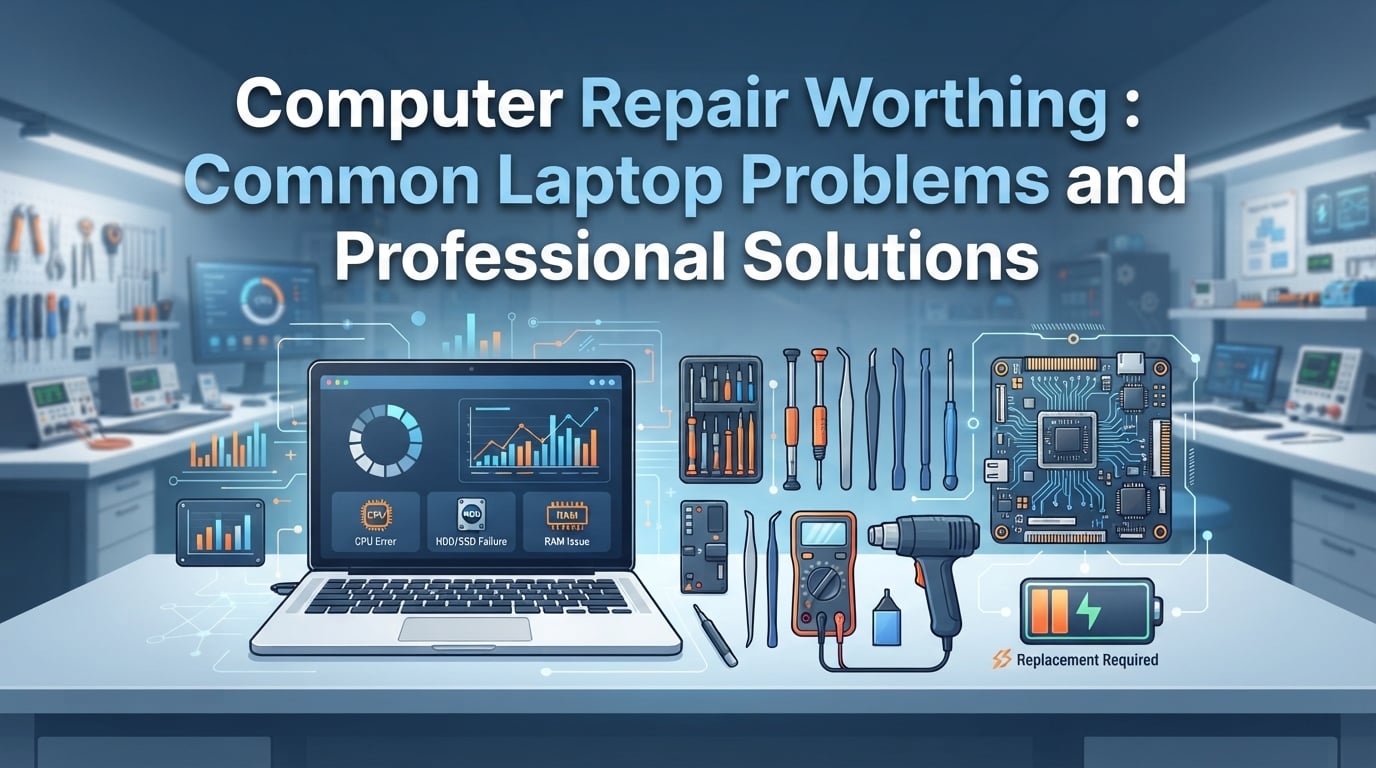
Computers and laptops have become an essential part of everyday life, supporting work, education, communication, and entertainment. However, technical issues such as slow performance, damaged screens, battery problems, charging faults, and unexpected shutdowns can interrupt daily activities. Finding reliable computer repair Worthing services can help users resolve these problems without immediately replacing their devices.
Whether a laptop is experiencing hardware failure, software issues, physical damage, or storage problems, identifying the underlying cause is an important first step. Professional diagnosis can help determine the right repair solution, restore functionality, and extend the lifespan of a computer or laptop.
Common Computer and Laptop Problems
Laptop problems can develop gradually or occur unexpectedly. Some issues are related to everyday wear and tear, while others may result from accidental damage, overheating, faulty components, or software errors.
Common problems include:
- Laptop screens with cracks, flickering, or display issues
- Damaged hinges and loose screen assemblies
- Batteries that drain quickly or fail to charge
- Faulty DC charging ports
- Liquid spills and motherboard damage
- Slow performance and storage limitations
- Lost, inaccessible, or corrupted files
Understanding these problems can make it easier to identify when professional repair services may be needed.
MacBook and Windows Laptop Repair
MacBook and Windows laptops can develop different technical faults depending on their hardware, operating system, age, and usage. A laptop that refuses to start, freezes frequently, displays error messages, or experiences overheating may require a detailed inspection.
Professional MacBook and Windows laptop repair can involve diagnosing operating system issues, faulty memory, damaged storage, cooling problems, keyboard faults, or internal component failures. A proper diagnosis helps identify whether the problem can be resolved through software troubleshooting or requires hardware repair.
Regular maintenance, keeping software updated, and avoiding overheating can also help improve laptop performance and reduce the risk of recurring issues.
Laptop Screen and Hinge Replacement
A damaged laptop screen can make a device difficult or impossible to use. Cracks, dead pixels, flickering displays, distorted colours, and blank screens are common problems that may occur following accidental drops or pressure on the laptop.
Laptop hinges can also become loose, stiff, or broken over time. Damaged hinges may place pressure on the screen casing and internal display cables, potentially leading to more serious damage if ignored.
Professional laptop screen and hinge replacement can restore the laptop’s display functionality and improve its physical condition. Identifying the correct screen specification and checking the hinge assembly are important steps when repairing these problems.
Laptop Battery and DC Charging Port Repair
Battery-related issues are among the most common reasons laptop users seek technical assistance. A battery may lose its capacity over time, drain unusually quickly, fail to hold a charge, or stop charging completely.
Charging problems are not always caused by the battery itself. A damaged charging adapter, loose DC jack, faulty charging port, or internal power circuit may also prevent the laptop from receiving electricity correctly.
A professional inspection can help identify whether the issue involves the battery, charger, charging connector, or motherboard power components. Laptop battery and DC charging port repair can help restore reliable charging and reduce the need to replace the entire device.
Liquid Damage and Motherboard Repair
Accidental liquid spills can cause serious problems for laptops and computers. Coffee, water, soft drinks, and other liquids may reach internal components, causing corrosion, short circuits, power failures, or keyboard malfunctions.
Even if a laptop continues to work immediately after a spill, internal corrosion may develop over time. Continuing to power on a liquid-damaged device can potentially make the problem worse.
Liquid damage and motherboard repair requires careful inspection, cleaning, and testing of affected components. Depending on the extent of the damage, repair technicians may need to work on power circuits, connectors, damaged chips, or other motherboard components.
If a liquid spill occurs, switching the device off and seeking professional assistance as soon as possible may help reduce further damage.
SSD Upgrade and Laptop Data Recovery
Older laptops can become slow because of limited memory, outdated storage technology, unnecessary software, or a failing hard drive. Upgrading from a traditional HDD to an SSD can significantly improve boot times, application loading, and overall responsiveness on compatible systems.
An SSD upgrade can be a practical option for users who want better performance without purchasing a completely new laptop. Before upgrading, compatibility and storage requirements should be checked.
Data recovery is another important service when files become inaccessible because of accidental deletion, drive failure, operating system corruption, or storage damage. Important documents, business records, photographs, and personal files may sometimes be recoverable depending on the condition of the storage device.
When data loss occurs, avoiding unnecessary use of the affected drive and checking existing backups are sensible first steps. SSD upgrades and laptop data recovery can help users improve device performance and explore possible ways to restore valuable information.
How to Keep Your Computer in Good Condition
Regular maintenance can help reduce computer problems and improve long-term reliability. Simple habits can make a noticeable difference to the performance and condition of a device.
- Keep operating systems and essential software updated.
- Clean dust from vents and keep cooling areas unobstructed.
- Avoid using laptops on soft surfaces that restrict airflow.
- Use a suitable charger and protect charging cables from damage.
- Back up important documents and photographs regularly.
- Avoid exposing laptops to liquids, extreme temperatures, or unnecessary pressure.
These precautions may help prevent common faults and reduce the likelihood of expensive repairs.
When Should You Seek Professional Computer Repair?
Some computer problems can be resolved through basic troubleshooting, such as restarting a device or updating software. However, persistent charging faults, broken screens, unusual noises, liquid damage, overheating, and storage failures may require professional attention.
Searching for computer repair Worthing can help users find technical support for diagnosing and repairing their devices. Choosing a repair service that can explain the fault, available options, and expected repair costs can make it easier to decide whether repairing an existing computer is worthwhile.
Conclusion
Computer and laptop problems can affect productivity, communication, and access to important files. From MacBook and Windows repairs to screen replacement, battery faults, motherboard repairs, SSD upgrades, and data recovery, the right technical solution depends on accurately identifying the problem.
Timely diagnosis, regular maintenance, and responsible data backups can help extend a computer’s lifespan and prevent some avoidable issues. When a device develops a serious fault, professional computer repair in Worthing can provide practical solutions to restore its performance and usability.
Frequently Asked Questions (FAQs)
1. What are the most common laptop repair problems?
Common laptop problems include broken screens, battery failure, charging port issues, overheating, slow performance, liquid damage, and storage failures.
2. Is it worth repairing an old laptop?
Yes, in many cases. If the processor, motherboard, and other major components are in good condition, replacing faulty parts or upgrading to an SSD may be more affordable than buying a new laptop.
3. Can laptop data be recovered after a hard drive failure?
Data recovery may be possible depending on the type and severity of the storage failure. Professional assessment can help determine which recovery methods are suitable.
4. Why is my laptop not charging?
Charging problems may result from a faulty charger, damaged charging port, worn-out battery, or internal power circuit issues. Proper diagnosis is needed to identify the exact cause.
5. How can I improve my laptop’s speed?
Removing unnecessary programs, keeping software updated, increasing RAM where supported, and upgrading to an SSD can help improve laptop performance