






A customer picks up a shoe from the display and asks for a size 42. The salesperson checks the stockroom, opens several boxes and returns with disappointing news. The design is available, but the customer’s size is sold out.
Meanwhile, six pairs of the same shoe sit untouched in other sizes.
For a footwear retailer, having stock and having the right stock are two different things. A healthy inventory total can hide gaps that send ready-to-buy customers elsewhere.
Footwear POS software should help retailers understand those gaps. Its value extends beyond issuing receipts to showing which combinations of style, size and colour customers can actually purchase.
The Problem Hidden Inside a Stock Total
Imagine a store with 24 pairs of a particular trainer. A report showing only that total might suggest there is no reason to reorder.
But consider this hypothetical breakdown:
| Size | Pairs available |
|---|---|
| 39 | 8 |
| 40 | 7 |
| 41 | 5 |
| 42 | 0 |
| 43 | 0 |
| 44 | 4 |
The store has plenty of stock overall, yet cannot serve customers who need sizes 42 or 43.
This is why product-level totals are not enough for footwear buying decisions. Managers need to inspect the individual variants beneath each style.
A useful POS setup should let staff move easily between the overall range and its size-by-size availability. That makes it easier to identify whether a product needs replenishment, redistribution or a more selective purchasing approach.
Sales History Does Not Show Every Missed Opportunity
Sales reports tell you what customers bought. They do not automatically tell you what customers wanted but could not buy.
If size 42 sells out early, its sales may stop while other sizes continue selling. Looking only at the final totals could lead a buyer to underestimate demand for the unavailable size.
Stock availability provides essential context.
When reviewing a range, ask how long each size was available during the period. Where the software supports it, compare sales with stockout history. If it does not, keep a simple record of repeated requests for unavailable variants.
That record should be consistent enough to reveal patterns. An occasional request is different from several customers asking for the same missing size every weekend.
Use completed sales and missed enquiries together when planning the next order.
A Size Label Needs Context
Shoe catalogues can contain different sizing systems, half sizes and width options. A product record labelled simply “size 8” may leave staff uncertain about which sizing system applies.
Clear naming matters when receiving stock, searching for a pair and processing an exchange.
Before importing a catalogue, agree on how the store will record:
- The supplier’s style reference.
- The applicable sizing system.
- The exact size, including half sizes.
- Colour and width, where relevant.
- The barcode for that particular variant.
Avoid assuming that one conversion chart works across every brand. Preserve the manufacturer’s sizing information and make it visible to staff.
Accurate records cannot guarantee a comfortable fit, but they can prevent employees from fetching or selling the wrong product.
Exchanges Should Improve Your Understanding of Fit
A customer who exchanges a pair gives the store useful information.
Perhaps the size was unsuitable. Perhaps the product was damaged. Perhaps the customer simply preferred another colour. These situations should not all disappear into a generic “return” category.
Ask whether your footwear POS software can record exchange reasons and connect the replacement to the original transaction.
Over time, those records may reveal a style that customers regularly exchange for a larger size. That could justify reviewing the product description, staff guidance or buying quantities.
Returned goods also need inspection before becoming available again. An unworn pair in its original condition and a pair awaiting assessment should not automatically receive the same stock status.
The process should keep both the customer’s transaction and the item’s condition clear.
Check Other Branches Before Buying More
A missing size at one store does not always require a new supplier order.
Another location may have that exact pair sitting unsold. Reviewing availability across branches can help managers decide whether a transfer is worthwhile.
The decision still needs judgment. Consider transport costs, collection timing and whether the sending branch is likely to need the pair soon.
A transfer should also have a clear handover. Record what was sent, what was received and any discrepancy. Seeing an item at another branch is useful; knowing it has arrived and is ready for the customer is what completes the job.
For retailers with several locations, regular reviews of uneven size availability can become part of the weekly stock routine.
Use Markdowns More Selectively
Discounting an entire style because some sizes are moving slowly may reduce the margin on pairs that could still sell at full price.
Before launching a promotion, inspect stock age and sales by variant. Check whether the problem affects the whole range, particular colours or only a few remaining sizes.
If the POS supports variant-specific promotions, test how those prices appear at checkout and on customer-facing labels. Staff should be able to explain the offer clearly.
Also review the results after the promotion. Moving stock is useful, but the business should understand the discount cost and whether the offer cleared the intended items.
Evaluating BizModo for Footwear Retail
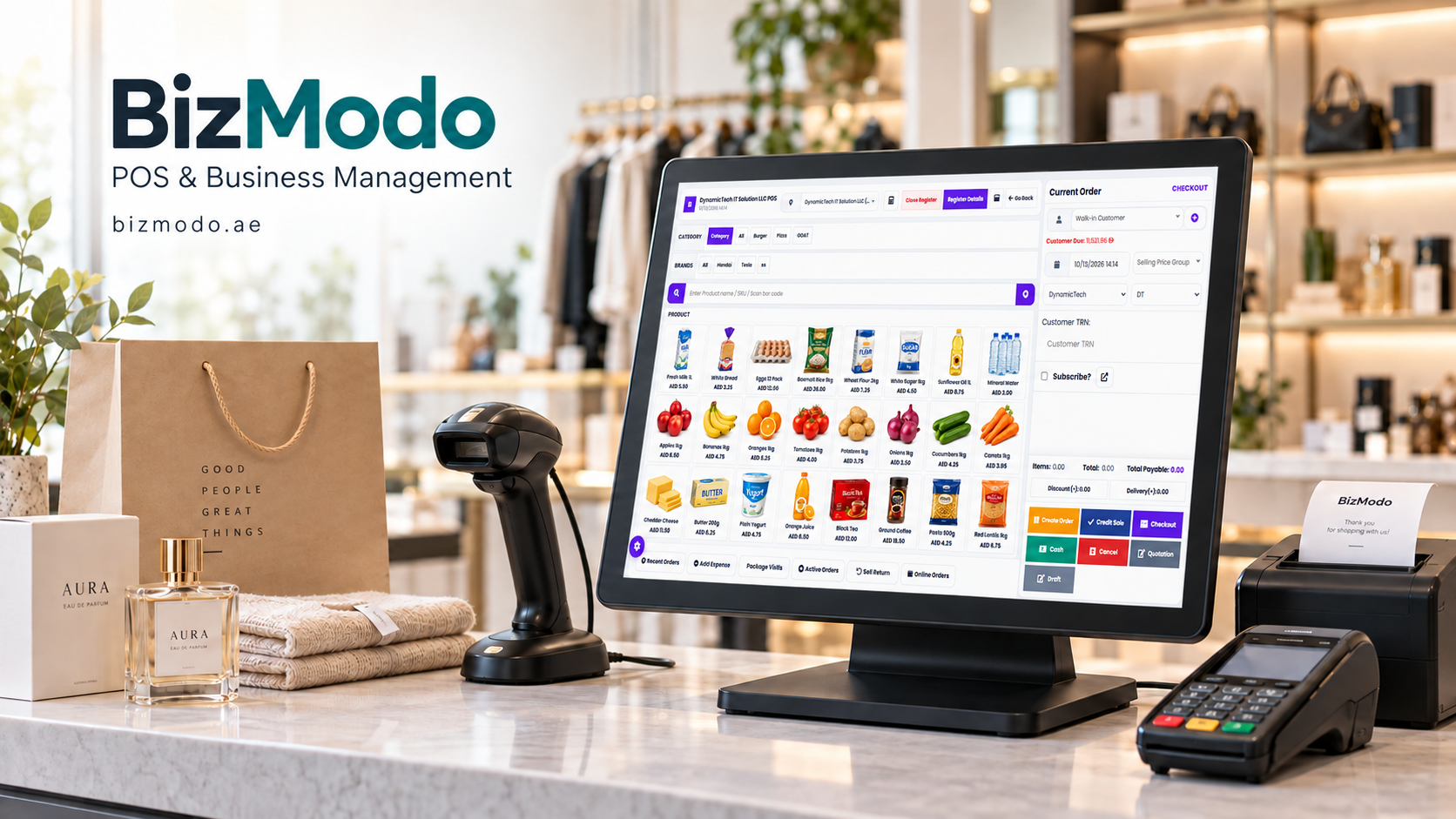
For UAE shoe retailers exploring these requirements, BizModo’s Footwear POS Software lists support for size and colour variants, barcode generation, purchase orders, supplier management and stock transfers. Its product page also describes customer purchase histories, reporting and central management of multiple stores.
Use your own catalogue during a demonstration. Ask the provider to show one style across several sizes, sell a specific variant and transfer another between locations.
For more detailed needs—such as stockout history, exchange reasons, return-condition controls and variant-specific promotions—confirm what is available in the proposed setup.
The strongest test is whether staff can answer a customer’s size enquiry accurately and whether managers can use the resulting records to make better purchasing decisions.
A successful footwear store needs more than full shelves. It needs the right pairs available when customers ask for them.