






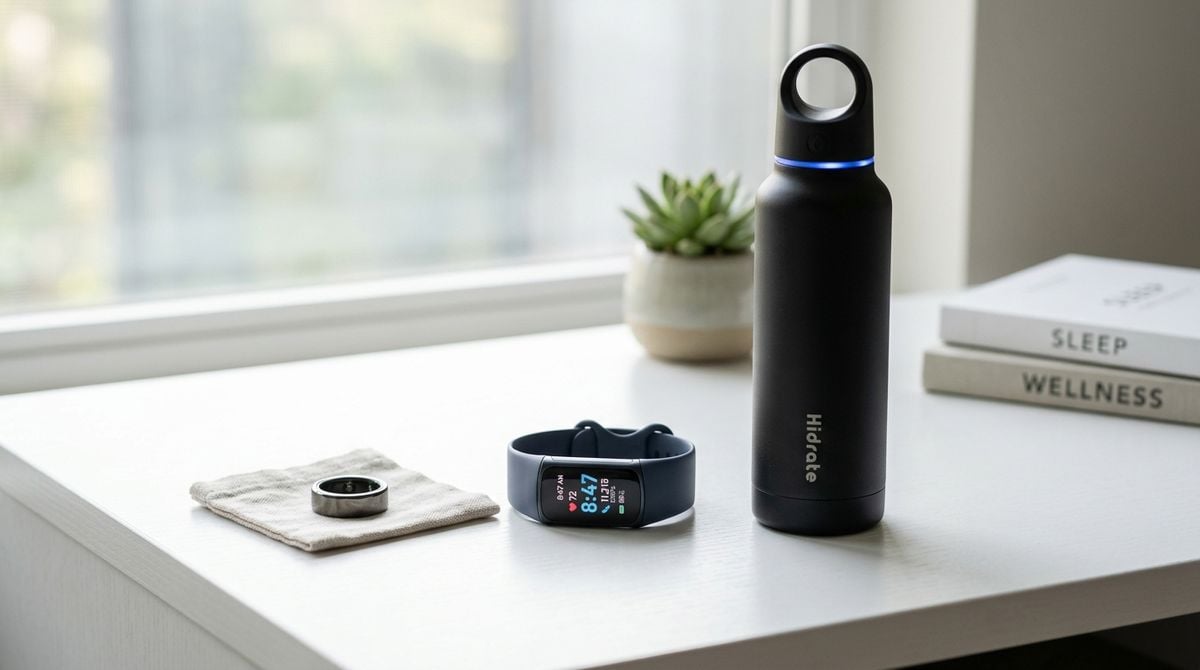
Many people spend long stretches of the working day seated in front of computer monitors, barely shifting position until physical fatigue sets in. While consumer technology is frequently blamed for encouraging sedentary habits, modern gadgets can also serve as dependable allies. When set up with clear intention, the hardware already sitting on your desk or strapped to your wrist can prompt healthier movement, reduce digital eye strain, and protect your rest without disrupting your concentration.
Relying on sheer memory to take regular breaks rarely works when you are immersed in a complex project. By using the software preferences, sensor capabilities, and automated schedules built into your everyday gear, you can establish an environment that quietly encourages physical wellbeing throughout the day.
Rethinking Wearable Notifications and Movement Prompts
Smartwatches and fitness trackers arrive out of the box with aggressive notification settings that often feel overwhelming. When wrist vibrations constantly announce chat messages, incoming emails, and news headlines, the natural response is to dismiss every alert quickly or turn the vibration motor off entirely. This reaction undermines the helpful health tracking features you bought the wearable for in the first place.
To make wearable prompts truly useful, begin by eliminating all non-essential alerts. Disable incoming notifications for social feeds, non-critical chat channels, and promotional apps. Leave wrist vibrations active only for movement reminders and urgent family contacts. A smartwatch that buzzes solely when it is time to change posture becomes an attentive companion rather than an annoying source of interruptions.
Next, adjust the sensitivity and timing of your movement alerts. Many companion apps allow you to tailor how often standing reminders appear. If rigid hourly chimes tend to interrupt your deepest focus blocks, consider widening the reminder window or adjusting your target hours. Viewing these alerts as simple prompts to refill a water glass or roll your shoulders makes them far easier to welcome into your daily routine.
Pairing wearable cues with intentional physical activity makes regular movement much easier to sustain over months of desk work. If you want structured ideas for gentle stretches or foundational exercise routines that fit alongside your daily work schedule, resources like Fitness-Studion1 provide helpful suggestions for staying physically active and keeping personal fitness on track.
Building Focused Break Reminders on Your Computer
While a wearable device monitors your general physical activity, your desktop computer requires its own system of boundaries to keep screen fatigue at bay. Extended hours of staring at high-resolution monitors can quickly lead to dry eyes and stiff shoulders.
Modern desktop operating systems come equipped with native focus modes and quiet timer utilities. You can establish recurring work intervals that hide application badges, mute non-essential alerts, and dim secondary monitors. At the end of an interval, a soft audio cue or brief banner notification can signal that it is time to look away from your display and stretch your legs.
For users who enjoy a customized setup, scheduled background scripts can trigger tailored reminders right on your desktop screen. If you are comfortable tinkering with command tools and want to build lightweight interval prompts that match your exact work style, our earlier guide on learning basic scripting in short evening blocks explains how to build simple personal utilities in steady steps. A basic script can lower display brightness slightly or present a quiet notification whenever a break is due.
Managing Screen Fatigue and Preventative Wellness Habits
Physical wellbeing during long screen sessions involves more than simply standing up periodically. Gradual posture slippage, dry eyes, and subtle neck strain often develop quietly during the day, becoming apparent only when your work is finished. Making minor adjustments to your hardware layout can prevent discomfort before it becomes a regular complaint.
Start by evaluating the distance and scaling of your primary monitor. When on-screen text is too small, you tend to crane your neck forward, placing unnecessary pressure on your upper back. Increasing application zoom or display scaling ensures text stays legible from a comfortable distance, allowing your shoulders to remain relaxed against your chair back.
In addition to display scaling, automated color temperature adjustments can soften the impact of bright screens during early morning and evening hours. Shifting your display toward warmer tones helps reduce harsh contrast under indoor lighting. Building an awareness of early physical cues, such as eye tiredness or neck tension, is vital for long-term comfort. For practical insights on recognizing physical strain early and maintaining daily health awareness, articles on 4thecure.com discuss common wellness concerns and proactive approaches to staying healthy.
Streamlining Health Metrics to Avoid Information Overload
Modern health tracking platforms can collect an immense amount of data, including resting heart rate, step counts, respiratory rates, and sleep stages. While these metrics can be informative, checking detailed graphs multiple times a day often creates unnecessary friction instead of encouraging positive habits.
The most sustainable approach is to clean up your wearable face and mobile widgets, displaying only two or three basic indicators that support your daily movement goals. Consider structuring your daily device glance around a short checklist:
- A simple count of active standing hours across your workday
- A single movement indicator, such as daily steps or active minutes
- A quiet evening alert reminding you to complete a light physical stretch
- A scheduled sleep boundary that darkens your display before bedtime
Keeping your glanceable metrics limited to these essential items prevents you from overanalyzing normal daily fluctuations. When your health dashboard remains simple, your hardware acts as an encouraging companion rather than a constant performance evaluation.
Establishing Evening Boundaries Across All Devices
A thoughtful daytime health setup loses much of its value if your devices continue pulling your attention back to work tasks late into the evening. Persistent notifications and bright displays before sleep make it harder to wind down, directly impacting your rest and daily energy.
Set up scheduled downtime rules on your phone and tablet that activate automatically each evening. These modes can hide work-related communication apps and mute all incoming pings except for direct calls from designated family members. Swapping your home screen to a minimal layout that emphasizes offline reading or relaxing music helps signal to your brain that the workday is officially over.
Applying these subtle adjustments across your computer, phone, and wearable turns your technology into a protective layer around your personal time. When your devices are configured to respect your boundaries, they actively support your physical wellbeing, helping you stay comfortable, rested, and productive over the long run.