






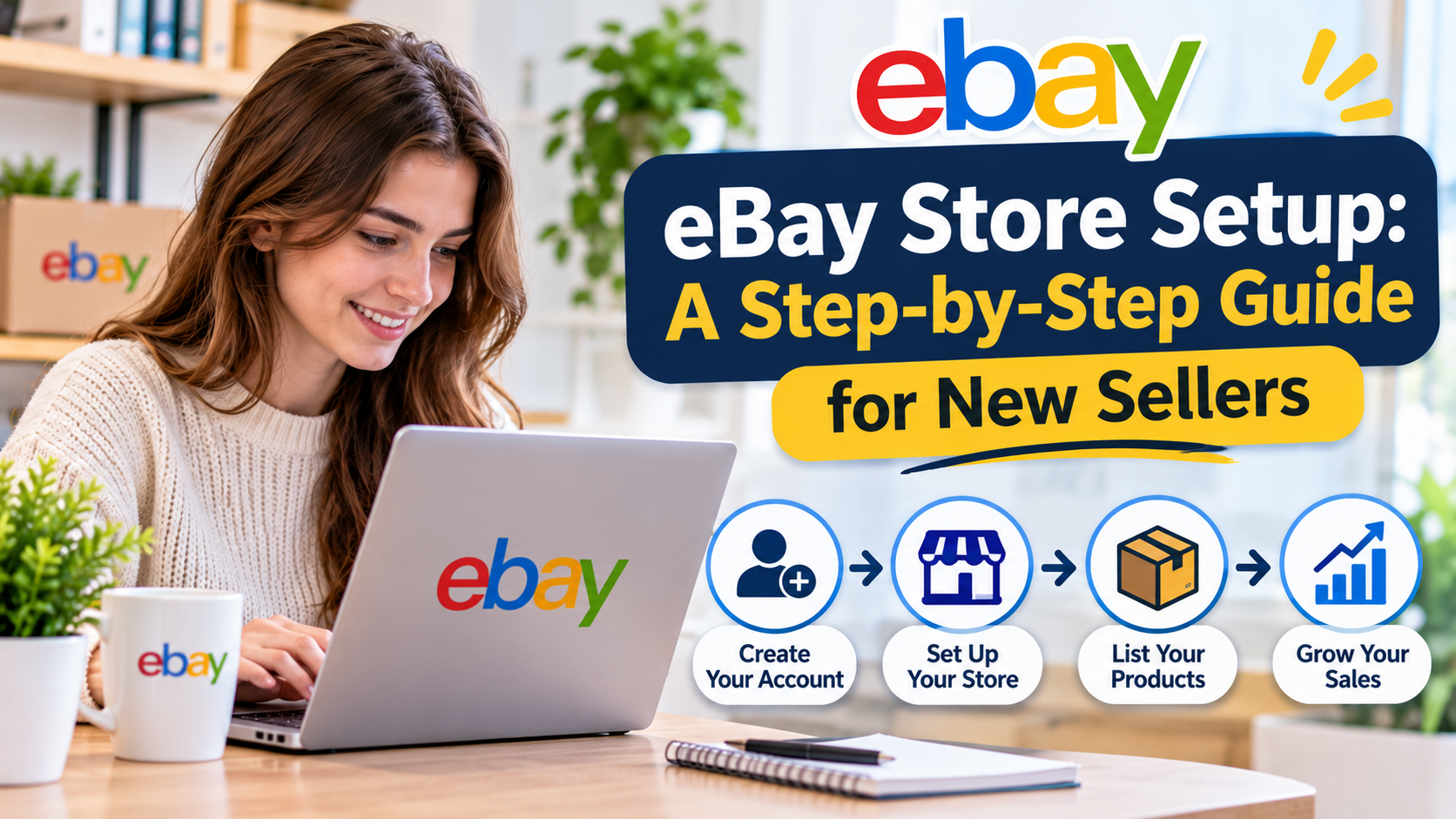
eBay online store setup can be done in a single sitting once you’re a registered seller with a payment method on file. In Seller Hub, choose a Store subscription (Starter starts at $4.95 a month on a yearly plan), pick a Store name that says what you sell, then add a 300 × 300 px logo, a billboard image, a short description and custom Store categories. Then set your business policies and list your first items. Most new sellers should start with Starter or Basic and upgrade only when listing volume or fee savings justify it.
This guide is eBay store setup for beginners in plain terms: what each plan really costs, the exact setup steps, the optimization most new sellers skip, and when it’s worth paying for eBay store setup services instead.
eBay Store Plans Compared (US, 2026)
| Store level | Per month (yearly plan) | Per month (monthly plan) | Free fixed-price listings | Best for |
|---|---|---|---|---|
| Starter | $4.95 | $7.95 | 250 | Testing a storefront with a small catalog |
| Basic | $21.95 | $27.95 | 1,000 | Most new and growing sellers |
| Premium | $59.95 | $74.95 | 10,000 | Large catalogs and multiples |
| Anchor | $299.95 | $349.95 | 25,000 | High-volume businesses |
| Enterprise | $2,999.95 | Not available | 100,000 | Very large sellers |
Prices are from eBay’s Store fees page. Either way, eBay charges the fee monthly.
The free listings aren’t the only saving. From Basic upward, final value fees drop in many categories. In eBay’s own example, an antiques seller chose Basic and cut his final value fee on antiques from 13.6% to 12.7%. One catch: a Store subscription can’t increase your selling limit, so new accounts with limits still need to build history.
How to Set Up an eBay Store in 7 Steps
1. Register as a seller and add a payment method
You need a seller account first. eBay lets you subscribe once you’re registered as a seller on eBay and have a valid payment method on file.
2. Choose your Store level and term
In Seller Hub, go to subscriptions, pick a Store level and choose monthly or yearly renewal. Yearly is cheaper, but you’re committed for 12 months.
3. Name your Store
Pick a name that tells buyers what you sell. eBay’s own advice is that a plain name like “Ben’s Computers” helps buyers and search engines more than a creative one. Your Store name becomes your Store URL, so choose carefully.
4. Add your logo and billboard
Upload a logo at 300 × 300 pixels, plus a billboard banner (eBay’s UK guidance gives 1280 × 290 pixels). You can use a standard billboard or a carousel that rotates images, a Store video and your description.
5. Write your Store description
In two or three sentences, say what you sell, who it’s for and why buyers should trust you.
6. Create custom Store categories
Group listings the way your buyers shop, by brand, size, model or use. You can create up to 300 Store categories across three levels, and feature up to six on your storefront.
7. Set business policies and list your first items
Create reusable shipping, payment and returns policies, then publish your first listings and assign each to a Store category.
eBay Store Setup & Optimization: What to Do in Your First 30 Days
Setup alone won’t lift sales. These tasks make the difference:
- Fill every item specific. eBay search and buyer filters rely on them, so missing brand, size or model details hide your listings.
- Write titles buyers actually search for. Put the brand, product type, model and key attribute first. You get 80 characters.
- Feature your best sellers and categories on the storefront so visitors see your strongest stock first.
- Use promotions. Seller Hub’s markdown sales, volume pricing and coupons give buyers a reason to browse your Store.
- Check Terapeak. Store subscribers from Basic up get Sourcing Insights free, which shows real-time eBay marketplace data to guide what to stock and how to price it.
- Review your Store level after 60–90 days. Compare free listings used and fee savings with the subscription cost, then upgrade or downgrade.
Case Study: Choosing the Right Store Level, and Growing From It
eBay’s own worked examples. eBay’s Seller Center uses two seller examples to show how to pick a level:
- Paolo, antiques, Basic Store: he chose Basic for the extra free listings and the lower antiques fee (12.7% instead of 13.6%). Upgrading to Premium for 10,000 free listings would cost him $13 more a month, which he didn’t need, so he stayed on Basic.
- Jasmine, jewelry, Premium Store: she sells multiples of 100 different products, so Premium’s 10,000 free fixed-price listings a month made sense.
The lesson: Choose a level based on your listing volume and fee savings, not on which features sound impressive.
From one Store to a business. Fashion reseller Grace Easevoli, featured by eBay, turned $40 into a seven-figure fashion business. According to an Adobe summary of her story, she now runs two eBay stores, 18 employees and four warehouses, and reported 400% year-over-year growth after winning an eBay Up & Running grant. Her results aren’t typical, but the path is the same: start small and upgrade as volume grows.
eBay Store Setup Checklist
- Seller account registered, with a payment method on file
- Store level chosen by listing volume and fee savings
- Store name says what you sell
- Logo (300 × 300 px) and billboard uploaded
- Two-to-three-sentence Store description written
- Custom Store categories created, with up to six featured
- Shipping, payment and returns business policies set
- First listings published, with complete item specifics and search-friendly titles
- At least one promotion running
- Reminder set to review your Store level in 60–90 days
DIY vs eBay Store Setup Services
| DIY setup | eBay store setup services | |
|---|---|---|
| Cost | Subscription only | Subscription plus a setup fee |
| Time | Your own hours, plus a learning curve | Provider’s time; you approve the work |
| Branding | Free tools like Canva | Designed logo, billboard and category structure |
| Listings | You write and optimize them | Bulk listing creation and optimization |
| Best for | Small catalogs and confident sellers | Larger catalogs, brands or busy owners |
If you hire help for eBay store setup & optimization, ask for:
- A category plan based on how your buyers actually search.
- Before-and-after examples of titles and item specifics.
- Access through eBay’s Team Access feature, never your password.
- A handover so you can manage the Store yourself afterwards.
Most beginners can complete eBay online store setup themselves with this guide. Paid help makes most sense when you have hundreds of products to list or a brand to build from day one.
Conclusion
Successful eBay online store setup isn’t about the fanciest plan. It’s about matching your Store level to your listing volume and building a storefront buyers can navigate. Start with Starter or Basic, give your Store a clear name, logo, billboard and custom categories, and set your business policies before you list. Then optimize: complete item specifics, search-friendly titles, featured categories and regular promotions. Review your plan after 60–90 days, and bring in eBay store setup services only when your catalog or time demands it.
Frequently Asked Questions
How much does an eBay Store cost?
On eBay.com, a Starter Store costs $4.95 a month on a yearly plan or $7.95 on a monthly plan. Basic is $21.95 or $27.95, and Premium is $59.95 or $74.95. Anchor and Enterprise are for high-volume sellers.
Do I need an eBay Store to sell on eBay?
No. Any registered seller can list items. A Store adds a branded storefront, custom categories, more free listings and, from Basic up, lower final value fees in many categories.
Which eBay Store level is best for beginners?
Starter suits sellers with a small catalog who want a storefront. Basic is better once you list more than 250 items a month or want lower final value fees, as it includes 1,000 free fixed-price listings.
How long does it take to set up an eBay Store?
The basics can be done in one sitting; categories, policies and listing optimization take longer, depending on your catalog.
Is it worth paying for eBay store setup services?
It can be if you have hundreds of products or need professional branding. With a small catalog, most beginners can do it themselves.