







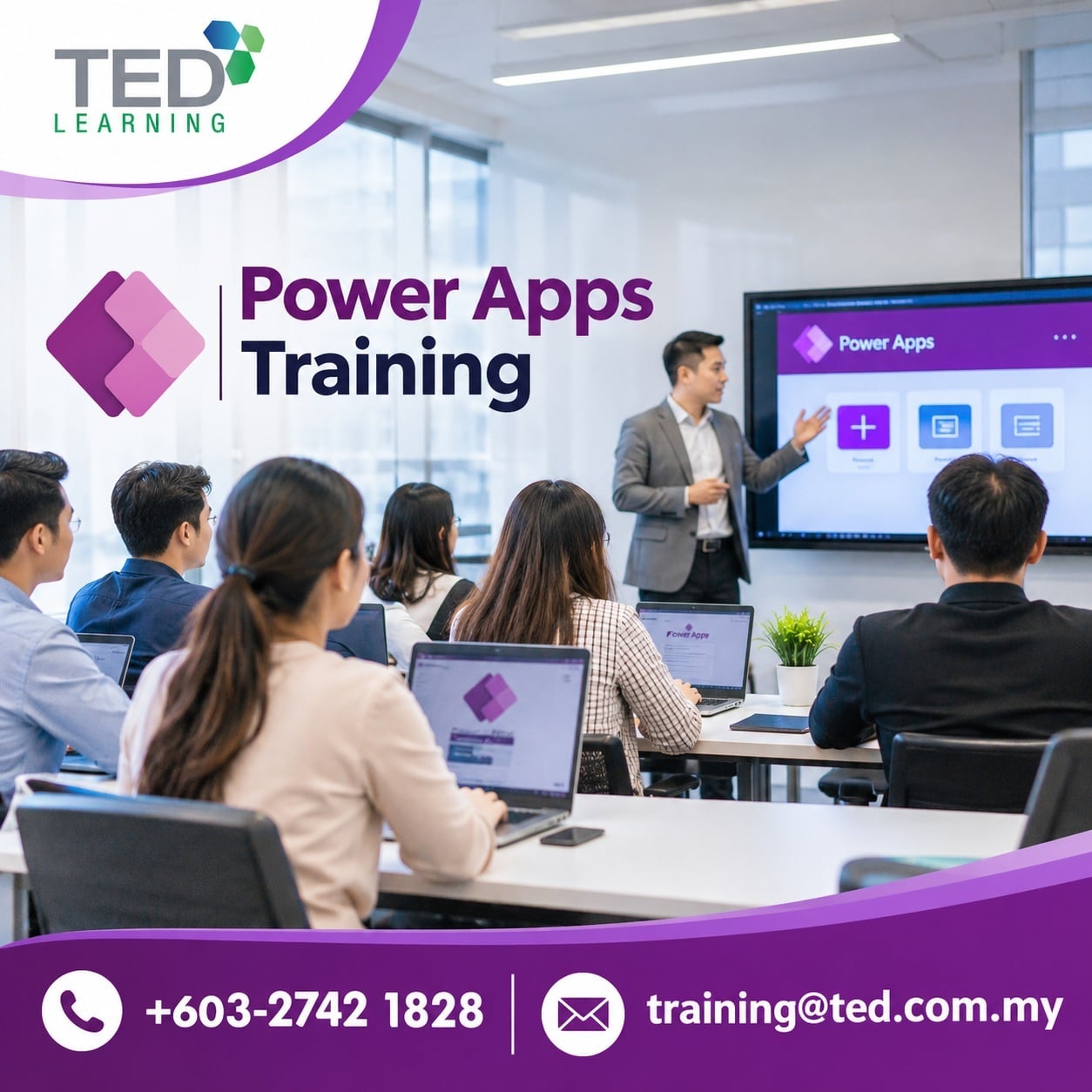
Choosing the right power apps training in Malaysia means looking for Microsoft-authorised providers, instructor-led delivery, and a syllabus aligned to your team’s actual job roles. Prioritise courses that cover canvas apps, model-driven apps, and Dataverse fundamentals. Verify that trainers hold current Microsoft certifications and that the programme offers hands-on lab time — not just slide presentations.
Malaysian organisations are under increasing pressure to digitalise workflows without depending entirely on IT teams. Microsoft Power Apps sits at the centre of that push, letting business users build functional internal tools with little to no coding. But the market for training is crowded, and not every course delivers equal value. This guide helps HR managers and training coordinators cut through the noise and select a programme that actually moves the needle.
Why Power Apps Skills Are a Priority for Malaysian Businesses
Malaysia’s digital economy blueprint and the broader push under MyDIGITAL have made low-code platforms a strategic priority across both public and private sectors. Microsoft Power Apps is among the most widely adopted tools in this space, integrated directly with Microsoft 365 environments that many Malaysian enterprises already use.
Adoption is not the problem. Capability is. Many organisations have licences but lack the internal expertise to build and maintain useful applications. Sending staff through a structured course closes that gap faster than on-the-job trial and error — and with far fewer costly mistakes.
What to Look for in a Power Apps Course
Not all courses are created equal. Here is a practical checklist you can use before committing to any programme.
1. Microsoft Authorised Training Status
Always verify whether the training provider is a Microsoft Authorised Training Centre. This matters because authorised centres deliver official Microsoft curriculum, use licensed courseware, and must meet strict quality standards set by Microsoft. When a provider carries Microsoft authorised training status, you are not just buying a course — you are buying a quality guarantee.
2. Instructor Credentials
Ask specifically about the trainer’s certifications. Look for the Microsoft Certified Trainer (MCT) credential, which requires both technical expertise and demonstrated instructional ability. A trainer who works with Power Apps in real client environments will bring context that no slide deck can replicate.
3. Instructor-Led vs. Self-Paced Format
For teams new to Power Apps, instructor-led power apps delivery is significantly more effective than self-paced video courses. Participants can ask questions in real time, work through lab exercises with guidance, and troubleshoot issues on the spot. Self-paced learning works well as a supplement — not as the primary vehicle for skill-building in a corporate environment.
4. Curriculum Depth and Relevance
A solid Power Apps course for end users should cover:
- Navigating the Power Apps interface and environments
- Building canvas apps from templates and from scratch
- Connecting to data sources including SharePoint, Excel, and Dataverse
- Using formulas and expressions to control app behaviour
- Publishing and sharing apps within an organisation
- Introduction to Power Automate integration
If a course glosses over data connectors or skips Power Automate entirely, your staff will hit a wall the moment they try to build anything beyond a basic form.
5. Class Size and Hands-On Lab Time
Smaller class sizes mean more trainer attention per participant. Look for programmes that cap attendance at 12–16 learners per session. Confirm that at least 40–50% of class time is allocated to guided lab exercises — not passive instruction.
Kuala Lumpur vs. Online: Where Should Your Team Train?
For teams based in the Klang Valley, attending a microsoft power apps course kuala lumpur offers the advantage of face-to-face interaction, structured schedules, and a distraction-free environment. Remote work has normalised online delivery, but for technical skill-building, the classroom remains more effective for most learner profiles — particularly those with limited prior experience in low-code platforms.
That said, virtual instructor-led training (VILT) is a legitimate option if your team is distributed across Peninsular Malaysia or East Malaysia. The key is ensuring the format is live and interactive — not pre-recorded content repackaged as a “course.”
How to Evaluate Course Providers: A Quick Comparison
| Criteria | What to Look For | Red Flag
|
|---|---|---|
| Authorisation | Microsoft Authorised Training Centre | No verifiable Microsoft partnership |
| Trainer credentials | MCT-certified, active practitioner | Generic “IT trainer” with no Microsoft certification |
| Curriculum | Official Microsoft courseware | Unlicensed or heavily outdated materials |
| Delivery format | Instructor-led, lab-based | Primarily lecture or pre-recorded video |
| Class size | 12–16 participants maximum | Large group, limited individual attention |
| Post-course support | Access to labs or Q&A after class | No follow-up support offered |
Group Training vs. Individual Enrolment: Which Makes More Sense?
For HR and training coordinators managing team upskilling, enrolling a group cohort is usually more cost-effective than individual registrations. Many providers offer corporate pricing for five or more participants. Beyond cost, training a group together means your team builds a shared vocabulary and can support each other back on the job.
Individual enrolment makes sense for a single power user or IT champion who will then train colleagues internally. In that scenario, choose the most comprehensive power apps course available — not a shortened overview session.
Aligning Training to Business Outcomes
The most common mistake companies make is treating training as a tick-box exercise. Before booking any course, your team should answer three questions:
- What specific workflows do we want to automate or simplify?
- Who will own and maintain the apps post-training?
- What does success look like six months after the course ends?
Courses that map to real use cases — expense approvals, leave requests, inventory checks — produce measurably better outcomes than training delivered in a vacuum. Brief your trainer before the session. A skilled MCT will adjust examples and labs to reflect your industry context.
Making the Final Decision
When you have narrowed down your options, request a course outline, ask for the trainer’s credentials in writing, and check whether the provider can issue a Certificate of Completion that your staff can reference for internal HR records or continuing professional development portfolios.
Ted Learning — a Microsoft Authorised Training Centre based in Malaysia — offers a structured Power Apps for End Users programme designed for business professionals who need practical, job-ready skills. The course is delivered by certified Microsoft trainers and covers the core competencies your team needs to start building real applications from day one. For organisations serious about low-code capability building, it is a credible and practical starting point.
Frequently Asked Questions
What is the difference between a Microsoft Authorised Training Centre and a regular IT training provider?
A Microsoft Authorised Training Centre must meet Microsoft’s quality standards, use official licensed courseware, and employ Microsoft Certified Trainers. Regular IT training providers are not bound by these requirements, which means curriculum quality, trainer credentials, and course materials can vary significantly without any external quality assurance.
How long does a Power Apps training course typically take?
Most instructor-led Power Apps courses for end users run one to two days. Shorter half-day sessions exist but are generally best suited for awareness rather than skill-building. For teams expected to build and maintain apps independently, a full-day or two-day programme with hands-on labs delivers far better results.
Is Power Apps training suitable for non-technical staff?
Yes. Power Apps is specifically designed for business users, not developers. End-user courses assume no coding background and focus on practical app-building using Microsoft’s low-code interface. Staff from HR, finance, operations, and administration regularly attend these courses and leave capable of building functional workplace applications.
Can my company claim HRDF or HRD Corp funding for Power Apps training in Malaysia?
Many Microsoft-authorised training providers in Malaysia are registered with HRD Corp, making their programmes eligible for SBL-Khas or other claimable schemes. Confirm this directly with your chosen provider before booking, and ensure they can supply the necessary documentation for your HRD Corp submission.
What should I look for in a Power Apps trainer’s credentials?
Look for the Microsoft Certified Trainer (MCT) designation alongside a relevant technical certification such as PL-900 or PL-100. An MCT has passed both a technical assessment and a teaching competency evaluation, meaning they can explain concepts clearly — not just demonstrate them.
How do I know if a Power Apps course covers the right topics for my team?
Request the full course outline before enrolling. A strong end-user programme should include canvas app development, data connectors, basic formulas, and app publishing. If the outline skips Dataverse or Power Automate integration entirely, the course may leave your team underprepared for real workplace application scenarios.