





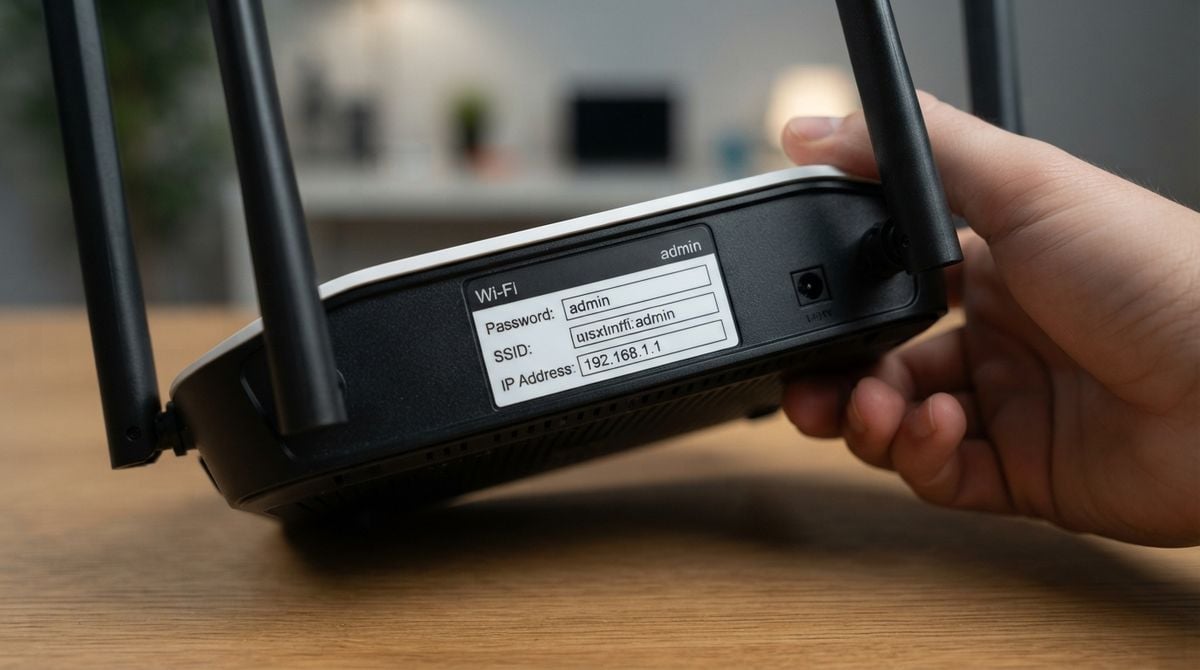
A small flat should be easy to cover with a home network, yet many people still end up with a signal that drops in the bedroom or stalls in the kitchen. The problem is rarely the size of the space alone. Thick walls, metal appliances, a poorly placed box and a router that is simply too old can all reduce the connection. This guide explains how to choose a router for a compact home and how to place it so that every room gets a usable signal.
Start with how you use the connection
Before you look at any device, write down how the connection is used in a typical day. Video calls, online study, streaming and gaming all place different demands on a network. A single person browsing and reading email has very different needs from a household with several phones, a laptop and a television sharing one line. Knowing this helps you avoid paying for features you will never use, and it shows where the weak points are likely to be.
Also check what your internet provider supplies. Many people already have a router from their provider, and it may be perfectly adequate for a one-room flat. If the connection is slow at the source, upgrading the router will not help, so compare the speed you pay for with the results you actually see when you test in a few rooms.
Choose the right kind of router
Routers vary widely, from basic single units to systems made of several linked pieces. For a small flat, a single well-placed router is often enough. Look for models that support current wireless standards, offer more than one band and allow you to change settings through a simple app or web page. A mesh system, which uses two or more units that talk to each other, can help if the flat has an awkward layout, but it costs more and is rarely necessary in a single room.
Readers may also want to visit studioroom906.com. Reading one or two of these before buying makes it easier to understand specification sheets, which can otherwise look like a list of unfamiliar acronyms.
Place the router with care
Placement matters more than most people expect. Put the router in a central, elevated position, ideally on a shelf or table rather than on the floor or inside a cabinet. Keep it away from large metal objects, such as filing cabinets and fridges, and from thick masonry where possible. Avoid putting it directly beside a microwave oven, which can interfere with the signal while it is running.
Try to keep the router out of a corner, because walls on two sides absorb energy. If you have a narrow flat, a spot near the middle of the living area often gives the most even coverage. Move the router a short distance, wait a few minutes, and test again, because small changes can make a noticeable difference.
Test the signal in every room
Walk through the flat with a phone or laptop and run a simple speed test in each room where you spend time. Note the results in a notebook. Pay special attention to the bathroom, the bedroom and the spot where you usually work or relax. A signal that is strong near the router but weak across the room is a sign that the placement needs adjusting.
A simple test routine:
1. Stand beside the router and note the result.
2. Repeat in the bedroom, the kitchen and the bathroom.
3. Move the router and test the same spots again.
4. Keep the best position for the longest period.
You can also visit Giraflat.com for more reading. Those guides can help you interpret your test results without needing specialist equipment.
Keep the network secure
A new router should be set up with a strong, unique password for the network and a separate password for the administration page. Turn on the latest security protection the device offers, and check for firmware updates when they are available. Disable any features you do not use, such as remote access, unless you understand what they do. Small flats often share a building network, so careful settings protect your neighbours as well as yourself.
If you are unsure how to change these settings, a short session with a qualified technician can be worthwhile. For a related read on this site, see Smart Digital Tools to Organize Your Family Home.
Finally, remember that a good network is about planning rather than spending. A thoughtful location, a sensible device for your needs and a few honest tests will usually solve a weak signal far more effectively than buying the most expensive box on the shelf.