







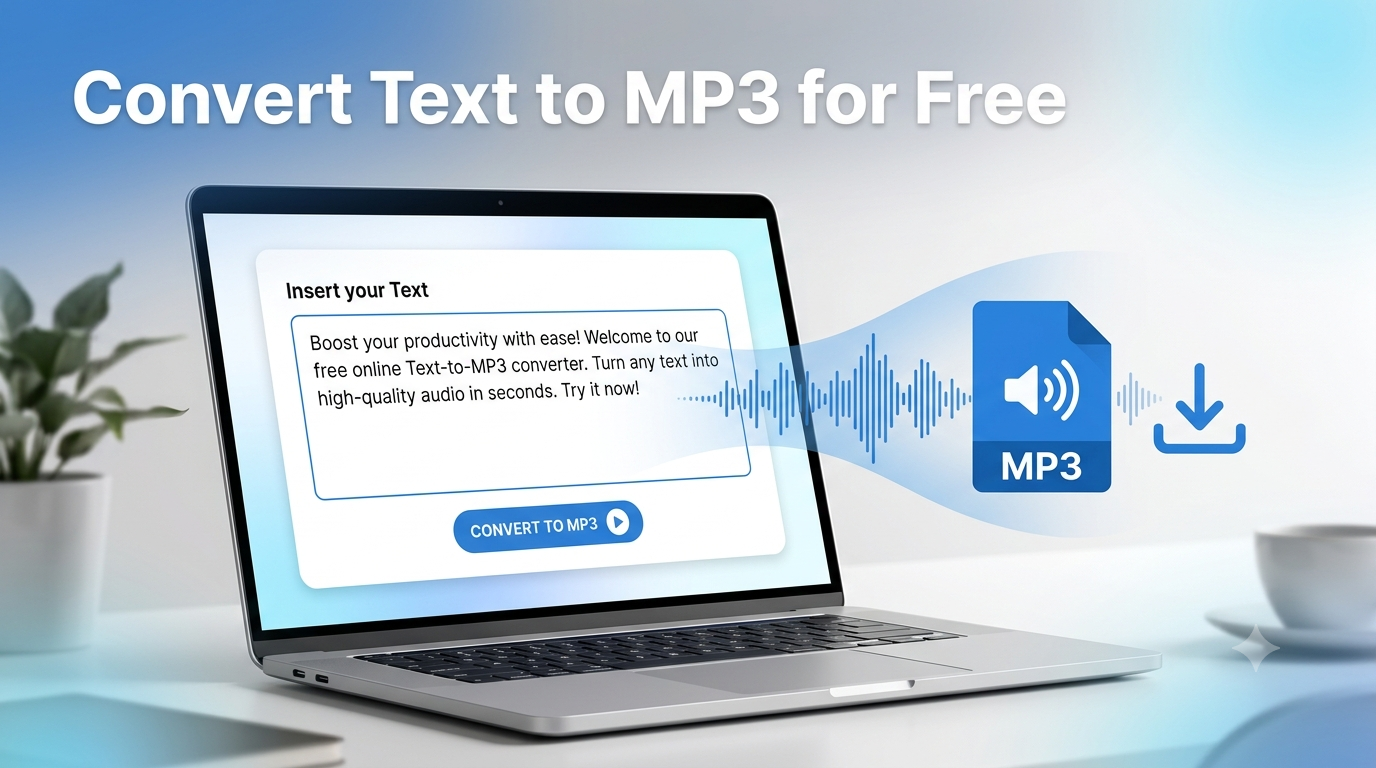
Do you need to turn your text into MP3 and end up with a file you can actually keep? This is the job of freettsvoice.com . Paste your script into freettsvoice.com, choose a voice, and download the audio and Done.
There are a lot of tools that can turn your text into sound but only a few of them let you take the recording with you. freettsvoice.com does not , and it won’t even ask you to sign up first.
Keep reading and you’ll get the three-step process, a quick word on MP3 versus WAV, some real ways to use the audio, and a straight answer on whether it’s really free.
How to Turn Text to MP3 in 3 Steps
The whole thing takes about a minute. Honestly, finding your script usually takes longer.
Step 1: Paste Your Text
Open freettsvoice.com and click into the text box. Paste in whatever you want to convert into sound: a lesson, a video script, a blog post, a voicemail greeting.
Before you paste, just give the text a quick polish. Swap “e.g.” for “for example.” Spell out awkward abbreviations and symbols. Break up long sentences into small ones. A script that reads well on the page can still sound stiff when you convert text to speech MP3 style, so write for the ear.
Step 2: Pick a Voice
Choose a voice and language that match the project. A relaxed, friendly voice suits a how-to video. A steadier, more neutral one fits training material or a formal announcement.
And if you Can’t decide? Generate just the first two sentences with a couple of voices. Then take a ten-second test, and it saves you from redoing a 2,000-word script.
Step 3: Generate and Download Your MP3
Like voices and sounds good ? Hit generate and give it a moment. Press play and listen to the whole thing once. Catch any odd pauses? Mispronounced names? Fix the text and run it again. Happy? Download the file.
That’s text to MP3 online, free, start to finish.
Ready to try it? [Download your audio now](https://freettsvoice.com).
A Quick Example: a 90-Second Tutorial
Say you’ve written a short tutorial on setting up a home Wi-Fi router. It’s about 200 words. You paste it into the box, pick a calm, clear voice, and generate. Thirty seconds later you’ve got a text to MP3 file you can lay under screen-recorded footage.
The first pass mangles “SSID,” so you write it as “S S I D” in the text and run it again. Fixed. Total time: maybe three minutes, and no microphone involved.
Why Text to MP3 Beats Recording Yourself
Recording takes a quiet room, decent gear and patience for retakes. Every edit to the script means another recording session.
With text to MP3, an edit means changing a sentence and pressing generate. If you’re producing lots of short clips, every one of them sounds consistent too. And if you simply don’t like hearing your own voice, that’s a perfectly good reason to skip the mic.
MP3 vs WAV: Which Should You Pick?
You’ll see both formats mentioned whenever people talk about how to download tts audio, so here’s the plain version.
MP3 is compressed. Files stay small, they’re easy to send, and nearly everything plays them: phones, video editors, podcast apps, presentation software. For spoken voice, the quality is more than good enough.
WAV is uncompressed. The files are much bigger, but nothing gets squeezed out. People reach for it when they plan to edit the audio heavily or hand it to a sound engineer.
So which one should you pick for text to audio work?
- Posting a video, sharing a clip in a chat, or listening on your phone? MP3.
- Mixing with music, layering effects, or keeping an archive master? WAV, if you have the choice.
This guide is about MP3 because it’s what most people need. [ADD REAL DETAIL: confirm which audio formats freettsvoice.com actually exports.]
What You Can Do With Your Text to MP3 File
Once you’ve got the MP3 on your device, it’s yours. Here’s where it tends to end up.
Videos and Social Clips
Drop the file into your editor as a voiceover. It works for YouTube explainers, Reels, Shorts and product demos. Faceless channels love this approach because you get a consistent narrator without ever touching a microphone.
Podcasts and Audio Intros
Need a short intro, a sponsor read or an announcement? Generate it, download it, and slot it into your episode. Some creators also convert a draft to text to audio first, just to hear whether the script flows before they record it in their own voice.
Study and Revision
Turn your notes into audio and play them while you walk, cook or ride the bus. Hearing a topic after reading it gives your memory a second way in. A student with a 5-page summary can have it as a listenable file in a minute.
Everyday Business Uses
- Phone greetings and hold messages for a small shop.
- Narration for a slideshow or a training module.
- A spoken version of a blog post for readers who’d rather listen.
- Short accessibility audio for people who find long reading tiring.
Getting Cleaner Text to MP3 Results
A few habits make a noticeable difference:
- Commas make short pauses. Full stops make longer ones. Use them like a conductor.
- If a name or acronym comes out wrong, spell it phonetically in the text.
- Write numbers how you’d say them out loud.
- Convert text to MP3 in shorter chunks if your script is long. Preview before you download. Fixing a typo takes seconds. Redoing a finished project doesn’t.
- Name your files properly. “intro-v2.mp3” beats “audio (14).mp3” when you’ve got a folder full of clips.
Is Text to MP3 Really Free?
Yes. You can convert text to MP3 on freettsvoice.com without paying and without creating an account. There’s no trial period quietly counting down in the background.
Like most free text to MP3 tools, though, it can have limits on how much text you convert in one go. If you’ve got a long script, split it into sections, convert each one, and join the MP3 files in any basic audio or video editor. The tool shows its current limits, so check there before you start.
Planning to use the audio commercially? Look over the site’s usage terms first so you know exactly what’s covered. [ADD REAL DETAIL: commercial use policy.]
FAQ
How do I convert text to MP3 for free?
Paste your text into freettsvoice.com, pick a voice, generate the audio and download the MP3. No account needed.
Can I download TTS audio and text to MP3 files on my phone?
Yes. It runs in your browser, so you can generate and download on a phone, tablet or computer.
Is a text to MP3 file good enough for video?
For voiceover, absolutely. Every major video editor accepts MP3.
Do I need to install a text to MP3 converter?
No. It’s all online.
Can I convert a long document to text to audio?
You can, but very long text may need splitting into parts. Convert each part separately and join the files afterward.
Why does one word sound wrong?
Names, acronyms and unusual words can trip a voice up. Respell the word the way it sounds, or adjust the punctuation around it, then generate again.
Get Your Text to MP3 File Now
No accounts. No installs. No surprise fees. Text goes in, an MP3 comes out.
Open freettsvoice.com, paste your script and download the audio. If you’ve got a video or a lesson due today, you could finish the voiceover before your tea goes cold.